VEED Alternatives (2026): 7 Video Editors Compared on Price and Limits
Vorec Team · 2026-10-21 · About 5 min read
The main VEED alternatives are Kapwing, Clipchamp, CapCut, Canva, InVideo AI, Descript and, for narrated screen tutorials, Vorec, and they differ most in free-plan limits, how credits are metered and whether prices are shown in your currency. VEED's plans, as recaptured on 21 October 2026 (unchanged from our 18 and 30 September checks), are Free (720p watermarked exports), Creator at $20 per user a month ($116 a year on annual billing), Pro $44 ($257 a year) and Studio $70 ($414 a year), with charged editor seats on paid plans. This page compares the alternatives from vendor pages captured between 1 October and 21 October 2026, dated per tool below (Vorec: plan catalog, 5 October 2026). Prices are dollars as displayed unless noted, we did not test the tools against each other, and "not checked" means we could not confirm it, not that it is absent. Vorec is our product.
Quick comparison
| Tool | Free option | Paid start | Checked |
|---|---|---|---|
| VEED | Free: 720p watermarked exports, 10-minute export length | Creator $20 a month | 21 Oct |
| Kapwing | Free: 720p with watermark, 4-minute exports | Pro $24 a month ($16 annual billing) | 20 Oct |
| Clipchamp | Free: 1080p exports, no watermark | Included in Microsoft 365 Personal, $9.99 a month | 13 Oct |
| CapCut | Free editing; some exports watermarked | Standard $9.99 a month (US App Store) | 2 Oct |
| Canva | Free plan | Pro (displayed in local currency) | 20 Oct |
| InVideo AI | Not checked | Basic $9 a month | 1 Oct |
| Descript | Free: 1 media hour, 720p with watermark | Hobbyist $24 a month ($16 annual billing) | 15 Oct |
| Vorec | 7-day trial, 100 credits | Starter $9 a month | 5 Oct |
1. Kapwing: browser editor with shared credits
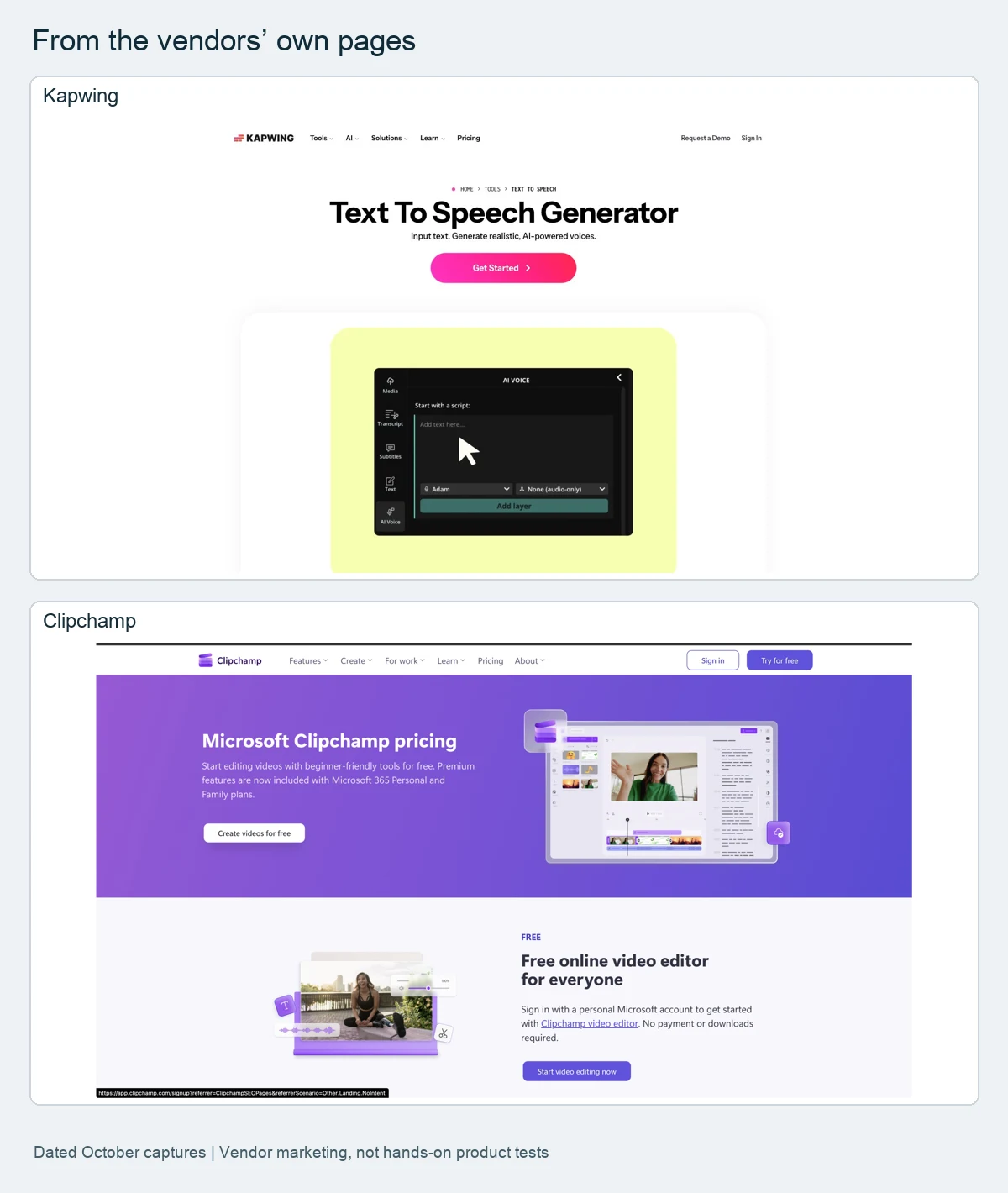
Kapwing's Free plan lists 720p exports with a watermark and 4-minute exports; Pro is $24 a month ($16 with annual billing) with 1,000 credits and Business $64 ($50) with 4,000. Credits are shared across text-to-speech, subtitles and dubbing. Its training page lists recording screen, face and voice together or separately, transcript cuts and typed-script AI voiceover. The page states USD; we could not establish whether prices are per seat or per workspace. See Kapwing pricing.
2. Clipchamp: free 1080p, paid through Microsoft 365
Clipchamp's free plan lists exports up to 1080p with no watermark and a screen, camera and voice recorder. Premium features come through Microsoft 365 Personal ($9.99 a month or $99.99 a year) or Family ($12.99 or $129.99); the work version is included in some Business plans. Its pricing page shows no standalone paid Clipchamp plan. See Clipchamp pricing.
3. CapCut: price depends on region and device
CapCut's help page says prices depend on region, device and promotions and gives no amount. The US App Store listed Standard at $9.99 a month and Pro at $19.99 a month, plus an unlabelled $89.99 yearly entry we could not attribute. Treat store entries as a catalogue, not a price list. See CapCut pricing.
4. Canva: video inside a design suite
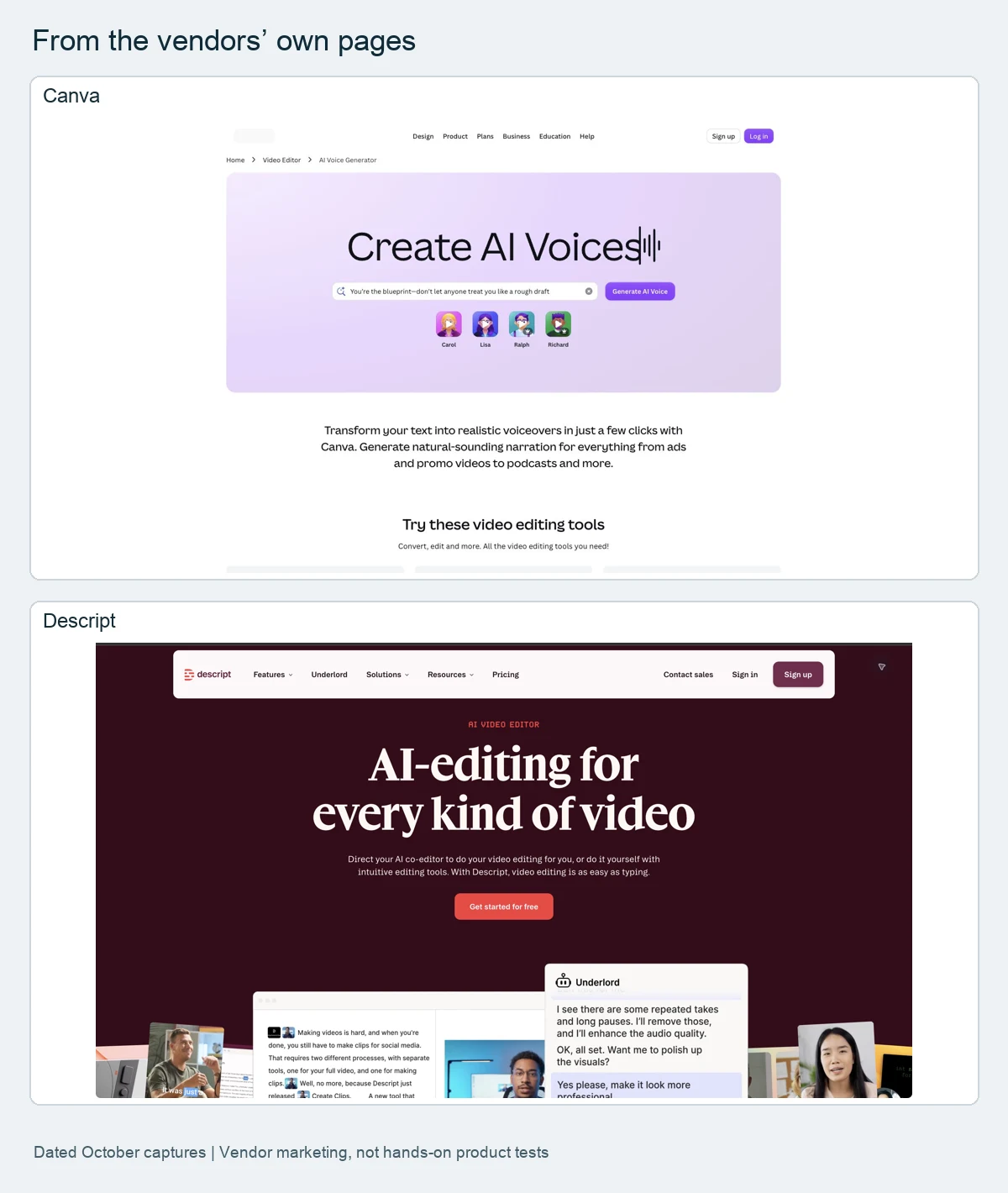
Canva's pricing page displays local currency (we saw Turkish lira on 20 October), so we do not quote prices. Its AI voice generator takes typed text with a 1,000-character limit per conversion, and Magic Video builds a video from uploaded clips and a prompt. See Canva pricing.
5. InVideo AI: credits per seat
InVideo AI sells Basic, Pro and Ultra with several credit tiers: Basic (190 credits) $9 a month; Pro (1,000 credits) $30 a month or $18 a month billed annually ($216 a year). Credits are per seat per month, and some monthly prices are introductory with a higher renewal price. See InVideo AI pricing.
6. Descript: editing through the transcript
Descript generates a transcript from recorded or uploaded media, and deleting words deletes the matching video. Free: 1 media hour, 720p with watermark; Hobbyist $24 a month ($16 with annual billing, 10 media hours); Creator $35 ($24); Business $65 ($50). See Descript pricing.
7. Vorec: narrated screen tutorials
Vorec is not a general editor. It records with its own macOS recorder or takes an uploaded recording, drafts narration matched to the captured workflow, and can generate a written guide; its editor has a multi-track timeline with callouts, spotlight, blur, zoom and captions. Plans: 7-day trial with 100 credits and no card; Starter $9, Pro $24, Business $59 a month. See Vorec pricing.
Worked example: one seat for a year
Arithmetic from displayed prices (annual billing where listed), before tax; it compares list prices, not limits or features. Plans that charge per editor seat multiply by seats (VEED charges per editor; its editor capacities are limits, not included seats).
| Tool | Plan used | Calculation | Per year |
|---|---|---|---|
| Vorec | Starter | listed yearly | $86 |
| Clipchamp | Microsoft 365 Personal | listed yearly (whole Microsoft 365 plan) | $99.99 |
| VEED | Creator | listed yearly | $116 |
| Kapwing | Pro (seat basis not established) | $16 x 12 (calculated) | $192 |
| Descript | Hobbyist | $16 x 12 (calculated) | $192 |
| InVideo AI | Pro, 1,000 credits | $18 x 12 (listed total $216) | $216 |
How to choose
- Browser editor with a free plan: Kapwing or Clipchamp.
- Mobile and short-form: CapCut.
- Design plus video: Canva.
- Editing through the transcript: Descript.
- Narrated screen tutorials: Vorec.
Frequently asked questions
What is the best free alternative to VEED?
Clipchamp lists free 1080p exports without a watermark; Kapwing and Descript list free plans with watermarks. VEED's own Free plan exports at 720p with a watermark. See VEED pricing.
Is there a VEED alternative with AI voice?
Kapwing, Canva, Descript and InVideo AI list AI voice features, and Vorec drafts narration from a screen capture. See AI voiceover for videos.
Which VEED alternative is cheapest?
By list price for one seat on annual billing, Vorec Starter ($86 a year) and Clipchamp via Microsoft 365 Personal ($99.99) are lowest in the table above, but they do different jobs.
Related reading: Screen Studio alternatives, ElevenLabs alternatives and the pricing study of 31 video tools.
Record or upload a workflow and get a narrated tutorial plus a written guide. Start the 7-day trial: 100 credits, no card. Trial includes up to 3 projects; exports carry a watermark.