Screen Studio Alternatives (2026): 7 Tools Compared on Price and Platform
Vorec Team · 2026-10-20 · About 5 min read
The main Screen Studio alternatives are Tella, ScreenPal, Loom, Camtasia, Kapwing, OBS Studio and Vorec, and they differ mostly in platform support, polish tools and how narration is handled. Screen Studio is Mac-only and sold as one product at $29 a month or $9 a month billed yearly ($108 a year, calculated as $9 x 12); one-time licences are no longer sold, though existing ones stay valid. This page compares the alternatives from vendor pages captured between 6 and 20 October 2026 (Vorec: plan catalog, 5 October 2026). Prices are dollars as displayed unless noted, we did not test the tools against each other, and "not checked" means we could not confirm it, not that it is absent. Vorec is our product.
What Screen Studio includes
Screen Studio's pricing page (20 October 2026) lists automatic and manual zoom, smooth cursor motion, layouts and backgrounds, transcript editing, filler and pause shortening, local captions, MP4 export up to 4K at 60 fps and GIF up to 1080p, plus an AI voiceover where you type a script to add a voice. It imports video, runs on macOS (13.1 or newer recommended, Apple silicon native) and has no Windows plan per its FAQ. See Screen Studio pricing.
Quick comparison
| Tool | Platforms | Free option | Paid start (monthly billing) |
|---|---|---|---|
| Screen Studio | macOS | Not listed on the pricing card | $29 ($9 billed yearly) |
| Tella | Browser, Mac, Windows | No free plan listed; 7-day trial | Pro $26 per user |
| ScreenPal | Windows, Mac, iOS, Android, Chromebook | Free: 15-minute recordings, 10 hosted videos | Deluxe $4 (paid annually) |
| Loom | Mac, Windows, iOS, Android | Starter: 25 recordings, 5-minute screen recordings | Business $18 per user |
| Camtasia | Mac and Windows | Watermarked Editor | Starter $39 a year |
| Kapwing | Browser | Free: 720p with watermark | Pro $24 |
| OBS Studio | Windows, Mac, Linux | Free, open source | None |
| Vorec | macOS recorder, web editor | 7-day trial, 100 credits | Starter $9 |
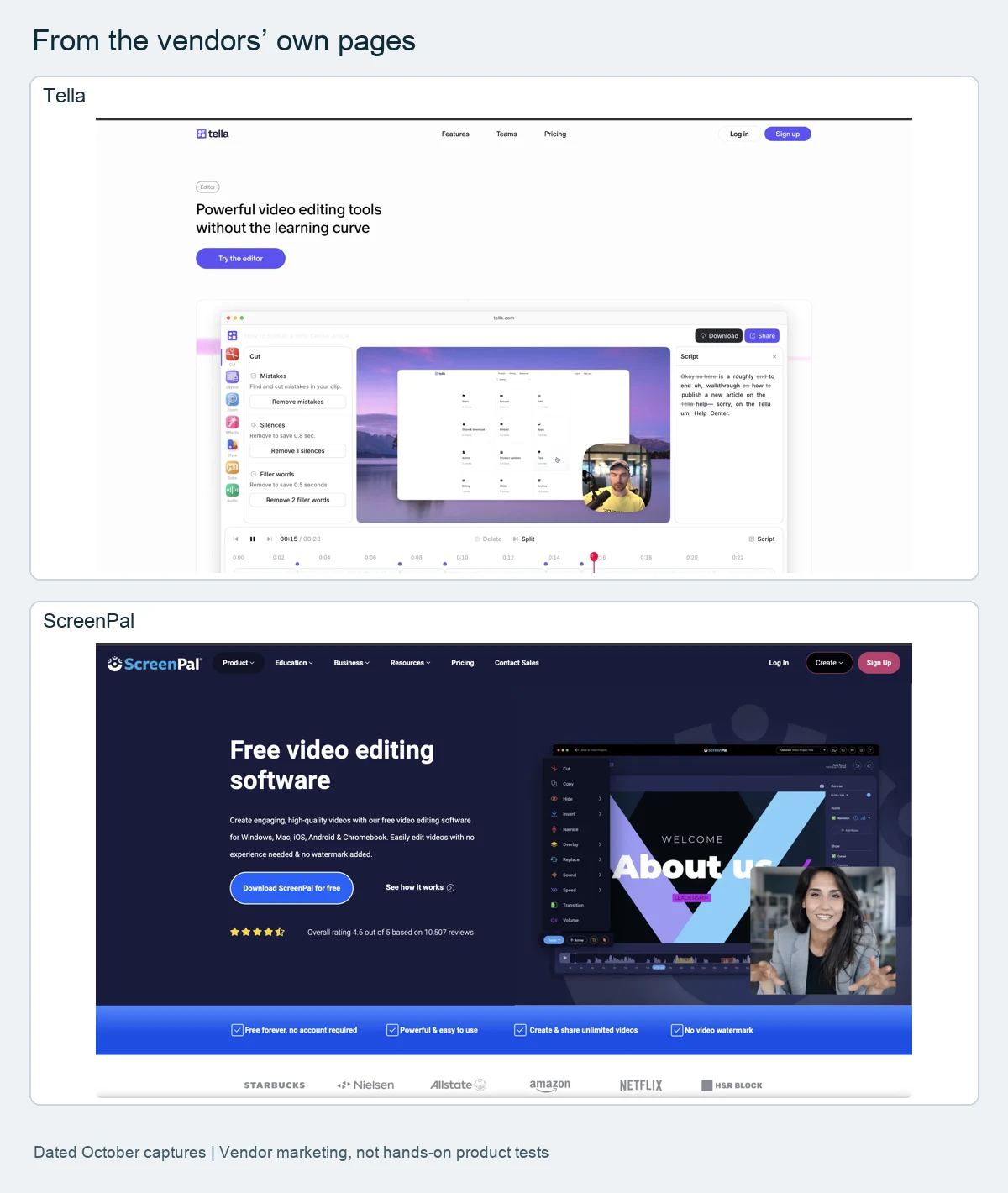
1. Tella: polished presenter videos
Tella lists transcript-based cuts, filler and silence removal, automatic click zooms, layouts and backgrounds, and a Tella Agent (beta, chat-based editing) powered by AI credits: Pro includes 3,000 per user a month and Premium 6,000 pooled, monthly credits expire, and the trial includes none. Its pricing page lists no free creator plan. Pro is $26 per user a month ($13 with annual billing); Premium $39 ($19). See Tella pricing.
2. ScreenPal: low-cost and cross-platform
ScreenPal advertises no watermark and apps for Windows, Mac, iOS, Android and Chromebook, with drawing and manual zoom while recording. Deluxe is $4 a month and Max $10 a month, both paid annually, with AI speech-to-text captions from Deluxe and AI narration and video generation from Max.
3. Loom: quick sharing
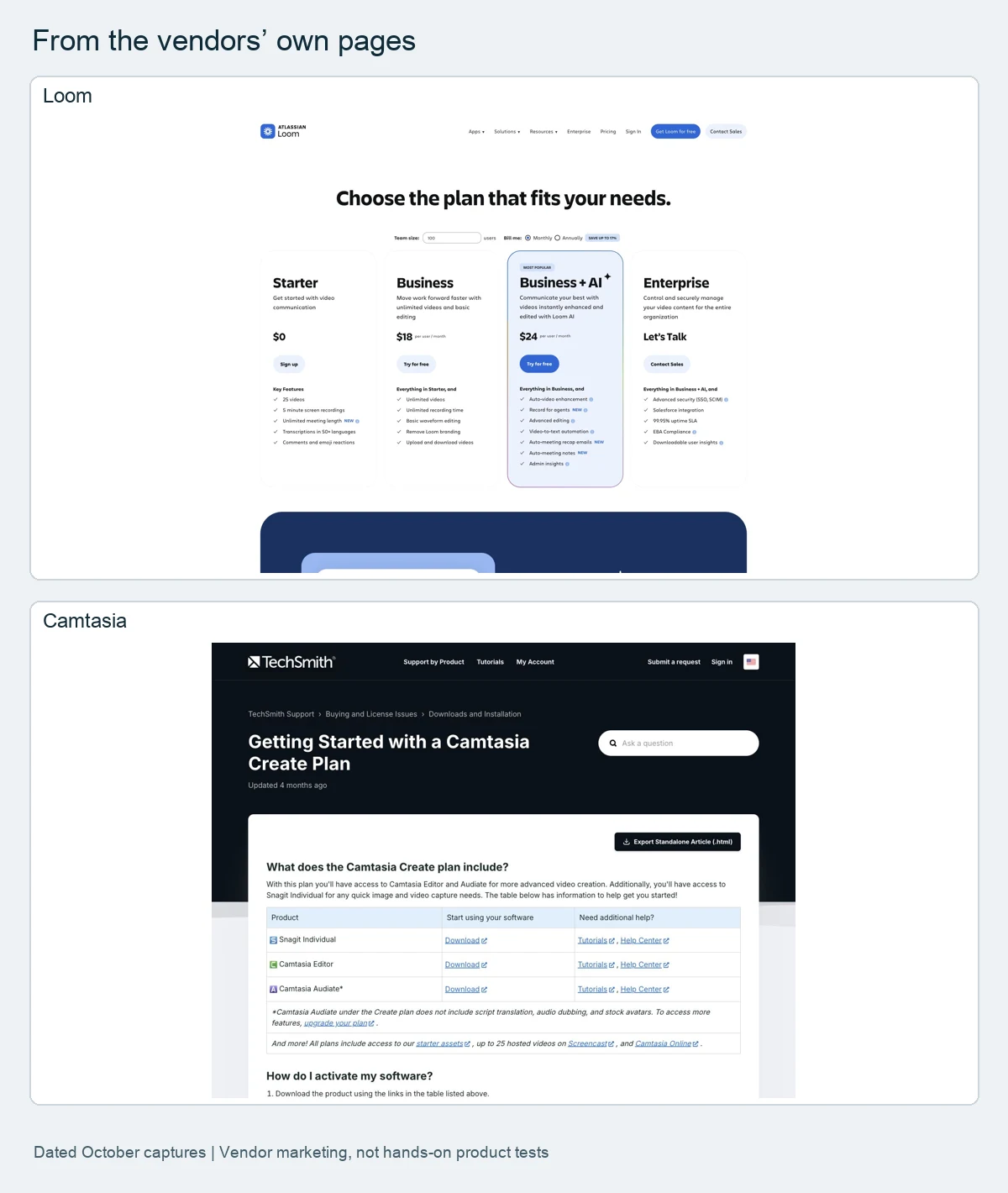
Loom records screen and camera for a link, with auto titles, transcription and captions on every tier. Business is $18 per user a month with trim, stitch and basic waveform editing and up to 4K; Business + AI is $24 and adds transcript editing (monthly prices checked 20 October 2026; the $15 annual-billing figure is from our 6 October capture, not rechecked). See Loom pricing.
4. Camtasia: timeline editing on Mac and Windows
Camtasia pairs a recorder with a timeline editor. Starter is $39 a year with a watermarked editor, Essentials $179.88, Create $249 (generated voiceover, 200+ voices) and Pro $599. See Camtasia pricing.
5. Kapwing: browser editor with credits
Kapwing records screen and camera, accepts uploads and lists AI voiceover from a typed script, subtitles and dubbing on shared credits. Free is $0 (720p with a watermark); Pro is $24 a month ($16 with annual billing, 1,000 credits a month); Business is $64 ($50, 4,000 credits). The page states USD; we could not establish whether prices are per seat or per workspace. See Kapwing pricing.
6. OBS Studio: free recording
OBS Studio is free, open source recording and live-streaming software for Windows, Mac and Linux. Its page describes recording and streaming; we did not find editing or narration features listed, so most people pair it with an editor.
7. Vorec: narration drafted from the capture
Vorec records with its own macOS recorder, saves cursor and click data with the video, and adds smooth cursor motion, cursor-follow zoom and click-based auto-zoom in the editor. It drafts narration matched to the captured workflow, voices it, and can generate a written guide. An AI coding agent can drive the recorder through the CLI. Plans: 7-day trial with 100 credits and no card; Starter $9, Pro $24, Business $59 a month. See Vorec pricing.
Worked example: one creator for a year
Arithmetic from displayed prices (billed annually where that is the cheapest listed option), before tax. It compares list prices, not limits or features.
| Tool | Plan used | Calculation | Per year |
|---|---|---|---|
| ScreenPal | Deluxe | $4 x 12 | $48 |
| Camtasia | Starter (watermarked editor) | listed yearly | $39 |
| Vorec | Starter | listed yearly (standard monthly credits) | $86 |
| Screen Studio | Yearly | $9 x 12 (calculated) | $108 |
| Tella | Pro | $13 x 12 (calculated) | $156 |
| Kapwing | Pro (seat basis not established) | $16 x 12 (calculated) | $192 |
| Camtasia | Essentials | listed yearly | $179.88 |
| Loom | Business | listed yearly (6 Oct capture) | $180 |
How to choose
- Mac polish and zoom: Screen Studio, or Tella if you also need Windows.
- Windows or cross-platform: ScreenPal, Loom, Tella or Camtasia.
- Free recording: OBS Studio.
- Browser editing: Kapwing.
- Narration drafted for you: Vorec.
Frequently asked questions
What is the best free alternative to Screen Studio?
OBS Studio is free and open source for recording. ScreenPal and Kapwing list free plans with limits (ScreenPal 15-minute recordings; Kapwing 720p with a watermark).
Is there a Screen Studio alternative for Windows?
Yes: Tella, ScreenPal, Loom, Camtasia and OBS Studio list Windows support; Screen Studio is Mac-only.
Does Screen Studio have AI voiceover?
Yes, a typed-script voiceover. We did not find evidence that it drafts narration from a silent recording. See Screen Studio pricing.
Related reading: Camtasia alternatives, Best screen recording software and the pricing study of 31 video tools.
Record or upload a workflow and get a narrated tutorial plus a written guide. Start the 7-day trial: 100 credits, no card. Trial includes up to 3 projects; exports carry a watermark.