Loom vs Tella (2026): $13 vs $15 Per User, Annual
Vorec Team · 2026-09-17 · About 7 min read
Pick Tella if export quality and presentation matter most, and Loom if you need a free tier for occasional senders or a tool most recipients already know. On the vendors' pricing pages (Tella read 19 October 2026, Loom annual 6 October and monthly 21 October), Tella Pro is $13 per user a month on annual billing and Loom Business is $15 ($180 a year), or $18 monthly. Tella lists 4K export on Pro and 60fps on Premium; Loom Starter is $0 with 25 recordings per person, 5-minute screen recordings and up to 720p. Both edit by transcript.
Loom and Tella are more alike than most comparisons of them suggest. Both record screen and camera, both edit by transcript, both generate AI titles and chapters, and both price per user in the same band. On matched annual billing: Tella Pro $13/user/month, Loom Business $15/user/month ($180/year).
Sources are linked inline. Prices re-checked on the vendors' rendered pricing pages: Tella annual and monthly on 19 October 2026, Loom monthly on 21 October 2026 and Loom annual on 6 October 2026. Check them before buying, because this category moves.
Quick Answers
Loom vs Tella: which is better? It depends on the job. Pick Tella if export quality and presentation matter most: it lists 4K export on Pro and 60fps on Premium, and its editor page documents transcript cuts, filler-word and silence removal, and automatic zooms on clicks. Pick Loom if you need a free tier for occasional senders, or a tool most recipients already know: Loom Starter is $0, with 25 recordings per person, 5-minute screen recordings and up to 720p.
Which is cheaper? On annual billing, Tella Pro is $13 per user a month and Loom Business $15 ($180 a year). On monthly billing, Loom Business is $18 per user. Loom also has the free Starter tier; Tella's pricing page lists paid plans and a 7-day Pro trial.
Do both edit by transcript? Yes. Tella documents transcript-based cuts. On Loom, transcript editing is listed on Business + AI ($24 per user monthly, $20 annually); Business has basic waveform editing, trim and stitch.
Does Tella have a free plan? Its current pricing page shows Pro, Premium and Enterprise, with no free creator plan. One education page mentions a free fallback, so we treat a permanent free tier as unconfirmed.
The 30-Second Verdict
- $13 against $15 per user on matched annual billing — Loom Business is $180/year. Both are priced per user.
- Both edit by transcript, both produce AI titles and chapters. If a comparison tells you only one does, it is out of date.
- Tella leans into export and presentation quality: 4K on Pro, 60fps and custom domain on Premium.
- Loom leans into workspace scale: it is the tool your recipients already recognise, with AI summarisation on its Business + AI tier ($20/user/month annually, $24 monthly).
Pricing
Compare like with like — these are easy to mismatch because Tella quotes annual and Loom quotes monthly by default.
| Entry paid | Higher | |
|---|---|---|
| Tella, annual | $13/user/mo Pro | $19/user/mo Premium |
| Loom, annual | $15/user/mo ($180/yr) Business | $20/user/mo ($240/yr) Business + AI |
| Loom, monthly | $18/user/mo Business | $24/user/mo Business + AI |
On matched annual billing it is $13 against $15 at the entry tier, and $19 against $20 higher up. Much closer than the headline monthly figures suggest. Loom also has a free Starter tier; Enterprise is custom on both.
Both from the vendors' own pricing pages — see Tella pricing and Loom pricing. Loom has a free Starter tier. Tella's current pricing page lists paid plans and a Pro trial; we could not verify a permanent free tier, so treat any claim of one as unconfirmed.
What Both Do — Corrected
These are the claims an earlier version of this article got wrong, and they matter because they are the ones usually used to separate these tools.
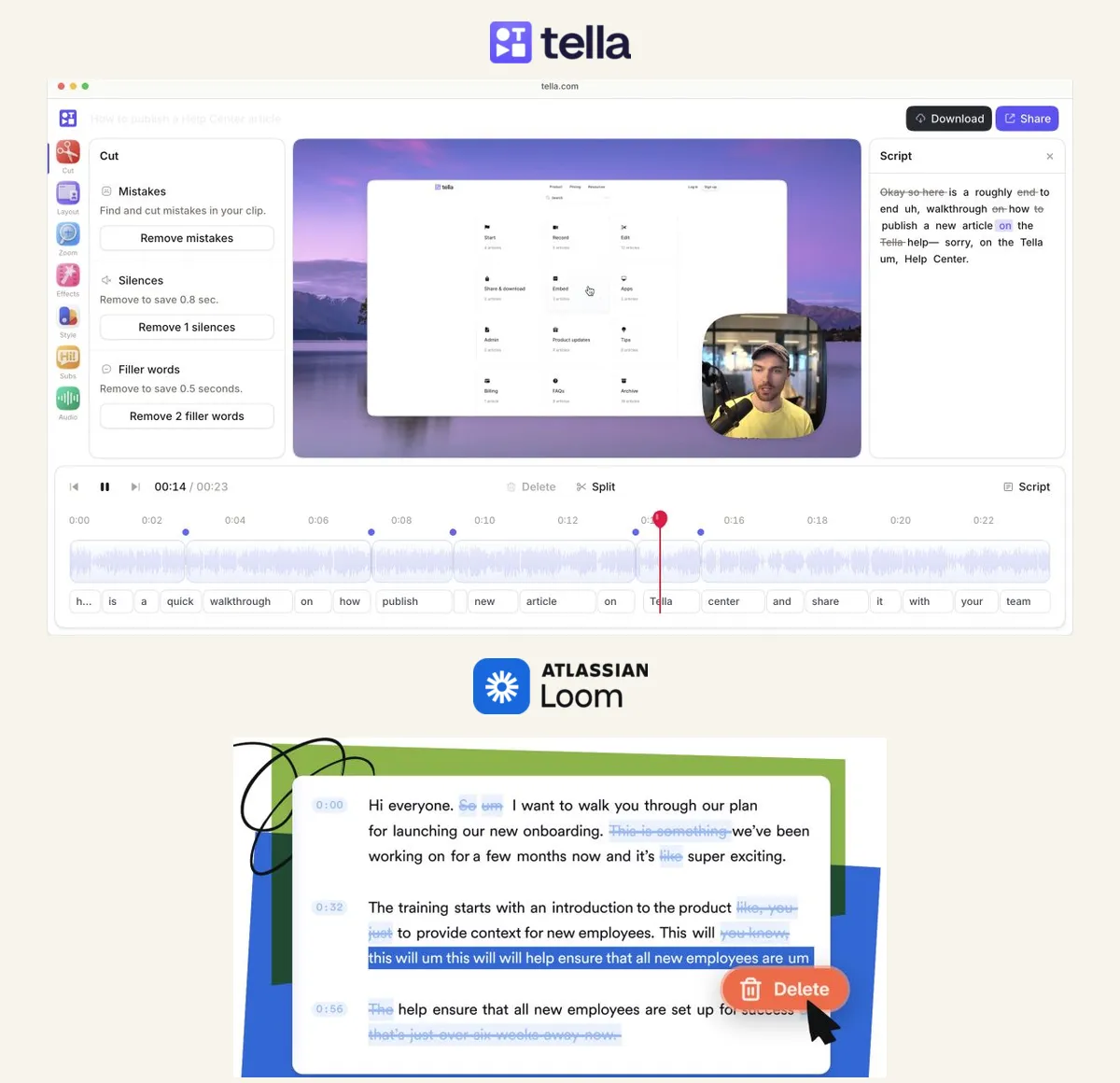
Both edit by transcript. Tella's editor removes footage when you delete transcript text, documented here. Loom offers edit-by-transcript on Business + AI.
Both generate AI titles and chapters. Tella's pricing page lists AI-generated titles, descriptions and chapters. Loom's comparison matrix shows auto titles across tiers.
Both caption. Loom lists closed captions from Starter; Tella includes transcription and subtitles on Pro.
Both do camera presentation. Loom lists virtual backgrounds, camera frames and Recording Canvas on every tier including Starter.
Both record screen-only. Neither requires you on camera — Loom documents screen-only capture as a standard mode.
So the "polished Tella versus plain Loom" framing you will see elsewhere does not survive contact with either pricing page.
What Actually Differs
Export quality — Tella
4K export on Pro; 60fps on Premium. Loom's matrix lists up to 4K on Business and above. If frame rate matters for UI motion, Tella states 60fps explicitly.
Branding — different shapes
Loom Business removes Loom branding and adds your logo and player colours. Tella Premium adds a custom domain, domain restrictions and branding removal. Both offer branding control at a paid tier; the custom-domain capability is the Tella-specific piece.
Editing model
Tella describes clip-by-clip recording and a timeline-style editor. Loom lists trim and stitch from Business plus basic waveform editing. Both are editors; Tella's is the deeper one, but "Loom has no editing" is not accurate.
Organisational reach — Loom
SSO/SAML on Enterprise. Tella lists SSO and SCIM on Enterprise, with add-on availability noted on paid plans. Neither includes it at entry.
The genuine Loom advantage is softer and real: recipients know what a Loom is.
Where Vorec Fits
Vorec is a different workflow, and worth describing on its own terms rather than by claiming these tools cannot do things.
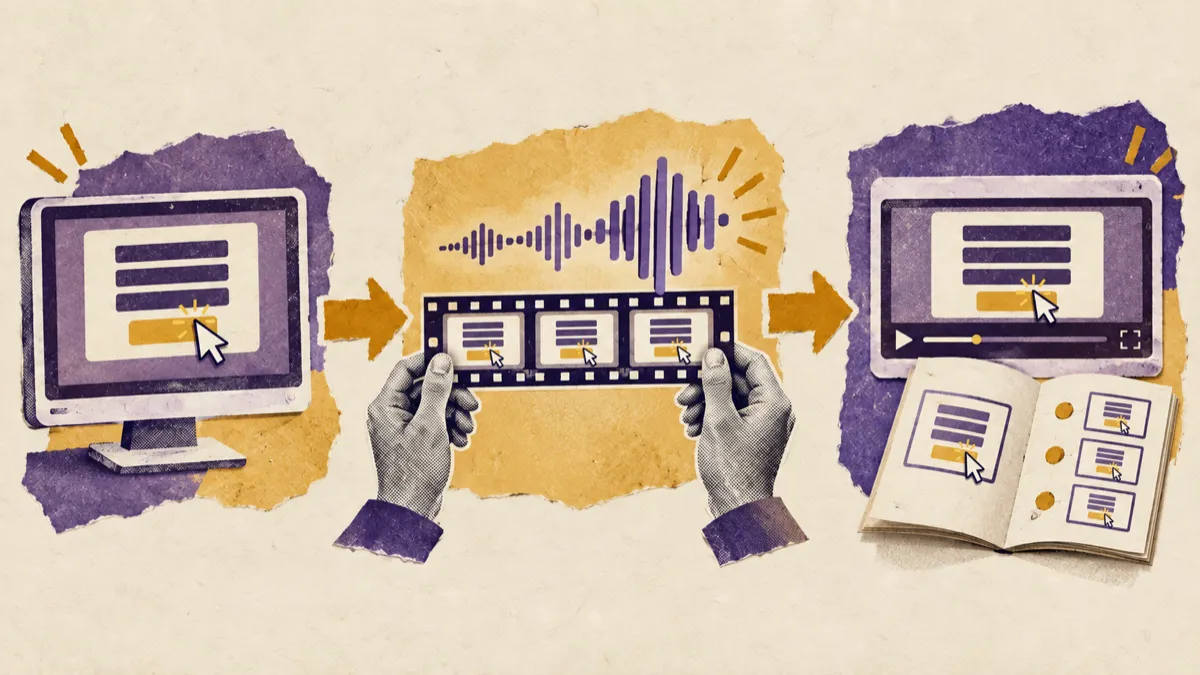
Record a screen workflow silently — no microphone, no script. The AI uses the captured action data, writes narration matched to what is happening on screen, and generates the voiceover. Freeze-sync holds the frame when an explanation needs more time than the recording allows, so narration never runs ahead of the action. The same recording also produces a written step-by-step article, and narration can be regenerated in supported languages on eligible plans, without re-recording.
It has a full timeline editor with multi-track clips, zoom and caption layers — an earlier version of this article wrongly said it did not, which was our error about our own product.
Plans start at $9/month, with a free trial with no credit card required (current allowances on the pricing page); trial exports carry a watermark.
The distinction worth drawing is not capability but starting point: Loom and Tella start from a person presenting, and Vorec records your screen — it has its own macOS recorder, and an AI agent can drive that capture through the CLI, recording locally so you review the take before anything is uploaded.
Who Should Pick What
Choose Tella if: you want the cheaper per-user price, deeper post-production, 60fps or a custom domain.
Choose Loom if: you want workspace ubiquity and AI summarisation, budgeting Business + AI at $20/user/month annually ($24 monthly).
Choose Vorec if: you are producing documentation at volume and the blocker is that nobody wants to narrate forty workflows.
Bottom Line
At $13 against $15 per user on matched annual billing, with heavily overlapping features, this is a much closer call than the usual framing. Decide on export requirements and whether your audience already lives in Loom.
Corrections: an earlier version of this article halved Tella's price to $6.50, described Tella as per-account, claimed Loom lacked backgrounds, claimed only Loom edited by transcript, claimed only Loom generated AI titles and chapters, and stated Vorec had no timeline editor. All six were wrong. Each is corrected above against the linked sources.
Related: our Loom alternatives roundup and Loom vs Vidyard.
Related reading: Tella Pricing 2026 and Loom Pricing 2026.
Related reading: Loom Video Prompts: Screen Recordings as Agent Input (2026).
See also: Vorec vs Loom (2026): Narration, Editing and Price Compared, Vorec vs Tella (2026): Presenter Videos or Drafted Narration?.
See also: Tella Alternatives (2026): 7 Tools Compared on Price and Polish.
See also: Loom vs OBS Studio (2026): Shared Links or Local Control?.
See also: ScreenPal vs Loom (2026): Price, Limits, Best Fit.
Nobody wants to narrate? Record with Vorec, or upload one you already have, and get a narrated tutorial plus a written guide. Start your free trial, no card needed.