Camtasia vs Captivate vs Articulate (2026)
Vorec Team · 2026-09-12 · About 7 min read
If you work in L&D, you have probably sat in the meeting where someone asks whether to buy Camtasia, Captivate or Articulate. It is a frustrating comparison because all three are legitimate, all three charge per author, and they are aimed at different problems that sound identical in a budget request.
Here is the distinction that resolves it.
Updated 7 October 2026: Camtasia prices re-checked on TechSmith's store on 7 October 2026; Captivate and Articulate 360 prices re-checked against their rendered pricing pages on 5 October 2026.
The 30-Second Verdict
- Camtasia — for screen tutorials. You are showing software and explaining it. From $179.88/yr for watermark-free Essentials editing; Starter is $39/yr with a watermarked editor.
- Adobe Captivate — for software simulation and responsive eLearning. Learners practise inside a simulated interface. US$39.99/month for individuals on an annual commitment; teams and enterprises get a quote.
- Articulate 360 AI — for course authoring at scale. Slide-based modules, review workflows, multiple authors. $1,749 per seat per year (Teams) or $1,449 (Personal), annual only on the page we checked. Among the publicly listed single-seat prices compared here (Camtasia's annual plans, Captivate's individual plan and these two), that is the highest; quoted team licences are not part of that comparison.
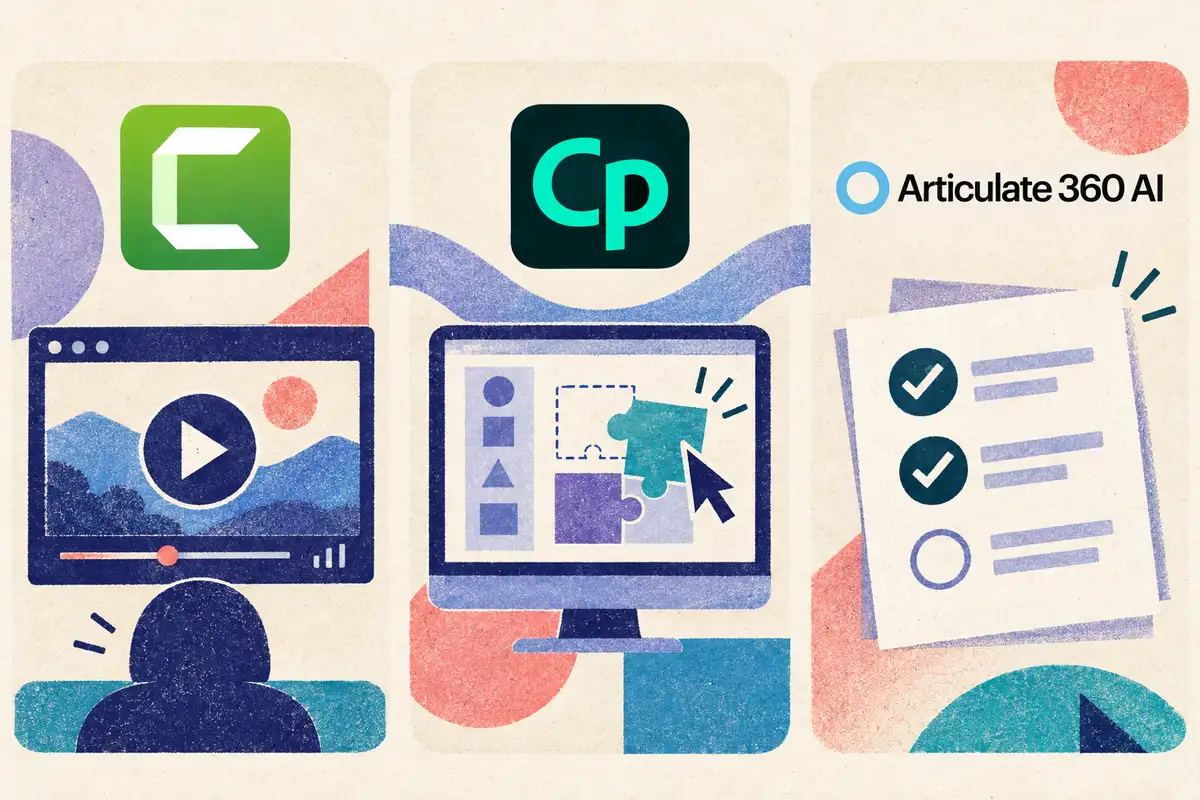
If you cannot tell which you need, answer one question: does the learner watch, practise, or get assessed?
The Question That Decides It
Watch → Camtasia. The learner sees how something is done. Output is a video. Screen recording, zoom, callouts, captions, light quizzing.
Practise → Captivate. The learner clicks through a simulated version of the software and gets corrected when wrong. Output is an interactive simulation, which is useful when you need evidence that someone performed the task rather than watched it.
Get assessed and tracked → Articulate. The learner moves through a structured course with knowledge checks, branching and completion tracking, reviewed by stakeholders before release. Output is a SCORM/xAPI package for your LMS.
These are workflow priorities, not exclusive capabilities: both Captivate and Storyline support practice and assessment, and Camtasia supports quizzes. Test the learning experience you need before buying.
Cost Reality
| Entry price shown | Billing | Seat basis | Free option | |
|---|---|---|---|---|
| Camtasia (individual) | $39/yr Starter (watermarked); $179.88/yr Essentials | Annual subscription | Per seat | Free Editor version, watermarked exports |
| Camtasia Business | $198 per user/yr | Billed yearly | Transferable licences, up to 99 users | Same free Editor version |
| Captivate (individual) | US$39.99/mo | Annual commitment, paid monthly | Per user | 30-day trial |
| Captivate (teams/enterprise) | Quote | VIP / ETLA terms | Named users | — |
| Articulate 360 AI Personal | $1,449/yr | Annual | Per seat | 14-day trial |
| Articulate 360 AI Teams | $1,749/yr | Annual | Per seat | 14-day trial |
Sources: TechSmith Camtasia store (checked 7 October 2026), Adobe Captivate buying guide and Captivate FAQ, Articulate 360 pricing (Adobe and Articulate checked 5 October 2026). Full breakdowns: Camtasia pricing, Adobe Captivate pricing, Articulate 360 pricing.
Details that change the arithmetic:
- Captivate's $39.99 is not cancel-anytime. Adobe's FAQ describes an annual commitment paid monthly, so twelve payments come to $479.88 (our arithmetic; Adobe does not advertise an annual-prepaid figure). Adobe's FAQ also says perpetual Captivate licences have been discontinued.
- Articulate's prices use a dollar sign without a USD code. Its FAQ discusses paying in U.S. dollars and sends local-currency buyers to regional resellers, so treat these as U.S.-dollar list prices and confirm at checkout. Advanced translation and AI avatar work draws on separately purchased credits, starting at $250 for 50,000.
- Camtasia has two seat models. Individual plans (Starter $39, Essentials $179.88, Create $249, Pro $599 a year) are tied to one person. The Teams & Business tab lists Business at $198 per user per year, billed yearly, with transferable licences, Camtasia Editor plus Snagit, and a discount offered from 10 users; Enterprise is custom.
- Camtasia's "free" option is the Editor itself, not a timed trial. TechSmith's product FAQ describes a free version with the editing features and watermarked exports; Essentials or higher (or a Business licence) removes the Editor watermark. The $39 Starter plan is paid but still watermarked. The 14 days on the pricing page is a money-back guarantee, not a trial.
- New Camtasia seats are annual subscriptions. TechSmith moved to annual subscription pricing with Camtasia 2025, which its Windows version history dates to 12 February 2025 (version 2025.0.0).
What eight authors cost
Every figure below is list price multiplied out, before tax, volume discounts or education rates:
| Eight authors, one year | Calculation | Total |
|---|---|---|
| Camtasia Essentials (individual licences) | 8 × $179.88 | $1,439.04 |
| Camtasia Business (transferable licences) | 8 × $198 | $1,584 |
| Captivate (individual plans) | 8 × $39.99 × 12 | $3,839.04 |
| Articulate 360 AI Personal | 8 × $1,449 | $11,592 |
| Articulate 360 AI Teams | 8 × $1,749 | $13,992 |
The Captivate row is illustrative arithmetic on the individual plan. It is not a team quote, and it does not set a ceiling on one: Adobe quotes team and enterprise licences separately. The point of the table is the spread: at eight seats, the authoring-suite choice is a five-figure decision, while the screen-tutorial choice is not.
Where Each One Actually Wins
Camtasia
Strong at the specific job of making a screen recording legible: zoom-and-pan onto the control being discussed, cursor emphasis, click effects, callouts, captions. It also does quizzing and LMS-compatible output, which is often enough for training that needs a completion record but not a simulation.
Its primary output is video, which suits watching a task more than practising it; Camtasia's quizzes add checks, not a simulated interface.
Adobe Captivate
Captivate supports software simulations and responsive eLearning. Articulate Storyline also supports screen recordings as view, try and test steps, so simulation is not exclusive to Captivate. Compare the authoring and assessment workflow using a real sample lesson. Storyline screen-recording modes.
Simulation projects take real build time, so use the 30-day trial to build one actual lesson rather than clicking through a demo file.
Articulate 360
Not one tool but a suite — Storyline for bespoke interactions and Rise for responsive courses, both included in Teams and Personal. Teams advertises collaboration and Personal advertises stakeholder review, so check which review workflow your reviewers actually need before choosing the cheaper seat.
Its cost is the price, and the fact that slide-based course output is overkill if what you needed was a four-minute video showing where a button is.
What Each One Is Built Around
| Camtasia | Captivate | Articulate 360 | |
|---|---|---|---|
| Primary output | Edited screen video | Interactive simulation / responsive eLearning | Structured course package |
| Screen recording | ✅ Core workflow | ✅ For simulations | ✅ Storyline view / try / test modes |
| Quizzing and LMS output | ✅ SCORM quizzes | ✅ SCORM / xAPI | ✅ SCORM / xAPI |
| Stakeholder review | — | — | ✅ Review (Personal) / collaboration (Teams) |
| Generated narration | ✅ Create / Pro | ✅ Text-to-speech / AI voices | ✅ Storyline text-to-speech |
A dash means we did not verify the capability for this comparison, not that the product lacks it.
Compare the Narration Workflow
All three offer ways to generate narration: Camtasia Create / Pro include AI voiceovers, Captivate offers text-to-speech and AI voices, and Storyline converts text to speech. Their difference is how the script, screen activity and lesson structure are assembled. Camtasia plans, Captivate audio tools, Storyline audio tools.
For a software walkthrough with no narrator, Vorec takes a different route. It records your screen with its own macOS app (an AI agent can drive it for you through the Claude Code plugin, capturing locally for you to review before anything is uploaded), or you can upload an existing recording. It then drafts narration matched to the captured workflow and generates the voiceover, and freeze-sync can hold a frame when an explanation needs more time. You can also generate a written step-by-step guide from the same capture, and narration regenerates in supported languages on eligible plans.
Paid plans start at $9/month. The free trial needs no credit card (current allowances on the pricing page); trial exports carry a watermark. Vorec is not a course-authoring suite or a simulation builder, so compare it with the authoring and assessment features your team actually requires.

How to Choose
Buy Camtasia if your deliverable is "show me how to do this in the software," you have one or two authors, and a completion record is enough.
Buy Captivate if learners must practise in a simulated interface and you need to evidence performance.
Buy Articulate 360 if you run an L&D function with multiple authors, stakeholder review cycles, and a catalogue of structured courses, and the per-seat arithmetic above fits your budget.
Buy none of them yet if what you actually have is twelve undocumented workflows and no narrator. Solve that first; the authoring tool decision gets much clearer afterwards.
Bottom Line
The three overlap more than their marketing suggests, but each is built around a different primary workflow. Watch, practise, assess.
The costly mistake in this category is not picking the wrong tool — it is buying an authoring suite to solve what turns out to be a content-production problem.
Related: our training video software guide and Camtasia alternative guide.
Related reading: Is Camtasia Worth It in 2026?, iSpring Suite pricing and Camtasia vs Descript.
Want the recording to narrate itself? Record with Vorec, or upload one you already have, and get a narrated tutorial plus a written guide. Start your free trial, no card needed. Trial includes up to 3 projects; exports carry a watermark.