Tango vs Scribe (2026): Which Step-Guide Tool Wins?
Vorec Team · 2026-09-17 · About 7 min read
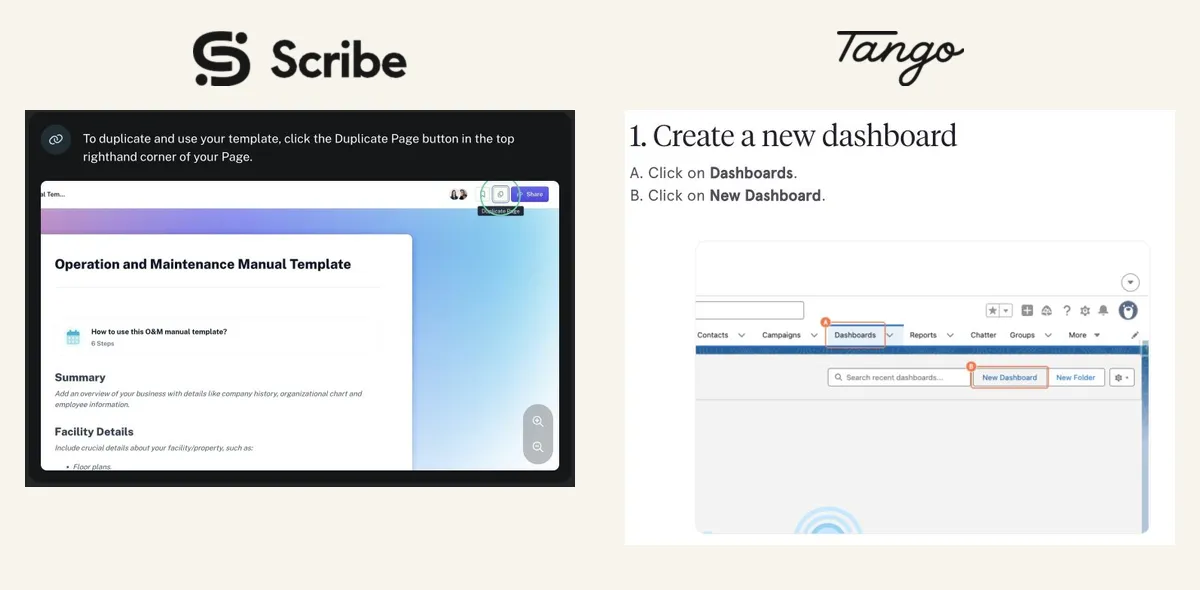
Scribe and Tango (or Tango vs Scribe, depending on which you looked at first) both watch you perform a workflow and produce a step-by-step guide with annotated screenshots. Choosing between them comes down to price at your team size, free-tier fit, and whether you need Scribe's video features.
Sources are linked inline. Both vendors' rendered pricing pages were checked in a browser on 8 October 2026, in both the monthly and annual billing states; both were checked again on 15 October 2026 (Tango's monthly Personal price is now $30; everything else matched).
Quick Answers
Tango vs Scribe: which is better for step-by-step guides? Both produce step-by-step guides with annotated screenshots, and their paid tiers are close on guide features. At the public list prices we checked, Tango costs less at every team size in the table below. Scribe documents video output and converting existing recordings into guides, covered below, which may justify the difference for some teams.
Does Scribe have a free tier like Tango's? Both have one, with different limits. Scribe Basic is web only, and unlimited guide creation is listed on paid tiers. Tango Free gives 5 shared workflows per workspace, with up to 10 workspace users. Neither is feature-equivalent to the paid plans.
How do the annual team plans compare on seats? Scribe Pro Team is $23 a seat a month billed annually, with a five-seat minimum, so its floor is $115 a month. Tango Pro is $15 a user a month billed annually from three users, with no seat minimum.
How do Scribe and Tango price their Enterprise plans? Neither publishes an Enterprise price. Scribe Enterprise is "custom". Tango describes a custom platform fee based on the number of users supported. Neither pricing page we read (15 October 2026) states whether Enterprise includes unlimited members, so ask both sales teams for a quote at your seat count.
Do Scribe or Tango have an API or developer plan? Neither pricing page we read (15 October 2026) lists a separate, priced developer or API plan. Scribe's feature table has an "Enterprise search API" row, but the capture did not show which tiers include it. Tango's table marks MCP as Beta on Enterprise and not included on Free or Pro. We did not read either vendor's API documentation, so confirm API access and its price with sales.
Which includes more storage? Neither pricing page we read states a storage limit for any plan. Tango Pro lists 14-day version history and Enterprise 365-day history and audit logs; that is history retention, not storage.
The 30-Second Verdict
- Tango costs less at the list prices we checked. $22/user/month annually at 1–2 users, $15 from 3. Scribe is $25 for an individual Pro Personal seat, or $23/seat for Pro Team with a 5-seat minimum.
- Both have desktop apps on their paid tiers.
- Scribe produces video output and imports existing recordings. Both are documented below. We have not found an equivalent generated-video output on the Tango pages we checked, so this article does not claim one.
- So the choice is price versus Scribe's video features. If you do not need them, Tango is the cheaper route on public pricing.
Pricing, Exactly
| Free | Entry paid (annual) | Monthly | Notes | |
|---|---|---|---|---|
| Scribe | Basic, web only | Pro Personal $25/seat · Pro Team $23/seat | $35 · $29 | Pro Team needs 5 seats |
| Tango | 5 shared workflows, up to 10 users | $22/user (1–2) · $15/user (3+) | $30 · $20 | No seat minimum |
Sources: Scribe pricing and Tango pricing, both checked 8 October 2026. Scribe's page source also contains an older table with lower Team prices; the figures above are the ones the page displays.
Total monthly spend at annual billing
Scribe Pro Team is only sold from five seats. For smaller teams the table shows two Scribe figures: individual Pro Personal seats, and the five-seat Team minimum. Pro Personal is priced per person; we have not found a statement that it includes the shared-team features of Pro Team, so do not treat the two as equivalent.
| Team | Scribe Pro Personal (individual seats) | Scribe Pro Team | Tango |
|---|---|---|---|
| 1 | $25 | — | $22 |
| 2 | $50 | — | $44 |
| 3 | $75 | $115 (5-seat minimum) | $45 |
| 4 | $100 | $115 (5-seat minimum) | $60 |
| 5 | $125 | $115 | $75 |
| 10 | $250 | $230 | $150 |
Arithmetic: seats × the annual per-seat monthly rate (Scribe $25 or $23; Tango $22 at 1–2 users, $15 from 3). At five seats Scribe Pro Team costs $40 a month more than Tango; at ten, $80 more.
Three Details Worth Checking
Both support desktop. Scribe Pro lists web, mobile and desktop. Tango Pro has a desktop app. Free tiers are browser-only on both, so desktop capture is an upgrade rather than a reason to switch vendor.
Scribe outputs video. Scribe Movies are available on all plans, with motion, voice and captions. "Scribe only makes screenshots" is wrong. Tango lists voice and video embeds on Pro, which is not the same as generated video output — if that matters to you, confirm it with Tango directly rather than inferring it from an embed feature.
Scribe imports existing recordings. Since July 2026 you can turn any video into a Scribe — an existing screen recording becomes an editable step guide, no narration required. Scribe's announcement lists MP4, MOV, WebM and MKV, up to 30 minutes and 500 MB. Check the pricing page for which plans include it.
That last one matters if you already have a library of recordings: Scribe is not limited to live capture.
Free Tiers
Scribe Basic is web only. Unlimited guide creation is a paid-tier feature — the plan table does not extend it to Basic, so do not assume unlimited free capture.
Tango Free gives 5 shared workflows per workspace, with up to 10 workspace users. That is five workflows in total, not five each.
Neither vendor's pricing or help pages we reviewed state watermark behaviour on free tiers. If that matters, ask them directly — we are not going to guess.
What Else Differs
Both export to PDF, Markdown and HTML on paid tiers. Both annotate and blur screenshots. Both put auto PII/PHI redaction, SSO and translations on Enterprise — Tango specifies 15 languages.
Scribe adds mobile apps. Tango adds voice and video embeds and 14-day version history on Pro.
On guide features the paid tiers are close. The decision is price at your team size, free-tier fit, and whether Scribe's video features are worth the difference.
Where Vorec Fits
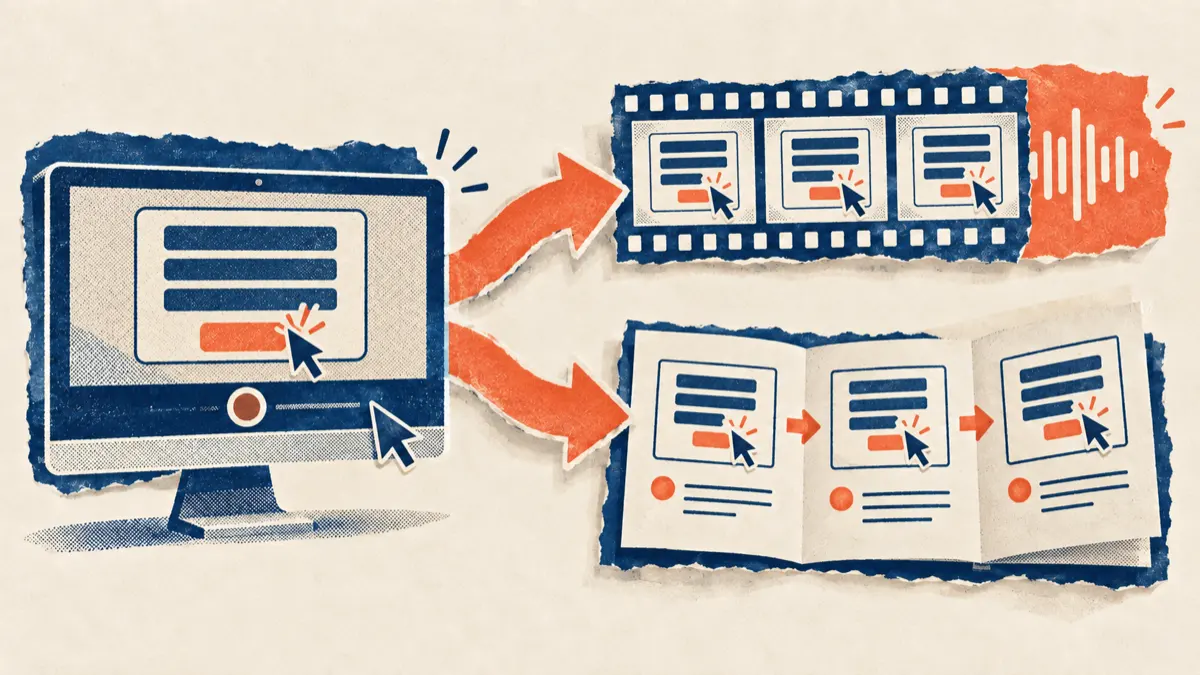
Vorec records your screen. It has its own macOS recorder, and an AI agent can drive it for you through the Claude Code plugin, capturing locally for you to review before anything is uploaded. It then drafts narration matched to the workflow it captured and generates the voiceover, so nothing is spoken into a microphone. In the editor you can add smooth cursor motion, cursor-follow zoom and click-based auto-zoom, and freeze-sync can hold a frame to give an explanation time to finish. The same capture can also produce a written step-by-step guide, with annotatable screenshots, and narration regenerates in supported languages on eligible plans without re-recording. You can upload an existing recording instead if you already have one.
Since Scribe also imports recordings, the useful distinction is not "video versus screenshots" but what each output is built around. Scribe centres on a scannable guide, with video as an additional format; Vorec centres on a narrated video, with a guide you can generate from the same capture.
Vorec plans are $9, $24 or $59 a month ($86, $230 or $566 a year). The free trial needs no credit card (current allowances on the pricing page). Trial includes up to 3 projects; exports carry a watermark. See Vorec pricing for credit allowances.
Who Should Pick What
Choose Tango if: step guides are the output you need and cost matters, or you want no seat minimum.
Choose Scribe if: you need mobile capture, video output from your guides, or to convert an existing library of recordings into step guides.
Choose Vorec if: the primary output should be a narrated video, with a written guide generated from the same capture when you need one.
Bottom Line
At the public list prices we checked on 8 October 2026, Tango costs less at every team size we worked out, from one seat to ten. Scribe's case rests on features rather than price: video output from guides, mobile capture, and importing existing screen recordings. We did not find an equivalent import on the Tango pricing and help pages we checked, so confirm with Tango if that matters to you.
Related: our Scribe alternative guide, Tango alternative guide and Guidde vs Scribe.
Related reading: Tango Pricing 2026 and Scribe Pricing 2026.
See also: Tango Alternatives (2026): 7 Tools Compared on Free Plans and Capture, Scribe Alternatives (2026): 7 Tools Compared on Guides and Exports.
See also: Guidde vs Tango (2026): Video Guides or Step Guides?.
See also: Windows Steps Recorder Is Deprecated: What to Use (2026).
Want the recording to narrate itself? Record with Vorec, or upload one you already have, and get a narrated tutorial plus a written guide. Trial includes up to 3 projects; exports carry a watermark. Start your free trial, no card needed.