Gemini TTS Explained: Models, Voices, Pricing (2026)
Vorec Team · 2026-09-30 · About 8 min read
AI voices used to have one obvious tell: the flat, even delivery of a machine reading a sentence it didn't understand. Recent text-to-speech models are aimed at the opposite. You give them a transcript and a direction — calm, upbeat, a short pause here — and they perform it.
Google's Gemini API offers this as its text-to-speech (TTS) capability. This post explains what it does, straight from Google's own documentation: the models, voices, how you control delivery, languages, output format, limits and price. Then we look at what those controls mean if the thing you're narrating is a software tutorial.
Checked on 30 September 2026 against Google's speech generation guide and Gemini API pricing page, both showing "Last updated 2026-09-24 UTC" when we read them. Model names and prices in this area change; treat those pages as the source of truth.
What is Gemini TTS?
Google's guide describes it as the Gemini API's ability to "transform text input into single-speaker or multi-speaker audio." It calls the generation controllable: you combine structured turn metadata with inline vocal tags to guide style, accent, pace and tone.
The guide separates it from the Live API, Google's option for interactive, real-time audio conversations. TTS is "tailored for scenarios that require exact text recitation with fine-grained control over style and sound, such as podcast or audiobook generation." In other words: TTS is for when you already know the words and want them performed a certain way.
Which models support TTS?
The guide's supported-models table lists four:
| Model | Single speaker | Multi-speaker | Voice design | Voice replication |
|---|---|---|---|---|
| Gemini 3.8 Flash TTS (`gemini-3.8-flash-tts`) | ✅ | ✅ | ✅ | ✅ |
| Gemini 3.8 Flash-Lite TTS (`gemini-3.8-flash-lite-tts`) | ✅ | ✅ | ✅ | ✅ |
| Gemini 3.1 Flash TTS Preview | ✅ | ✅ | — | — |
| Gemini 2.5 Pro Preview TTS | ✅ | ✅ | — | — |
Google's guidance on choosing between the two 3.8 models:
- 3.8 Flash TTS when "maximum acoustic fidelity, nuanced acting, and expressive control are top priority" — including long-form narration that needs stable voice and room tone.
- 3.8 Flash-Lite TTS as the "fast, cost-efficient workhorse", described as the replacement for `gemini-3.1-flash-tts-preview`, for high-volume production and everyday single-speaker speech.
Both 3.8 models share the same API schema, so switching is a one-parameter change.
Voices: prebuilt, library, designed and replicated
The guide lists four ways to pick or create a voice:
- 30 prebuilt studio voices, each with a one-word character — for example Kore (Firm), Puck (Upbeat), Charon (Informative), Iapetus (Clear), Sulafat (Warm) and Sadaltager (Knowledgeable).
- An Extended Voice Library of "hundreds of additional voices" across languages, accents and personas. You can filter by language, region, accent, gender, pitch, persona and usage context — such as Audiobook, Conversational or News.
- Voice design: generate a custom voice from a natural-language description, which returns a reusable voice ID.
- Voice replication: replicate a speaker's voice from reference audio and consent audio.
Custom voices have limits: stored voices are capped at 200 per project with a one-year retention, and stateless replicated voice keys last seven days.
How you control delivery: metadata and inline tags
This is the part worth understanding before you write a single script.
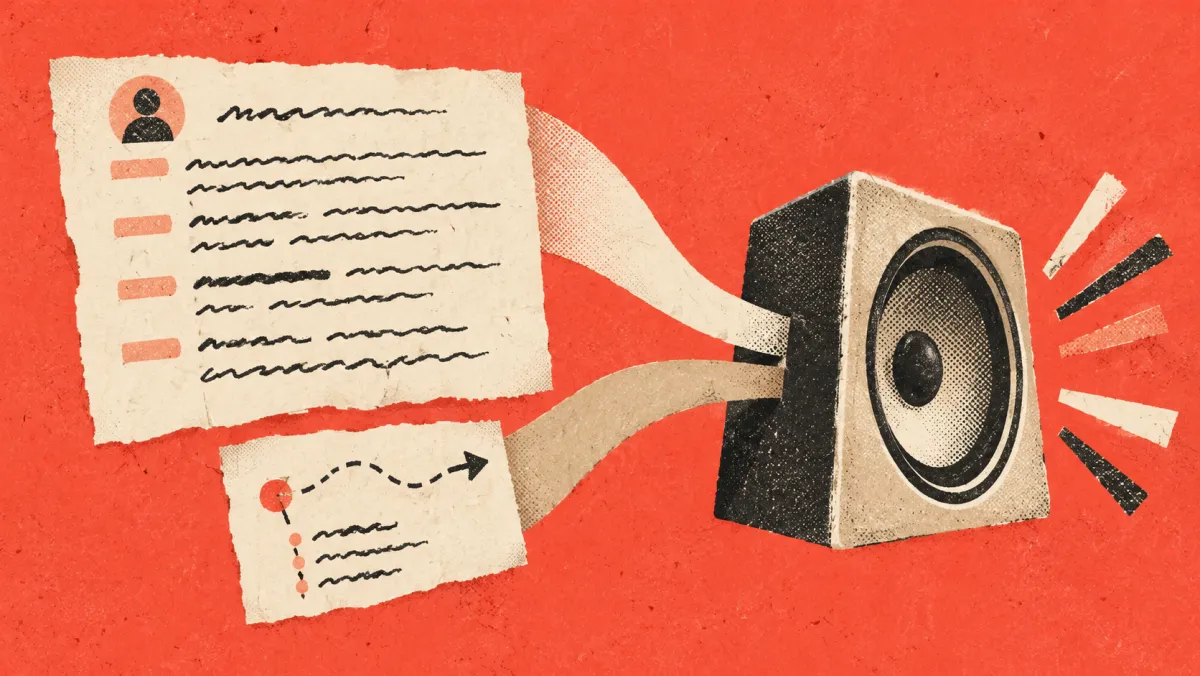
Google's guide says Gemini 3.8 TTS "treats the text field strictly as a verbatim transcript." Treat the text as the spoken transcript, except for supported inline vocal tags; put sustained delivery instructions in `speech_metadata.style`. So directions go somewhere else, split by scope:
- Sustained delivery → `speech_metadata.style`. Emotion, pace, prosody and volume that apply to a whole turn — for example `"warm and enthusiastic"` or `"calm and relaxed"`.
- Momentary events → inline tags in angle brackets. Pauses and vocal bursts at a specific point, such as `<short pause>`, `<long pause>`, `<sigh>` or `<laugh>`.
The guide's advice on consistency is direct:
- Test plain first. Synthesize with an empty style field; "most requests need no style instruction at all."
- Keep style strings short and reuse the same string across turns when you want a consistent baseline.
- Don't write long "Director's Notes." Google names long persona paragraphs carried over from earlier models as "the most common cause of voice drift." Design the persona once with Voice design and reuse the ID.
- Don't use style for fixed traits. Age, gender or a permanent accent belong in the voice choice, not the style field.
For multi-speaker audio, you configure up to two speakers and label each turn with its speaker.
Languages
The models detect the input language automatically. Per the guide, Gemini 3.8 Flash TTS supports over 130 languages and Flash-Lite over 100, with a per-language table showing which model covers which. One practical note from Google: if your transcript isn't in English, keep the inline tags in English for best results.

Audio output format
- Standard (unary) requests return a WAV file by default: 24 kHz, mono, 16-bit PCM with a RIFF header, which you can save directly as `.wav`.
- Streaming requests return headerless raw PCM (`audio/l16`, 24 kHz, mono) by default.
- You can also request raw PCM, mu-law or A-law.
The guide flags a migration trap: earlier TTS models returned raw PCM by default. If your code wrapped raw PCM in a WAV header, remove that step for the 3.8 models or you'll add a second header.
Limitations
From the guide's Limitations section:
- Text in, audio out only.
- Single-request multi-speaker generation supports up to two speakers using prebuilt voices. For designed or replicated voices in a dialogue, synthesize each speaker's turn separately.
- The custom-voice storage limits described above.
Gemini TTS pricing
From Google's pricing page, for the Standard paid tier, per 1 million tokens, as read on 30 September 2026. The page also lists Batch, Flex and Priority pricing, which this post does not cover:
| Model | Input (text) | Output (audio) | Audio output equivalent (text input extra) |
|---|---|---|---|
| 3.8 Flash TTS | $0.50 through Dec 31, 2026; $1.00 from Jan 1, 2027 | $9.00 through Dec 31, 2026; $18.00 from Jan 1, 2027 | $0.00225 per 10 s of audio, rising to $0.0045 |
| 3.8 Flash-Lite TTS | $0.50 through Dec 31, 2026; $1.00 from Jan 1, 2027 | $6.00 through Dec 31, 2026; $12.00 from Jan 1, 2027 | $0.0015 per 10 s of audio, rising to $0.003 |
Two details on that page are easy to miss. First, the listed prices double on 1 January 2027. Second, both models also have an unpaid tier listed as free of charge, and in the row "Used to improve our products" the page says Yes for the unpaid tier and No for the paid tier. If your scripts contain anything confidential, that row matters more than the price.
What this means for narrating tutorials
For software tutorials, the voice also has to match what's happening on screen, one step at a time. The documented controls map onto that job fairly directly. What follows is our reading, not Google's guidance:
- Write the script as a transcript, not as notes. Because the text is read verbatim, an editorial note you'd normally put in square brackets for yourself ("[click Save here]") is part of the transcript and would be spoken. Only the supported angle-bracket vocal tags, such as `<short pause>`, act as directions rather than words; keep everything else out of the text.
- Use one short, constant style for the whole tutorial. Something like "clear and friendly." Changing style from step to step can make one tutorial sound inconsistent.
- Use pauses where the screen needs time. A `<short pause>` before "Now click Save" gives the viewer a beat to find the button. Pauses shouldn't replace good timing, though — the video still has to wait for the voice, or the voice for the video.
- Pick the voice by clarity, not character. Descriptors like Clear, Informative or Knowledgeable suit instructions better than Excitable or Breathy.
- Mind language coverage per model. If you publish in several languages, check each language in Google's table for the model you use.
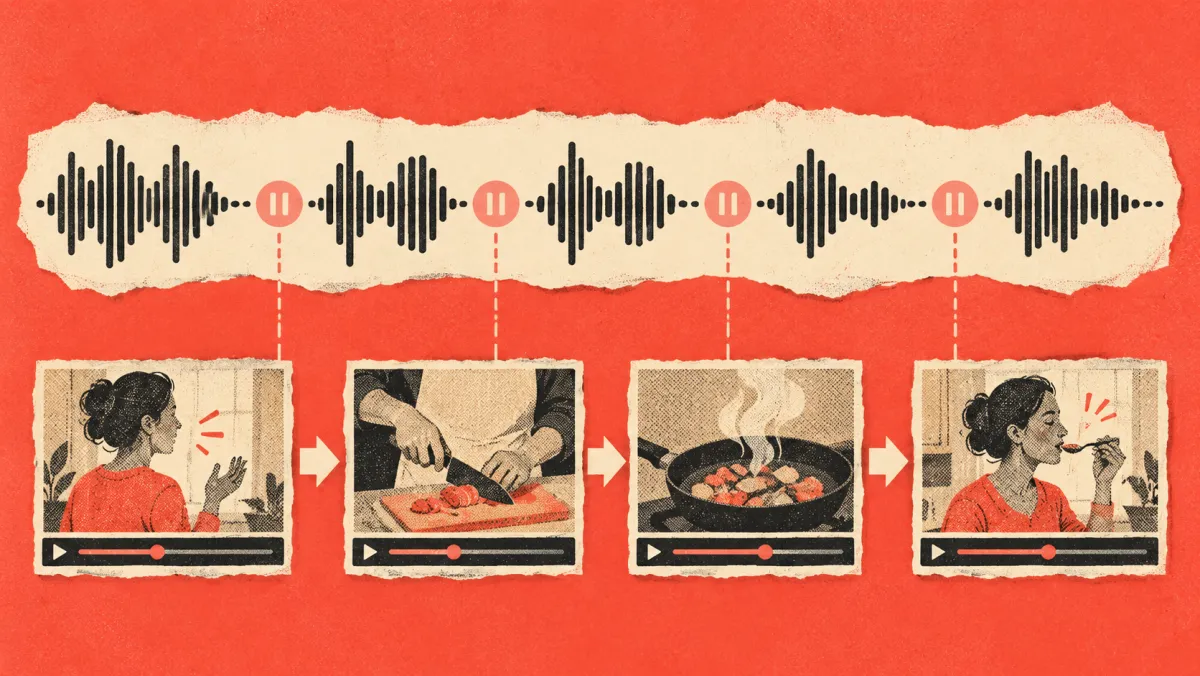
The hard part of tutorial narration isn't calling a TTS API. It's everything around it: writing a script that matches the recording, timing each line to the action it describes, and redoing both when the UI changes. For the broader picture, see what AI narration is and our guide to AI voiceovers for videos.
Where Vorec fits
If you want narrated tutorials rather than a TTS integration to maintain, Vorec handles those surrounding steps. Vorec records your screen — it has its own macOS recorder, and an AI agent can drive it for you — or you can upload a recording you already have. It drafts narration matched to the workflow it captured and generates the voiceover, so nothing is spoken into a microphone. Freeze-sync can hold a frame to give an explanation time to finish. Edit a line and regenerate the voiceover for just that segment; on eligible plans, narration can be regenerated in supported languages without re-recording.
For translation specifically, see how to translate tutorial videos.
FAQ
What is Gemini TTS?
The text-to-speech capability in Google's Gemini API. It turns a transcript into single- or multi-speaker audio, with delivery controlled through style metadata and inline tags.
How many voices does Gemini TTS have?
Google's guide lists 30 prebuilt studio voices, plus an Extended Voice Library of hundreds more, plus custom voices you can create with Voice design or Voice replication.
How much does Gemini TTS cost?
On the paid tier as of 30 September 2026: $0.50 per million input tokens for both 3.8 models, and $9.00 (Flash) or $6.00 (Flash-Lite) per million output audio tokens, through 31 December 2026. Google's pricing page lists these prices doubling from 1 January 2027. Check the page for current figures.
How many languages does Gemini TTS support?
Over 130 for Gemini 3.8 Flash TTS and over 100 for Flash-Lite, according to Google's guide. Coverage differs by model, so check the per-language table.
Can I clone a voice with Gemini TTS?
Google calls it Voice replication. It requires reference audio and consent audio, and is supported on the 3.8 models.
Want narrated tutorials without managing a TTS pipeline? Record with Vorec, or upload a recording you already have, and get a narrated tutorial plus a written guide — no microphone needed. Start free — 7-day trial, 100 credits, no credit card required. Trial includes up to 3 projects; exports carry a watermark. Paid plans start at $9/month.