Warp Agents Record Video Proof: What's In It (2026)
Vorec Team · 2026-10-15 · About 9 min read
A pull request that says "fixed the settings toggle" asks the reviewer to take it on trust, or to build the branch and click through it themselves. Warp's answer is to have the coding agent click through the change itself, record the session, and attach the video to the pull request.
Warp documents this as Computer Use with video recordings: a cloud agent drives a desktop inside a sandbox, records what it does, and hands back what Warp's documentation calls "a trimmed, annotated video as concrete proof of the result." On 7 October 2026 Warp's changelog added that computer-use agents on Windows cloud runners can now record video as well.
This post covers what Warp's own documentation says the recordings contain, where they end up and what limits apply. After that comes our reading of how a video made as evidence differs from a video made to teach. Where a point is our interpretation rather than Warp's statement, we say so.
Checked on 15 October 2026. The sources are Warp's documentation pages Testing with Computer Use and video recordings and Computer Use for agents, plus the Warp 2026 changelog. Warp updates these pages, so treat them as the source of truth.
What Warp shipped
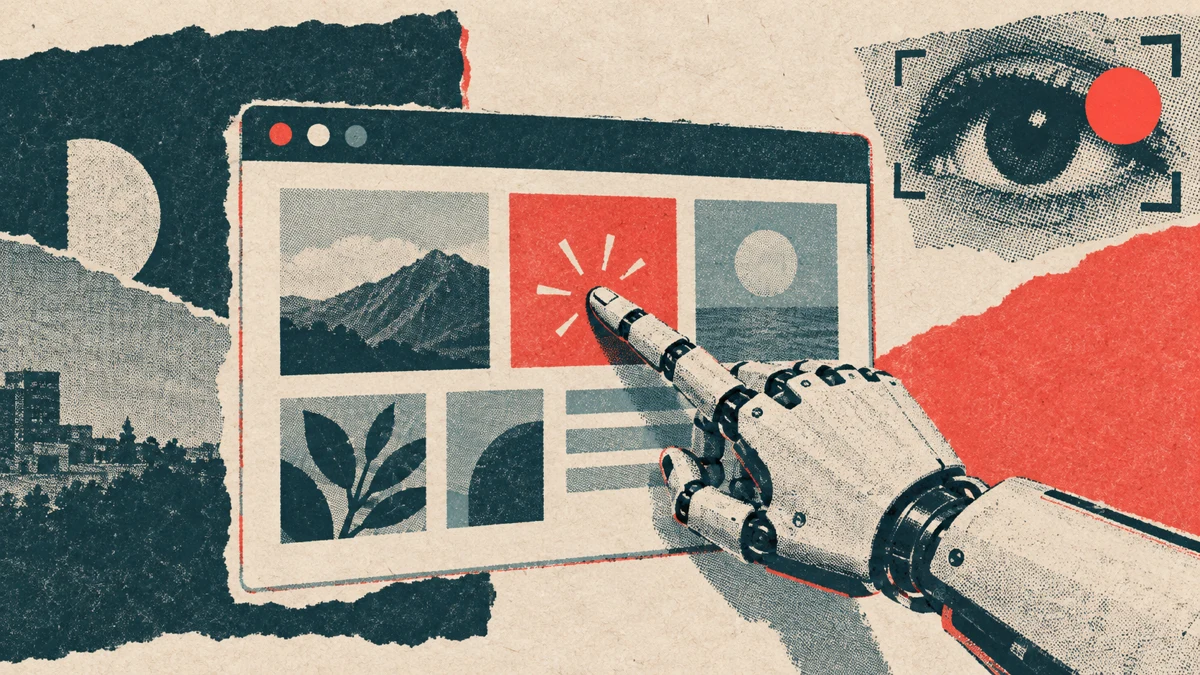
Warp's agents can run as cloud agents in a sandboxed environment. With Computer Use turned on, the agent can see the screen, click, drag, type, use keyboard shortcuts and drive a bundled Chromium browser. Recording builds on that: the agent starts a screen capture inside the sandbox, does the work, stops, and uploads a processed video as an artifact of the run.
| Question | Answer from Warp's documentation |
|---|---|
| Where it runs | Only in Warp's sandboxed cloud environments, not local interactive terminal sessions |
| Default | Computer Use is enabled by default for cloud runs on Warp's built-in harness; runs on third-party harnesses (Claude Code and Codex) default to disabled |
| Models | "Computer Use currently supports Anthropic Claude models", with an automatic model selector |
| Browser | Every Computer Use environment includes a bundled Chromium browser |
| Windows | Changelog entry 2026.10.07: "Computer-use agents on Windows cloud runners can now record video." |
| Maximum length | 10 minutes per recording |
| Maximum file size | 1 GiB per recording |
| If the run is cancelled | An active recording is discarded rather than uploaded |
You don't have to ask for a recording explicitly. Warp's documentation says prompts like "test this change", "verify the fix works" or "produce evidence" lead an agent with Computer Use enabled to start and stop a recording as part of its workflow.
What is in the recording
Warp is clear that the finished video "is not raw screen capture." Before upload, it is post-processed:
- Idle and thinking time is cut. Warp removes the gaps where the agent is planning, waiting on a network call or idle between actions. What remains is played back at normal speed.
- Actions are burned in as overlay pills. Keyboard shortcuts such as `Ctrl+C`, `Return` or `Escape` appear as labels on the frame where they were pressed. When the agent types text, the overlay says "typing…" rather than repeating the input, which Warp says is to avoid leaking sensitive input. That label covers the overlay only: whatever the typed text produces in the app's own fields can still be visible on screen. Scrolls get a directional label.
- Clicks become ripples and drags become trails, so pointer activity is visible even when the cursor itself is small on screen.
- Capture is sandbox-only. The documentation says the recording never captures your local desktop, terminal or credentials.
One caveat matters if you plan to depend on it. Warp calls post-processing "best-effort": if the cut or overlay step fails, the original capture is uploaded without annotations.
Where the videos go
Warp's documentation lists three places:
- In the Warp conversation, as a block you can click to open the recording next to the conversation.
- In the web app's Runs page, under the run's artifacts, where you can play or download it.
- On pull requests: recordings are attached to the PR description when the agent opens or updates one.
The three use cases Warp names are UI change evidence (show a change works without the reviewer running it), end-to-end QA of an existing flow (a clip you can archive or compare across releases), and bug reproduction. On that last one Warp says the video is unambiguous because "the recording either shows the bug or it doesn't". The documentation describes Warp using this in its own open-source repository to reproduce reported bugs before reviewing a fix.
Why this trend matters for anyone who records software
This section is our analysis, not Warp's.
Agents that operate a computer are not new. We covered the mechanics in computer use agents explained and the OpenAI side in the Agents API computer-use tool. What Warp adds is the output: the agent's screen session is treated as a deliverable a human will watch, not a log nobody reads.
And look at what Warp chose to do to that video. It cuts dead time, shows clicks as ripples and labels keystrokes. Those are the same edits people make by hand to a screen recording before anyone else sees it. Once a machine does the clicking, the polish becomes a pipeline step too.
That makes agent recordings and tutorial recordings close cousins. Still, they are built for different viewers:
| Agent proof video (as Warp documents it) | Tutorial video | |
|---|---|---|
| Viewer | A reviewer or QA lead checking a result | A customer, new hire or colleague learning a task |
| Question it answers | "Did this work?" | "How do I do this, and why?" |
| Typed input | Overlay says "typing…" instead of repeating it; the app's own fields may still show it | Usually shown and called out, because the viewer must type it too |
| Pacing | Idle time removed, played at normal speed | Paced so a person can follow and pause |
| Explanation | Overlay labels for keys, clicks and scrolls | Narration that explains intent and context |
| Length cap | 10 minutes per recording | Whatever the process needs |
| Where it lives | Run artifacts and pull request descriptions | Help centre, LMS, onboarding, docs |
Warp's recording documentation describes overlays, ripples and cuts. It does not describe a voiceover track, and we don't infer one either way. Our reading is that this is a deliberate fit for its audience: a reviewer checking a pull request wants proof, not a lesson.
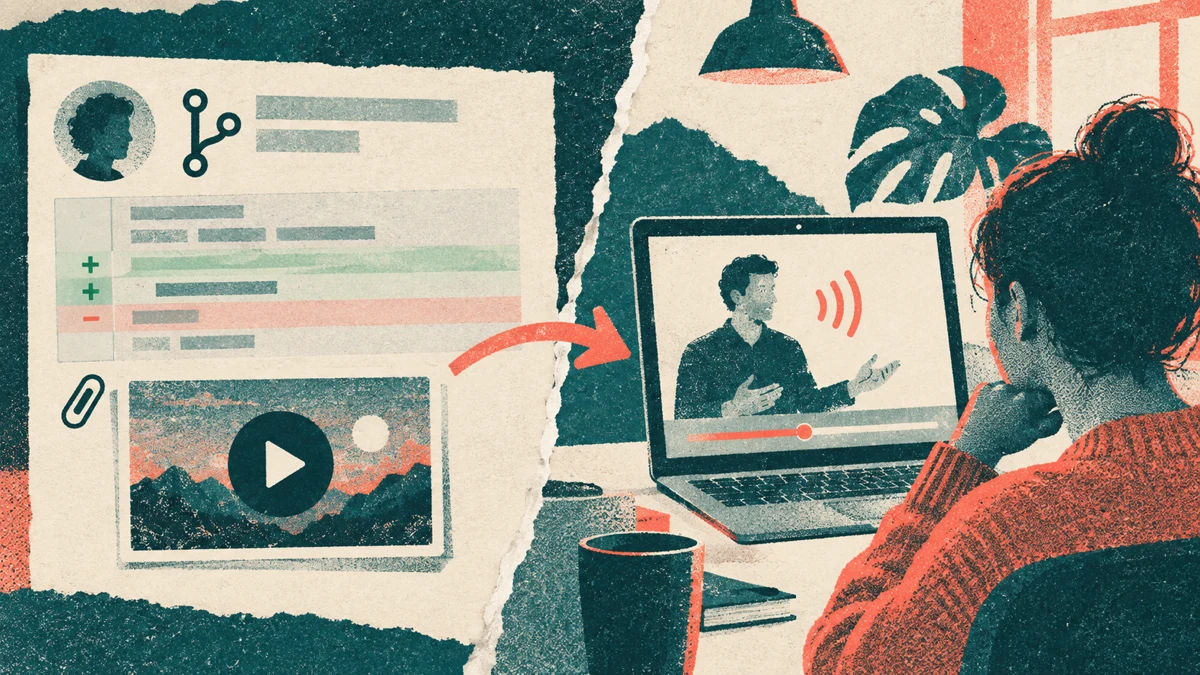
The gap between the two columns is the useful part. A proof video shows that the onboarding flow works. A viewer who has to learn the flow may still need an explanation of what each step is for, and an overlay label doesn't provide one. Our guide to video bug reports for dev teams covers the evidence side. The teaching side needs narration.
What to check before you rely on agent recordings
If your team is evaluating Warp's recordings, or any agent that records its own work, these are the questions the documentation lets you answer up front:
- Does your workflow fit in 10 minutes? Longer QA journeys will need to be split.
- Is the app reachable from the sandbox? Computer Use only runs in Warp's cloud environments, and desktop apps must be part of the environment configuration.
- Which harness do you use? Runs on Claude Code or Codex harnesses default to Computer Use disabled, because Warp says those harnesses don't integrate with its Computer Use tooling.
- Can you live with best-effort annotation? If the burn-in step fails you still get a video, without cuts or labels.
- What does the sandbox hold? Warp's security guidance recommends keeping sensitive data such as API keys and tokens out of Computer Use environments and requiring human confirmation for consequential actions. Our screen recording privacy checklist covers the same ground for human recordings.
Where Vorec fits
Vorec works on the teaching side of that table. It records your screen, with its own macOS recorder or from a recording you upload, and drafts narration matched to the workflow it captured, then generates the voiceover, so nothing is spoken into a microphone. In the editor you can add smooth cursor motion, cursor-follow zoom and click-based auto-zoom, and freeze-sync can hold a frame to give an explanation time to finish. The same capture can also produce a written step-by-step guide with annotatable screenshots.
Agents fit in here too, with a review step in the middle. Vorec's `record-tutorial` skill lets an AI agent in Claude Code or Codex plan a walkthrough and drive the Vorec recorder through the CLI on your Mac. The capture stays local for you to review before anything is uploaded and narrated. Our post on the Claude Code screen recording plugin walks through that workflow. Warp's recordings prove to a reviewer that the agent's work happened. Vorec turns a recorded workflow into an explanation for the people who will use it.
Plans are listed on the Vorec pricing page. Trial includes up to 3 projects; exports carry a watermark.
FAQ
What are Warp agent video recordings?
A Warp Computer Use feature in which a cloud agent records its own desktop session inside a sandbox. The video is post-processed and attached to the run, and to the pull request when the agent opens or updates one.
Do I have to ask the agent to record?
Not necessarily. Warp's documentation says prompts like "test this change" or "verify the fix works" naturally lead an agent with Computer Use enabled to start and stop a recording.
How long can a Warp agent recording be?
Warp documents a maximum of 10 minutes and 1 GiB per recording. When either limit is hit, the capture stops and is finalised automatically.
Does the recording show what the agent types?
The overlay doesn't repeat it: Warp labels typing as "typing…" to avoid leaking sensitive input. Text that appears in the app's own fields can still be visible in the captured screen, so keep secrets out of the sandbox. Keyboard shortcuts appear as labels, and clicks appear as ripples.
Does it work on Windows?
Warp's changelog entry for 7 October 2026 says computer-use agents on Windows cloud runners can now record video. Computer Use itself runs only in Warp's sandboxed cloud environments, not in local terminal sessions.
Can an agent recording replace a tutorial video?
They serve different viewers. A proof video shows a reviewer that something works, with dead time removed and actions labelled. A tutorial shows a person how and why to do it, usually with narration and input they can copy.
Want the recording to narrate itself? Record with Vorec, or upload one you already have, and get a narrated tutorial plus a written guide. Start free. 7-day trial, 100 credits, no credit card required. Trial includes up to 3 projects; exports carry a watermark.