Vorec vs Guidde 2026: Plans, Capture and Agent Access
Vorec Team · 2026-04-14 · About 4 min read
Vorec vs Guidde 2026: Plans, Capture and Agent Access Compared
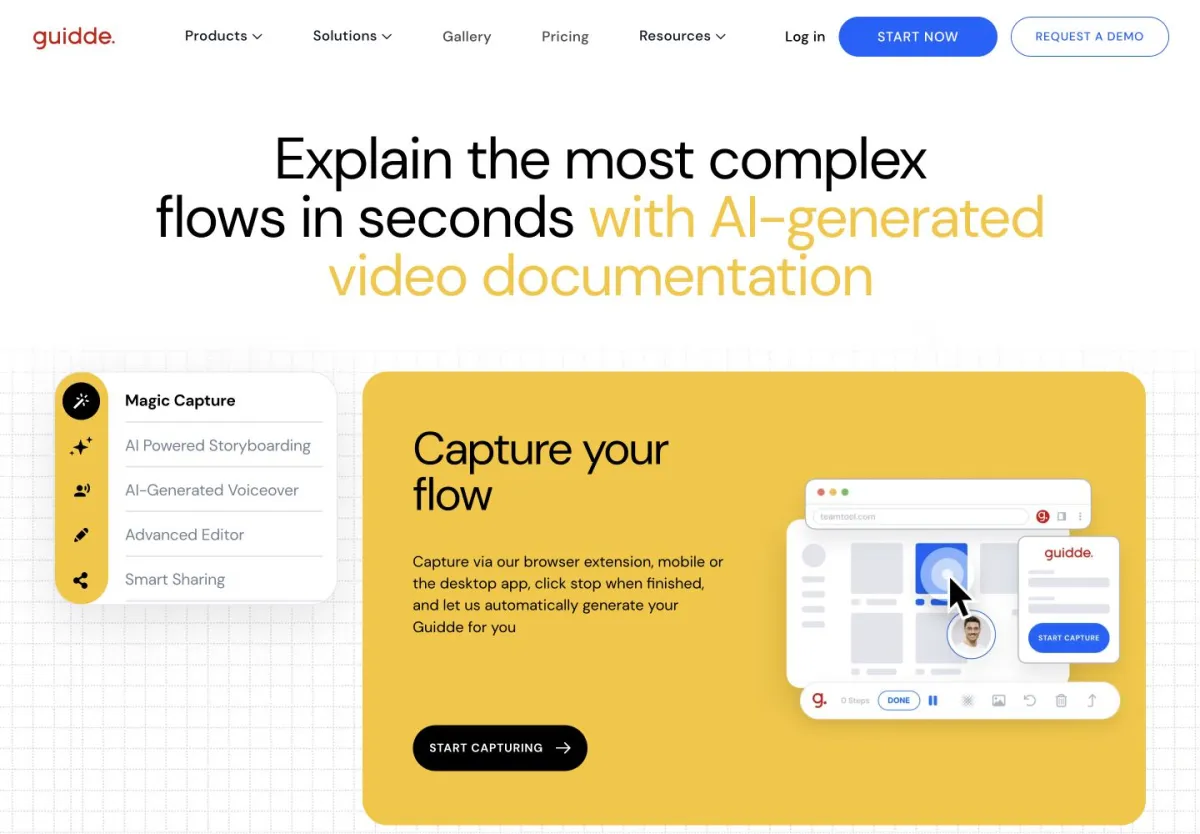
Guidde and Vorec both turn a captured workflow into a narrated video guide. They differ in how you capture, what each plan gates, and how an AI agent can work with them. Facts below come from each vendor's public pages and docs as captured on 15 October 2026; anything we could not verify is listed at the end.
Quick verdict
Pick Vorec if you want a macOS recorder (or a coding agent driving it), narration drafted from the workflow, freeze-sync and a written guide, from $9 a month.
Pick Guidde if you want a per-creator team tool with a web, desktop and mobile capture range on its Business plan, a Free plan for up to 25 videos, and Enterprise options such as SSO and an MCP library connector.
Side-by-side comparison
| Vorec | Guidde | |
|---|---|---|
| Capture | Own macOS recorder, or upload an existing recording; Claude Code and Codex can drive the recorder through the CLI | Free: web capture. Business: web, desktop and mobile sources; browser extensions listed |
| Importing existing media | Upload a recording | MP4, PPT and PDF import on Business and Enterprise |
| AI narration | Drafted from the captured workflow, then voiced | Recorded voiceover on all plans; AI text-to-voice from Business |
| Written output | Written step-by-step guide from the same capture | Video-to-article conversion on every plan |
| Downloads | Exports per plan (Starter 1080p, Pro and Business 4K) | MP4, GIF and PPT download is not on Free; starts on Pro |
| Agent access | CLI and Claude Code plugin drive the local recorder; you review the take before upload | Enterprise MCP add-on: search and read published guides only |
| Free option | 7-day trial, 100 credits, no credit card | Free plan: up to 25 how-to videos |
| Paid start | $9 a month Starter | $29 a month Pro per creator ($19 with annual billing) |
Vorec from our plan catalog (5 October 2026); Guidde from its pricing page and docs (15 October 2026). Dollar signs only; no checkout was run.
How each tool works
Guidde
You capture a workflow and Guidde turns it into AI-written steps and a narrated video. Its Free plan is web-only; Business adds desktop and mobile sources, PDF and PPT to video, and AI text-to-voice with 200+ voices. Video-to-article conversion is listed on every plan. Guidde's seven-day Business trial needs no card, but MP4 export requires a paid subscription.
Its MCP connector, an Enterprise add-on supported in Claude, lets an assistant search and read guides already published in your workspace. Guidde's documentation says it has no create, edit or publish path, so it is library retrieval, not automated recording.
Vorec
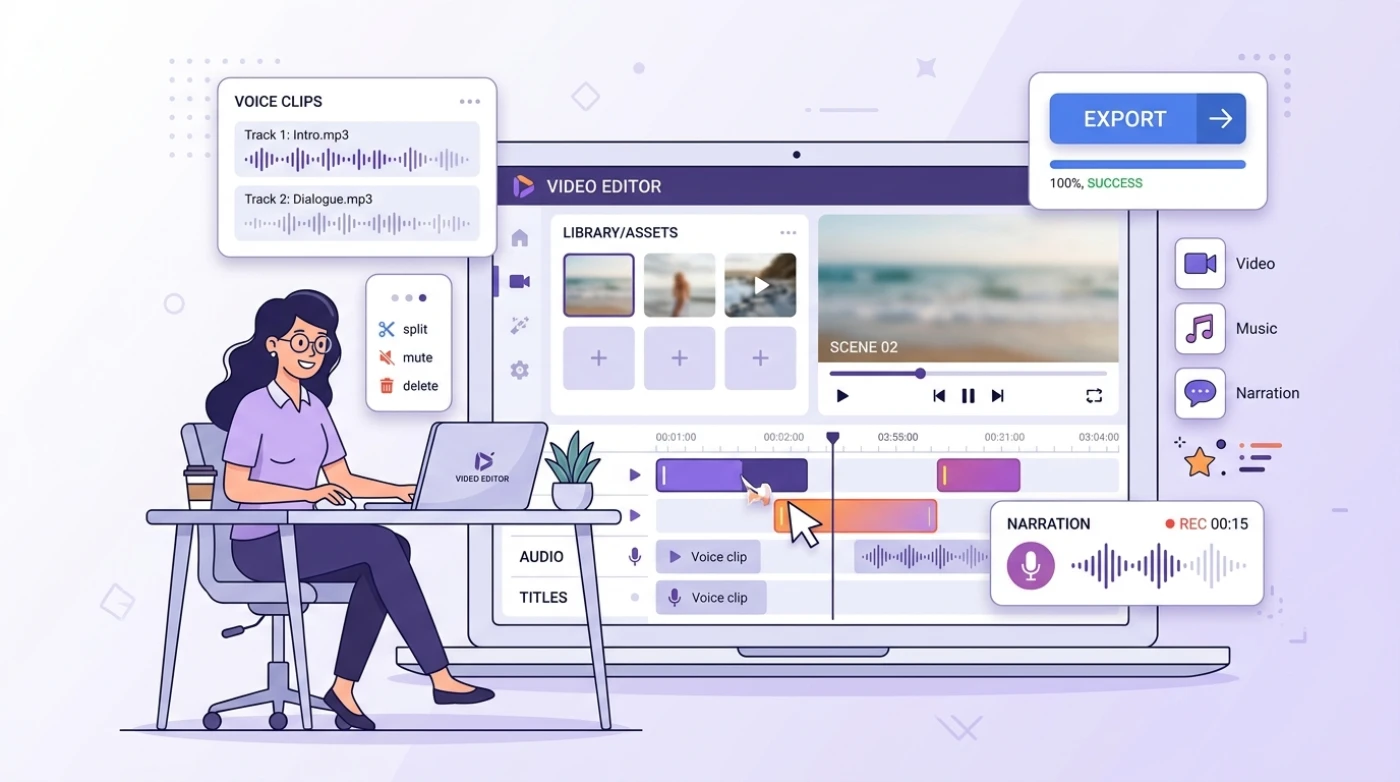
Vorec records with its own macOS app, or takes an uploaded recording. An AI coding agent can run the recorder through the CLI; the capture stays local until you approve the take, then Vorec drafts narration matched to what happened and voices it. Freeze-sync can hold a frame so an explanation finishes, and the same capture can produce a written guide with annotatable screenshots.
Pricing
Vorec (5 October 2026): trial of 100 credits for 7 days with no card; Starter $9, Pro $24, Business $59 a month ($86, $230, $566 a year). Credits are spent per action, so see Vorec pricing for what a tutorial costs.
Guidde (15 October 2026):
| Plan | Monthly | Per creator a month, annual billing | Notes |
|---|---|---|---|
| Free | $0 | $0 | Up to 25 how-to videos, web capture, link sharing |
| Pro | $29 | $19 | Unlimited how-to videos, watermark removal, brand kit, video, PPT and PDF exports |
| Business | $59 | $39 | Text-to-voice, desktop and mobile capture, up to five creators |
| Enterprise | Contact sales | Contact sales | SSO, premium voices, translation, content review |
Guidde bills per creator while viewers are free; Vorec bills by plan with a credit allowance, so a like-for-like cost depends on how many creators you have and how many tutorials you make.
When Guidde fits
- You want several teammates creating guides, billed per creator, with free viewers
- You need desktop or mobile capture, or PDF and PPT import, on a single team plan
- You want SSO, content review or the MCP library connector on Enterprise
When Vorec fits
- You want a macOS recorder with cursor motion, cursor-follow zoom and auto-zoom added in the editor
- You want an AI agent to capture the flow locally and you approve the take before anything uploads
- You want narration drafted from the workflow, and freeze-sync pacing
- You want a lower entry price: $9 a month, or a 7-day trial with no card
What we could not verify
- Guidde's currency code, recording and upload limits, export resolution and whether it has a public creation API or CLI. We make no claim that it lacks one.
- Whether Free plan users can download written guides.
- We did not test either tool on the same recording, so we make no claim about output quality.
Final call
Related reading: Vorec vs Clueso, Loom vs Guidde, Clueso vs Guidde and Guidde pricing.
Try Vorec: 7-day trial, 100 credits, no card. Record or upload one flow and hear the narration before you pay.