Product Marketing Videos for SaaS Teams (2026)
Vorec Team · 2026-11-06 · About 4 min read
Product marketing videos for SaaS teams are short screen recordings that show a new feature doing its job, and a launch usually needs several: changelog, launch email, in-app announcement and help centre. One way to make them is to record a short walkthrough of the feature, let the narration be drafted from what happened on screen, and reuse that capture for the video and the written guide.
Want the recording to narrate itself? Start your free trial, no credit card required (current allowances on the pricing page).
Why Vorec fits product marketing teams
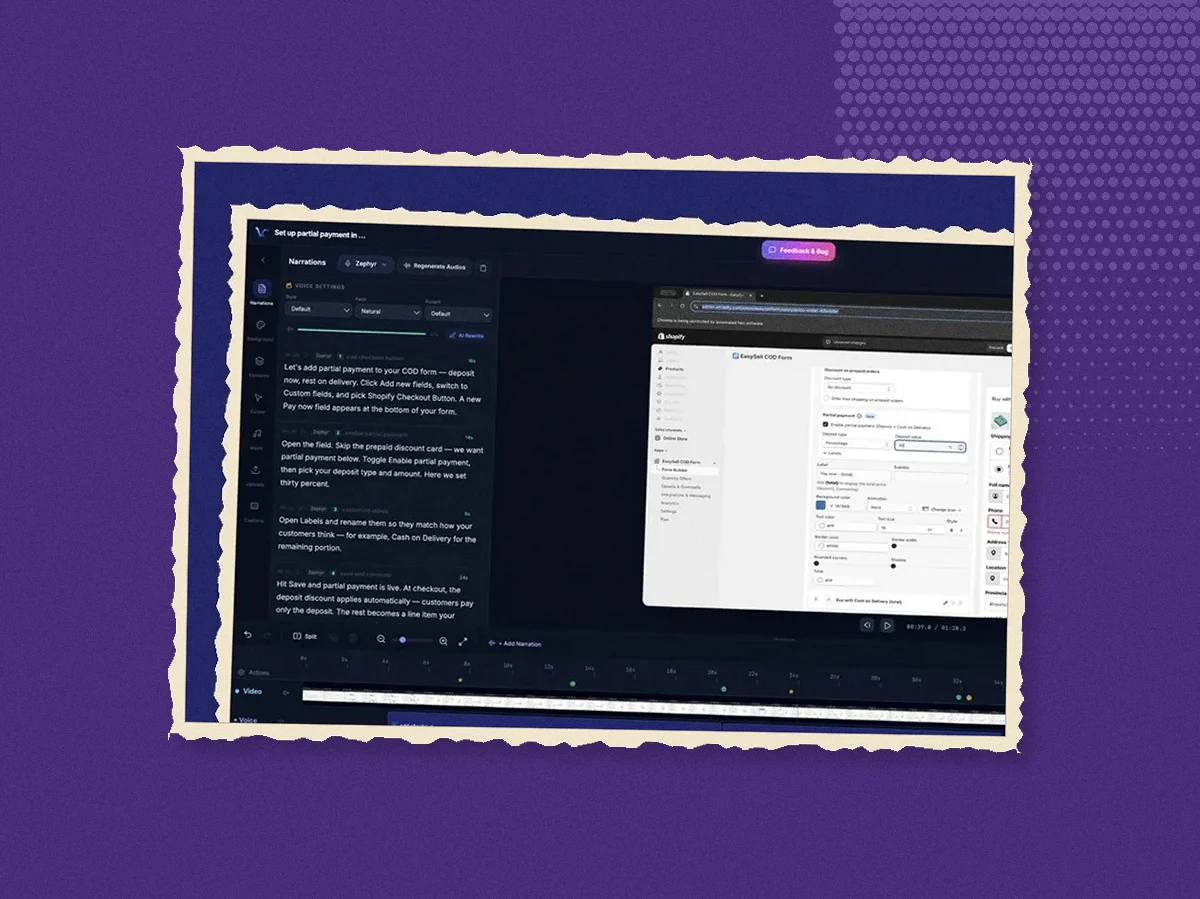
Vorec records your screen with its own macOS app, or takes a recording you already have, and drafts narration matched to the workflow it captured, then generates the voiceover. The script is drafted for you to edit, and a copy change means regenerating the voiceover rather than booking a voice session. In the editor you can add smooth cursor motion, cursor-follow zoom and click-based auto-zoom to make a small control, such as a new settings toggle, easier to see in a compact embed. The same capture can also produce a written step-by-step guide with annotatable screenshots for the help centre. When the launch goes to a second market, narration regenerates in supported languages on eligible plans without re-recording.
A launch workflow built around the recording
Take a SaaS team shipping scheduled exports: a report that emails itself every Monday. The launch needs a one-minute feature video for the changelog and the launch email, a shorter clip for the in-app announcement, a help-centre article, and a German version two weeks later.
- Record the feature on a real account, start to finish. Open the report, choose the schedule, pick the recipients, save, and show the confirmation. With Vorec's recorder the clicks are tracked while you work.
- Let the narration be drafted, then edit it for the launch message. The draft follows the actions on screen. Product marketing owns the first and last sentence: what the feature is for, and what to do next.
- Add zoom on the control that matters. The schedule picker is small; cursor-follow zoom or a click-based auto-zoom on it helps when the video is watched at a small size, such as an in-app or help-centre embed.
- Export the walkthrough, then record the short clip. Keep the one-minute walkthrough for the changelog and the email; for the in-app banner, record the single action as its own short take.
- Generate the help-centre article from the same capture. Choose the steps, annotate the screenshot where the time zone is set, and hand it to support before launch day.
- Regenerate the narration for the second market. On eligible plans the German version of the walkthrough comes from the same capture; only the narration changes.
What comes out: four deliverables from two short recordings, with the walkthrough and the help-centre article built from the same steps.
When the feature changes
Launch videos go stale as soon as the interface moves. Because the narration is drafted from the recording, updating one means recording the new flow, reviewing the drafted narration and regenerating the voiceover, not rewriting a script and rebooking a voice session.
Alternatives to Clueso for product marketing video
If you are evaluating Clueso, Vorec is one alternative for screen-walkthrough launch videos. Our Clueso vs Camtasia page holds the Clueso plan facts we captured, and SaaS marketing videos with AI covers the wider launch mix. We have not tested Clueso, so nothing here judges its output.
Pricing
Vorec has a free trial, no credit card required (current allowances on the pricing page). Paid plans are $9, $24 and $59 a month. Translation into supported languages is available on eligible plans; check the pricing page before promising a localised launch set.
Related reading
For the written side of a launch, see the release notes template. For longer videos, see product walkthrough videos and how to make a demo video.
Want the recording to narrate itself? Record with Vorec, or upload one you already have, to get a narrated walkthrough and generate a written guide from the same capture. Start your free trial, no credit card required (current allowances on the pricing page).