Clueso vs Camtasia for L&D Teams (2026 Comparison)
Vorec Team · 2026-09-12 · About 8 min read
Pick Clueso if nobody on your team edits video and you want a drafted script, AI narration and captions from a recording; pick Camtasia if someone will learn a timeline editor or you need quizzing and SCORM output for an LMS. On Clueso's pricing page (read 15 October 2026), Solo is $50 a month ($40 with annual billing) with 15 video minutes a month, and Business is $150 a month ($120 annual) for two users. Camtasia (US individual prices, checked 12 September 2026) runs from $39 a year for Starter with a watermarked editor, to $179.88 for watermark-free Essentials and $249 for Create, which adds generated voiceover. We did not time either tool.
Your L&D team needs twelve training videos by the end of the quarter, and nobody on it has ever opened a video editor. That single constraint — no editing expertise — decides this comparison before any feature list does.
Clueso and Camtasia both turn a screen recording into a finished training video. Their workflows and pricing models differ, so compare the plan that covers your actual editing and collaboration needs. Here is the honest breakdown.
The 30-Second Verdict
- Pick Clueso for an automated creation workflow. Solo starts at $40/month billed annually; Business starts at $120/month billed annually for two users.
- Pick Camtasia if someone will genuinely learn a timeline editor, or you need frame-level control. Budget from $179.88/year for Essentials for watermark-free editing; the $39 Starter plan includes a watermarked editor.
- Pick neither if you want the no-editing workflow without the workspace price tag — covered near the end.
The real question is not which is better. It is whether you are buying software or finished videos.
Why "No Editing Expertise" Changes Everything
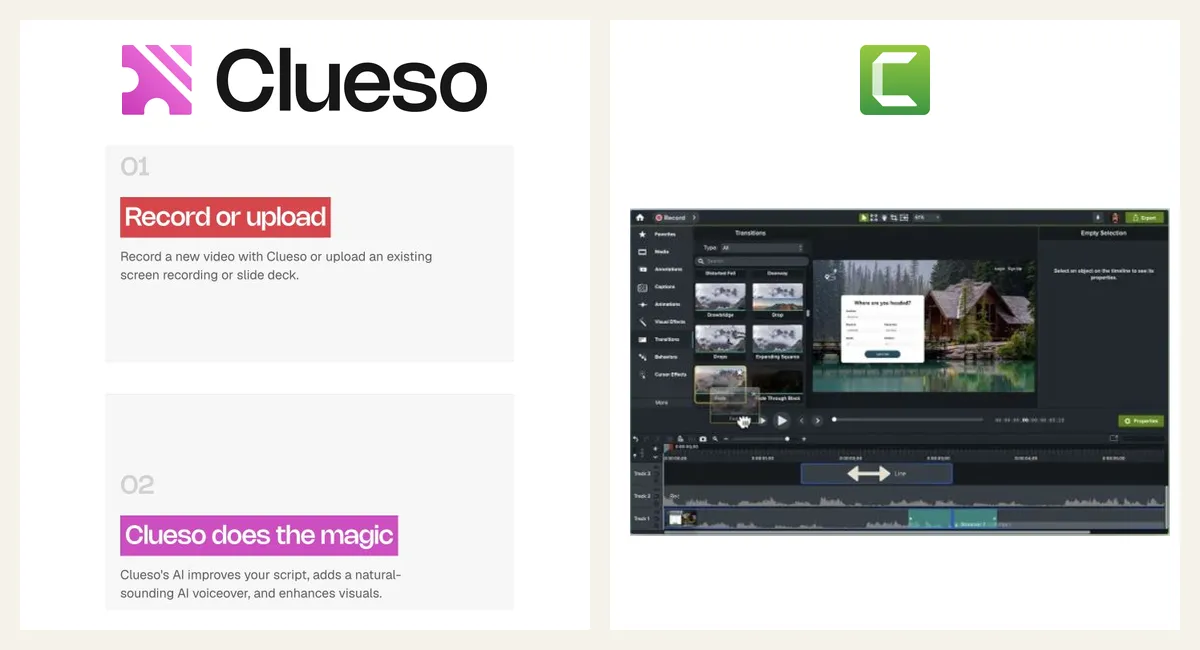
Camtasia is a video editor. A good one — it has been the standard for screen-based training since long before AI touched the category. It has a timeline, tracks, transitions, callouts, quizzing, and captioning. Every one of those is a control you operate.
Clueso is built around automation. You record with its browser extension or upload a video, and it drafts an editable script, AI narration and captions, with zoom, branding and music options (per its pricing and product pages, 15 October 2026). You review the result rather than construct it.
For a team with no editor, that difference matters. Camtasia gives you controls to operate on every video; Clueso aims to produce a first draft for you to review. We did not time either tool, so we do not claim a specific saving.
Pricing, Honestly
Prices checked 12 September (Camtasia) and 15 October 2026 (Clueso):
| Entry | Team / expanded plan | Higher tier | |
|---|---|---|---|
| Camtasia | $39/yr Starter (watermarked editor) | $179.88/yr Essentials · $249/yr Create | $599/yr Pro |
| Clueso | Free; Solo $50/mo, or $40/mo with annual billing | Business $150/mo, or $120/mo with annual billing, two users | Enterprise custom |
Clueso's displayed allowances are 15 video minutes a month for Solo (3 hours upfront on annual billing) and 30 minutes a month for the entry Business configuration (6 hours on annual). Additional editor seats and export capacity affect the package; it is not an unlimited-seat workspace. Annual quotas are available upfront, while unused monthly-plan minutes do not roll over. Clueso pricing.
Prices checked 12 September 2026. Camtasia figures are US individual annual prices; Starter includes a watermarked editor. Essentials and above provide watermark-free editing. Team and regional prices differ. TechSmith pricing.
For a five-person team, price the required seats and expected video duration before comparing totals. A universal cost multiplier would be misleading.
Head-to-Head
Time to first finished video
Camtasia: an afternoon, assuming the person is willing to learn. The interface is not hostile, but it is a full editor, and "is Camtasia hard to learn" is a question people genuinely ask before buying.
Clueso: a first draft after you record or upload; you review and edit the script. We did not time it.
Clueso removes more manual steps, so it likely suits a team without an editor better on this axis.
Polish without a human editor
Camtasia can produce beautiful output. It will not produce it by itself. Zoom-and-pan, cursor emphasis, and pacing are things you author.
Clueso lists zoom, branding and music as options applied for you. We did not compare rendered output.
Control and edge cases
When the AI zooms on the wrong element, or the narration stresses the wrong word, an automatic tool needs an escape hatch. A timeline editor never has that problem — everything is directly manipulable.
If your videos involve unusual UI, dense dashboards, or compliance-critical wording, that control matters more than the speed.
Camtasia wins.
Narration and language
Camtasia Create and Pro include generated voiceovers and AI script tools. Clueso also generates narration and supports translation. A microphone is optional in both workflows; compare script quality, voices and synchronization effort. Camtasia plan features, Clueso features.
Quizzing and LMS
Camtasia has interactive quizzing and SCORM-flavoured output that plugs into an LMS. If your training has to be tracked and scored, not just watched, this is a genuine differentiator that AI video tools generally do not replicate.
Camtasia wins, and for compliance training this can decide the whole comparison on its own.
Feature Matrix
| Clueso | Camtasia | |
|---|---|---|
| Works with no editing experience | Draft script and narration generated | Timeline editor to learn |
| Zoom and branding | Listed on all plans | Manual in the editor |
| AI narration | ✅ | ✅ Create / Pro |
| Frame-level timeline control | Not checked | ✅ |
| Quizzing / LMS tracking | Not listed on its plan matrix (15 Oct) | ✅ |
| Written documentation output | ✅ | Guide tools through bundled Snagit |
| Cost as team grows | Plan and additional seats | Per seat |
| Cost as output grows | Monthly output allowance by plan | Annual subscription |
| Paid entry price | Solo $50/mo ($40 with annual billing) | $39/yr Starter; watermarked editor |
So Which One For an L&D Team?
Choose Clueso if: nobody edits video, you produce steadily, localisation matters, and the budget is departmental rather than personal.
Choose Camtasia if: you need quizzing and LMS tracking, someone will own the tool properly, or the budget is a few hundred dollars rather than a few thousand.
Choose neither if the honest answer is "we want Clueso's workflow at Camtasia's price." That combination now exists, and pretending otherwise would make this comparison less useful than it should be.
The Third Option Most Comparisons Skip
Clueso packages automation with seat and export allowances. The underlying job, silent recording in, narrated video out, does not require that price tag.
Vorec does that job: record with its macOS recorder or upload a recording, and it drafts narration matched to the captured workflow and generates the voiceover. Freeze-sync can hold the frame while an explanation finishes. A written guide can be generated from the same capture, and narration can be regenerated in other languages (3 on Starter, all supported languages on Pro and Business).
Plans start at $9/month, with a free trial with no credit card required (current allowances on the pricing page) (trial exports carry a watermark). For an L&D team that wants finished videos rather than an editor to learn, compare its credit allowance against the length and number of tutorials you need.

Questions L&D teams ask
Which is cheaper for a two-person team, Clueso or Camtasia?
At the prices on this page, Clueso Business on annual billing is $1,440 a year for two users ($120 × 12) and includes 6 hours of video upfront. Two Camtasia Essentials licences at the US individual price come to $359.76 a year, with no output cap but manual editing; TechSmith's team prices differ, so get a team quote before comparing.
Which is better for polished training videos without video-editing skills, Clueso or Camtasia?
Clueso is designed for that case: it drafts the script, narration and captions from a recording and you review them. Camtasia gives you a full timeline editor, which suits someone who will learn it; its generated voiceover starts on the Create plan ($249 a year). We did not compare output quality.
We use Camtasia and want AI editing features. What does Clueso add?
Clueso lists AI script rewrite, AI narration, captions, translation and written step guides on all plans, and a Free plan with 1080p export. Camtasia lists AI script generation and voiceover on Create and Pro, plus transcript editing through Audiate on Essentials and up.
Is Clueso better than Camtasia for quick turnaround on product demos?
Clueso removes manual editing steps, but its plans cap output (Solo is 15 video minutes a month), so check that against your volume. Camtasia has no output cap but needs more hands-on editing time.
Do either of them support quizzes and LMS tracking?
Camtasia lists quizzing and SCORM output (Essentials and up). We did not find those on Clueso's plan matrix, which is not proof it lacks them.
Bottom Line
Camtasia is a professional editor that assumes you will become one. Clueso emphasizes automation, with plans for individuals and teams. Both are legitimate; they answer different questions.
If your constraint is "training videos without video editing expertise," an AI-drafted workflow removes more manual steps than a timeline editor does; the remaining decision is price, allowances and whether you need Camtasia's quizzing and SCORM.
Worth also reading: our Clueso alternatives roundup and the Camtasia alternative guide if you have already ruled one of these out.
Related reading: Clueso Pricing 2026.
See also: Camtasia Alternatives (2026): 7 Tools Compared on Price and Editing.
See also: Clueso vs Descript (2026): AI-Drafted Edits or Transcript Editing?.
Want the no-editing workflow without the workspace price? Record with Vorec, or upload one you already have, and get a narrated training video plus a written guide. Start your free trial, no card needed.