Release Notes Template: 5 Copy-Paste Formats (2026)
Vorec Team · 2026-09-30 · About 8 min read
You shipped the feature. Then a customer opens a ticket asking where the old button went, a salesperson learns about the change from a prospect, and support finds out from the ticket queue. The release went fine. The release notes didn't happen, or they said "Various improvements and bug fixes."
A release notes template fixes the blank-page problem. It decides the structure once, so each release only needs the facts. Below are five templates for five situations where release notes get written, a checklist for writing a single entry, and a note on when a short video explains a change better than text.
Checked on 30 September 2026. Where a template follows a published convention or a tool's documented feature, it links to the primary source.
What release notes are (and what they aren't)
Release notes tell a specific audience what changed in a specific version and what, if anything, they need to do about it. Three things separate them from neighbouring documents:
| Document | Question it answers | Time-bound? |
|---|---|---|
| Release notes | What changed in this version, and what should I do? | Yes — one release |
| Changelog | What has changed across every version? | No — running history |
| User guide / help article | How do I do this task? | No — stays current |
Some teams publish the changelog and the release notes on the same page. That's fine, as long as each entry is still written for its reader. When a change alters how people do a task, the matching help article needs updating too; our knowledge base article template covers that side.
What every release note should include
Whatever the format, a useful entry has the same parts:
- Version and date. Use an unambiguous date. The Keep a Changelog convention recommends ISO 8601 (`2026-09-29`) because it avoids regional ambiguity.
- A one-line summary. What is the headline of this release, in the reader's language?
- Grouped changes. Put the same kind of change together — new, changed, fixed, removed — so readers can skip to what matters to them.
- Impact and action. Does anyone need to do something? Re-authenticate, update an integration, retrain a team?
- Where to learn more. A link to the help article, docs page or walkthrough for anything non-trivial.
Don't skip the fourth item. "We changed the export dialog" is news. "Exports now default to MP4; if your team relies on the old default, change it under Settings → Export" is a release note.
Template 1: Customer-facing SaaS release notes
Use this for your public "What's new" page or in-app announcement. Write for someone who uses the product, not someone who built it.
Writing tips:
- Describe fixes by the symptom the user saw ("Exports no longer stall at 99%"), not by the internal cause.
- Leave internal refactors out. If a reader couldn't notice it, it doesn't belong here.
- Delete empty sections rather than writing "None".
Template 2: Changelog (Keep a Changelog style)
Use this for a running `CHANGELOG.md` in a repository or a developer-facing changelog page. It follows Keep a Changelog 1.1.0, which groups changes into six types — Added, Changed, Deprecated, Removed, Fixed and Security — and recommends an Unreleased section at the top to collect upcoming changes.
The spec's guiding principles include "Changelogs are for humans, not machines", latest version first, and one entry for every version. It also asks you to state whether you follow Semantic Versioning, which is why this template's header includes a line about it. Keep that sentence only if your project actually follows Semantic Versioning; otherwise replace it with your own versioning policy. Remove empty headings before publishing.
Template 3: Internal deployment release notes
Use this for ops, QA, support and on-call teams who need to know what went to production and how to roll it back. This one is allowed to be technical.
The support notes section earns its place. It's the part that stops the ticket queue from discovering the release before the support team does.
Template 4: Sprint or agile release notes
Use this when a team releases at the end of each sprint and stakeholders want a digest. It works with whatever tracker you use: list the tickets you closed, then rewrite them for the reader.
Keep the "not shipped" list. It answers "where did that item go?" before anyone has to ask.
Template 5: GitHub automatically generated release notes
If you publish releases on GitHub, you may not need to write the list by hand. GitHub's automatically generated release notes include a list of merged pull requests, a list of contributors and a link to a full changelog. You click Generate release notes above the description field when drafting a release.
You can shape the output by adding a `.github/release.yml` file. Categories are matched on pull request labels, and you can exclude labels or authors (bots, for example):
Per GitHub's docs, each category needs a `title` and `labels`, and `"*"` acts as a catch-all for pull requests that didn't match an earlier category.
Our view: generated notes are a good raw list for developers. A list of pull request titles isn't customer release notes, though. Use Template 1 on top of it for anything customers will read.
How to write one release note entry
A repeatable process for each entry:
- Start from the change, not the ticket. Open the feature and use it the way a customer would.
- Name the reader. Admin, end user, developer, internal team? One entry can have one reader.
- Write the "now you can" sentence. "You can now export several projects at once." If you can't write this sentence, the change may not need a customer-facing note.
- Add the location. Where does the reader find it? Menu path, screen name or setting.
- State the action, if any. What must they do, and by when?
- Link the how-to. For anything with more than one step, link the help article or a walkthrough.
- Cut the internal words. Ticket jargon, component names and "refactored" don't help a customer.
| Before | After |
|---|---|
| Fixed race condition in export worker | Exports no longer occasionally fail when two exports start at once |
| Added bulk export endpoint | You can now export up to [N] projects at once from the Projects page |
| UI refresh of settings | Settings are now grouped into Account, Team and Billing tabs |
Release notes format: Word, Google Docs, Confluence or Markdown?
The template matters more than the file type. A few practical notes:
- Word or Google Docs suit releases that go through approval before publishing, or that are sent to customers as documents. Paste Template 1 or 4 and save it as your team template.
- Wiki pages such as Confluence or Notion suit internal notes (Template 3), because they sit next to the rest of your runbooks.
- Markdown in the repo suits changelogs (Template 2) and anything generated from pull requests (Template 5).
- A public "What's new" page suits customer notes. Keep it on your own domain so the entries can be linked from help articles and support replies.
When a release note needs a video
Text handles most entries. It struggles when a change moves something on screen. "The export options moved into a new panel on the right" is accurate, and a user still has to go hunting.
For changes like that, a short walkthrough next to the written note can save the reader the hunt: open the screen, show where the thing is now, do the task once. Good candidates are:
- A redesigned screen or moved navigation
- A new multi-step workflow
- A change that requires users to do something (reconnect, re-authorise, reconfigure)
- The single headline feature of a release
Poor candidates are one-line fixes and invisible changes; text is enough for those.
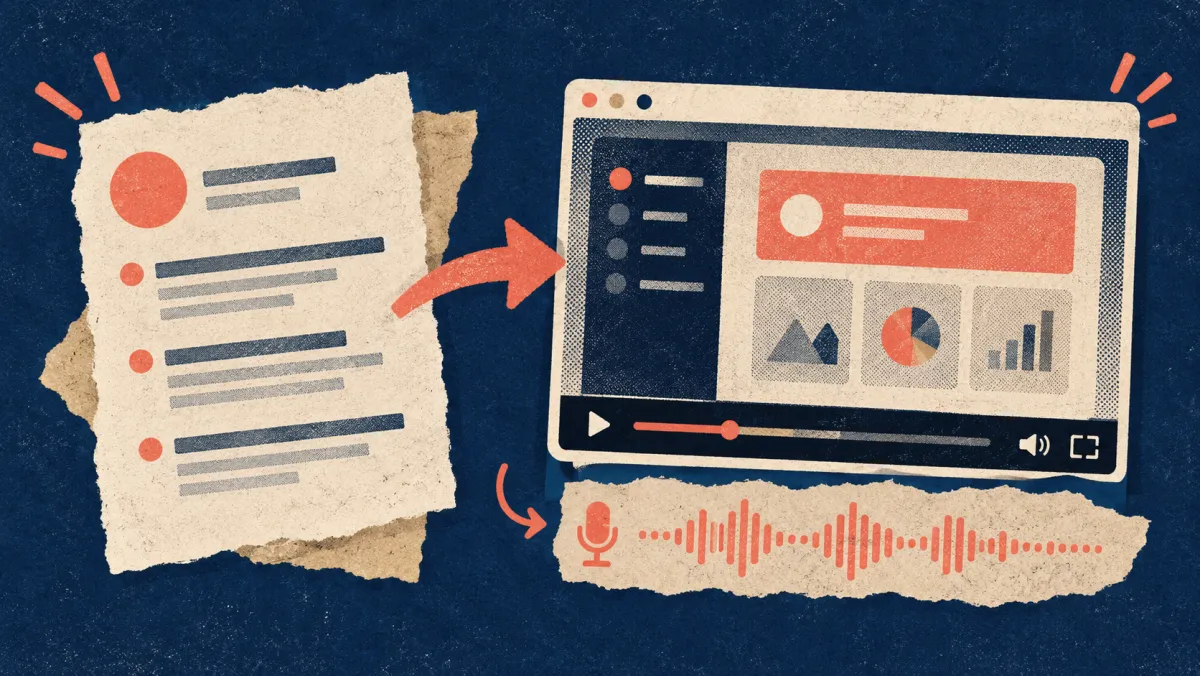
Creating a clip for each release takes time: recording, scripting and voicing it is work, and it has to be redone when the UI changes again. That's the part Vorec is built to shorten. Vorec records your screen — it has its own macOS recorder, and an AI agent can drive it for you through the Claude Code plugin, capturing locally for you to review before anything is uploaded. It then drafts narration matched to the workflow it captured and generates the voiceover, so nothing is spoken into a microphone. The same capture can also produce a written step-by-step guide for your help center. You can upload an existing recording instead if you already have one.
For the recording side, see how to add narration to a screen recording. For turning the same capture into documentation, see turning a screen recording into a help article.
Release notes checklist
Before you publish:
- [ ] Version number and ISO date
- [ ] One-line summary a customer would understand
- [ ] Changes grouped by type
- [ ] Each fix described by the symptom, not the cause
- [ ] "Action needed" present if anything breaks or changes for the reader
- [ ] Links to help articles or a walkthrough for multi-step changes
- [ ] Internal jargon and ticket IDs removed from the customer version
- [ ] Support team briefed before the notes go live
- [ ] Help articles affected by the change updated
FAQ
What should a release notes template include?
Version and date, a one-line summary, changes grouped by type (new, improved, fixed, removed), any action the reader must take, and links to how-to content. Internal notes add risk, verification and rollback sections.
What is the difference between release notes and a changelog?
Release notes describe one version for a particular audience and often explain impact. A changelog is the running history of all versions. Some teams publish both on one page.
Can GitHub write release notes for me?
GitHub can generate a list of merged pull requests, contributors and a full-changelog link for a release, and you can group the list with a `.github/release.yml` file. The result is a developer-facing list; customer-facing notes usually need rewriting.
How long should release notes be?
As long as the changes that matter to the reader, and no longer. Leave out changes the reader can't notice.
Want your release notes to show the change, not just describe it? Record with Vorec, or upload a recording you already have, and get a narrated walkthrough plus a written guide from the same capture. Start free — 7-day trial, 100 credits, no credit card required. Trial includes up to 3 projects; exports carry a watermark. Paid plans start at $9/month.