WebMCP Explained: How Websites Hand Agents Tools (2026)
Vorec Team · 2026-10-10 · About 9 min read
An AI agent using a website today mostly works the way a new user does: it looks at the page, guesses what a button is for, clicks, and checks what happened. Chrome's documentation calls this actuation, and every step of it is open to interpretation. WebMCP is a proposal to let the website say what its controls are for, in a form an agent can call directly.
This guide covers what WebMCP is, the two APIs, where it is available, the security guidance Google publishes alongside it, and what it changes for teams that record product demos and tutorials.
Checked against Chrome's WebMCP documentation and the WebMCP explainer on 10 October 2026. WebMCP is in an origin trial and its documentation says the API is "subject to change", so treat the details below as a snapshot.
What Is WebMCP?
Chrome's WebMCP overview (published 18 May 2026, last updated 7 October 2026) describes it as "a proposed web standard to help you build and expose structured tools for AI agents." A page provides JavaScript tools, or annotates HTML forms, so an agent knows how to interact with page features.
The explainer on GitHub, hosted in the webmachinelearning GitHub organization, frames the motivation in terms of backend integrations. Tools offered through the Model Context Protocol or OpenAPI connect an AI platform straight to a service's servers, which bypasses the site's own interface and forces developers to replicate the user's state and authentication on a separate server. WebMCP instead puts the tools in the page's own script, so the page that already holds the user's session performs the action and keeps its visible UI in sync.
The overview lists three things WebMCP supports:
| Capability | What the docs say it gives an agent |
|---|---|
| Discovery | A standard way for pages to register tools, such as `checkout` or `filter_results` |
| JSON Schemas | Explicit definitions of inputs and expected outputs |
| State | A shared understanding of the current page context |
The Two APIs
Imperative API: tools in JavaScript
The Imperative API registers tools with `document.modelContext.registerTool()`. Each tool needs a name, a description and an input schema, plus an `execute` function that does the work. Chrome's own example registers a `toggle_layer` tool for a pizza-builder demo, with an enum restricting the layer to sauce or cheese and the action to add, remove or toggle.
A tool can be removed again by passing an `AbortSignal` when registering it, so a page can offer a tool only while it makes sense in the current state. Typings are available in the `webmcp-types` npm package.
Declarative API: annotate a form
The Declarative API turns an existing HTML form into a tool with two attributes on the `<form>` element: `toolname` and `tooldescription`. The fields become parameters. An optional `toolparamdescription` attribute describes a field; without it, the browser falls back to the field's `<label>`, then to `aria-description`.
What happens on invocation is the part that matters for anyone thinking about visibility. Per the docs, "the browser brings the form into focus and populates its field. The form remains visible to the user." By default the user still clicks Submit. A site can add `toolautosubmit` to let the agent submit, and the resulting `SubmitEvent` carries an `agentInvoked` boolean so the page can tell agent submissions apart from human ones.

Where You Can Use It Today
| Route | Detail | Source |
|---|---|---|
| Origin trial | Chrome 149 to 162 (extended from 156) on desktop, Android and WebView | Chrome Status, trial announcement (9 June 2026) |
| Local development | `chrome://flags/#enable-webmcp-testing`, then relaunch | WebMCP overview |
| Debugging | Chrome DevTools can inspect tools and validate how the browser parses the schema | WebMCP overview |
Chrome Status lists the feature's overall status as "Proposed". An origin trial is, in the announcement's words, a time-limited program "that offer[s] early access to experimental platform features". It is not a shipped, stable API.
For other browsers and agents, the explainer links an implementation-status page rather than making claims in the README, so check that page before assuming support anywhere other than Chrome.
The Limitations Google Lists
The overview is unusually direct about what WebMCP is not:
- Headless browsing. The API "is primarily designed for local browser workflows with a human in the loop", even if running tools headless may be possible.
- Overhead for complex interfaces. Highly complex sites likely need refactoring or extra JavaScript to handle application and interface state.
- Tool discoverability. Agents "must visit a site directly to know if it has callable tools."
Both APIs are gated by a `tools` Permissions Policy that defaults to `self`: tool registration works in top-level and same-origin contexts and is disabled in cross-origin iframes unless the iframe carries `allow="tools"`.
Security: The Annotations and the Warnings
Chrome's tool security guide (last updated 1 September 2026) opens with a plain statement: "it's impossible to guarantee safety inside of a large language model." Its guidance centres on three annotation hints, documented in the Imperative API page:
| Hint | Meaning |
|---|---|
| `readOnlyHint` | The tool only reads; it does not change state |
| `untrustedContentHint` | The output contains user-generated or external data that needs heightened scrutiny |
| `consequentialHint` | The tool performs a significant or non-reversible action, so an agent or browser can ask the user to confirm first |
A fourth, `debugging`, is documented as available from Chrome 156 for tools meant for developer tooling rather than end users.
Two more points from the security guide are worth knowing before you build:
- By default other websites and cross-origin iframes cannot observe or call your tools. The `exposedTo` option on `registerTool` opens a tool to a named list of origins, and the guide says to use it only for origins you trust.
- Chrome extensions with the right permissions can query and execute WebMCP tools through content scripts. The guide notes those extensions could already manipulate the page without WebMCP.
The guide also recommends character budgets: 500 characters per tool description, 150 per parameter description, 30 per tool or parameter name, and 1.5K per tool output. Google labels these as recommendations that may change.
What WebMCP Means for Product Demos and Tutorials
This section is our reading, not something Google's documentation says.
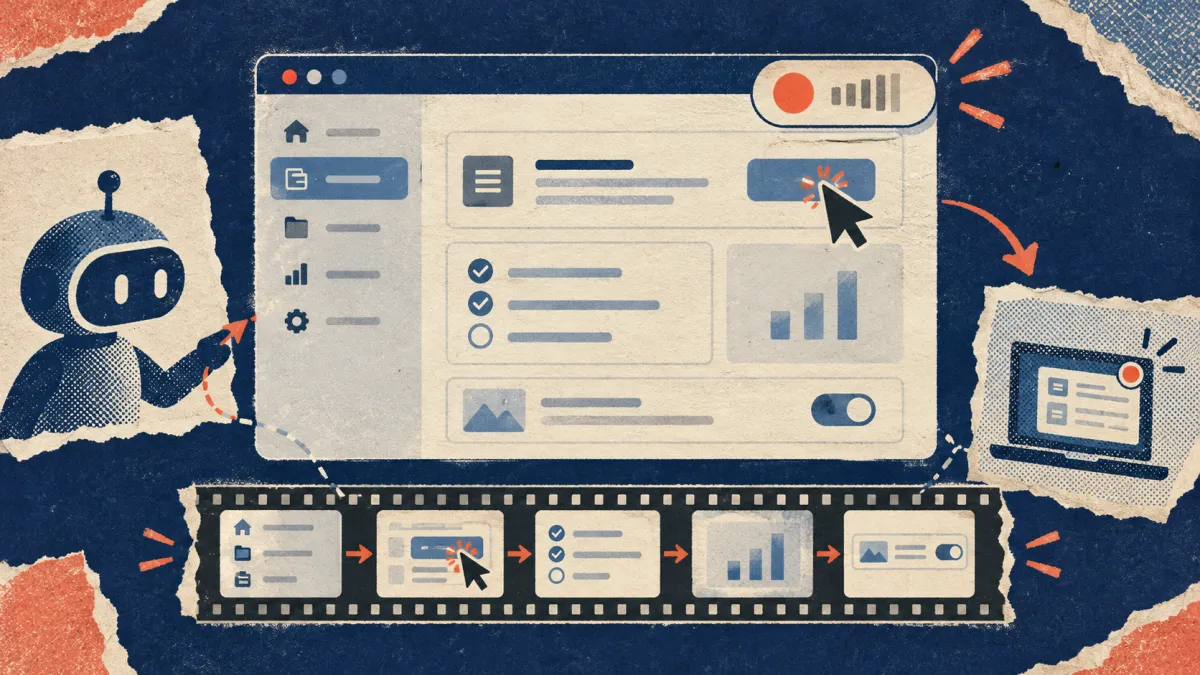
Agent-recorded demos. Some teams now ask a coding agent to drive their app and record a walkthrough. Today that agent clicks through the real interface by selector, which is exactly the actuation WebMCP is meant to reduce. If your app adopts WebMCP, an agent could fill a long form through one tool call instead of a dozen field-by-field clicks, which should mean fewer failed takes. The trade-off is that a viewer of the recording learns from watching the steps happen. With the Declarative API the form is still visibly filled and the human still presses Submit by default, so the recording keeps a visible step. An imperative tool that changes state in one call may leave nothing on screen to explain.
Documenting agent-ready features. Once a product exposes tools, two audiences need to understand them: users who will watch an agent operate the app, and developers who will write the tools. Both are walkthrough problems. A short recorded demo of an agent invoking a `consequentialHint` tool, and of how your target agent or browser handles it, explains the safety model faster than a paragraph does. The hint allows a client to request confirmation; the docs do not promise that every implementation shows a prompt.
Tool descriptions are a writing task. Google's best practices read like a style guide: one function per tool, verbs that distinguish `create-event` from `start-event-creation-process`, positive descriptions instead of "don't use this for…", and accepting raw user input like "11:00 to 15:00" rather than asking the model to do arithmetic. Whoever writes your help docs is well placed to review tool names and descriptions.
How to Try It in an Afternoon
- Enable `chrome://flags/#enable-webmcp-testing` in Chrome and relaunch.
- Pick one form on a staging site, such as a support request, and add `toolname` and `tooldescription`.
- Add `toolparamdescription` to any field whose label is ambiguous.
- Install Google's Model Context Tool Inspector extension, linked from the overview, to call the tool with a natural-language prompt. It needs a Gemini API key.
- Check the result in DevTools, then decide whether the form should stay manual-submit or use `toolautosubmit`.
- If you want the feature on production for real users, register for the origin trial and keep in mind that it is time-limited: Chrome Status currently lists it through Chrome 162.
Where Vorec Fits
Vorec records your screen — it has its own macOS recorder, and an AI agent can drive it for you through the Claude Code plugin, capturing locally for you to review before anything is uploaded. It then drafts narration matched to the workflow it captured and generates the voiceover, so nothing is spoken into a microphone. In the editor you can add smooth cursor motion, cursor-follow zoom and click-based auto-zoom, and freeze-sync can hold a frame to give an explanation time to finish. The same capture can also produce a written step-by-step guide, with annotatable screenshots, and narration regenerates in supported languages on eligible plans, without re-recording. You can upload an existing recording instead if you already have one.
Vorec's agent recording drives your app through its own action steps; it does not call WebMCP tools. If you are rolling out agent-ready features, it is a way to record the demo of them.
Paid plans start at $9/month or $86/year. The 7-day trial needs no credit card and includes 100 credits. Trial includes up to 3 projects; exports carry a watermark.
Related reading: Chrome DevTools MCP, Playwright MCP, computer use agents explained and our guide to recording app demos with Codex.
FAQ
Is WebMCP the same as MCP?
No. The explainer describes MCP and OpenAPI tools as backend integrations between an AI platform and a service's servers. WebMCP tools live in the web page's own script and run in the user's browser session.
Which browsers support WebMCP?
Chrome runs an origin trial from Chrome 149, which Chrome Status lists as extended through Chrome 162, and offers a local testing flag. The explainer keeps an implementation-status page for other browsers and agents; check it rather than assuming support.
Do I need to rewrite my site?
Not necessarily. The Declarative API works on existing HTML forms with added attributes. Google notes that highly complex interfaces may need refactoring or extra JavaScript to manage state.
Can an agent submit a form without the user?
Only if the site opts in. By default the user clicks Submit; `toolautosubmit` lets the agent's call submit the form. For high-stakes actions the docs recommend `consequentialHint` so an agent or browser can request confirmation.
Is WebMCP stable?
No. Chrome Status lists it as "Proposed", and the documentation says it is under active discussion and subject to change.
Want the recording to narrate itself? Record with Vorec, or upload one you already have, and get a narrated tutorial plus a written guide. Start your 7-day trial.