MAI-Voice-2.1: One Voice in 23 Languages (2026)
Vorec Team · 2026-10-16 · About 7 min read
If your localisation workflow uses a different voice for each language, you know the problem. The English version has a voice your viewers recognise. The German and Japanese versions sound like someone else, and the series no longer sounds like one product.
On 1 October 2026 Microsoft AI announced MAI-Voice-2.1, a text-to-speech model whose headline feature targets exactly that. Microsoft says one voice can speak all 23 supported languages "with a truly native accent", and that the speaker "stays unmistakably the same" when switching languages. It shipped alongside a faster, cheaper MAI-Voice-2.1-Flash and a real-time transcription model, MAI-Transcribe-2-Streaming.
This post sets out what Microsoft announced (prices, limits, availability) and then what it means for people who narrate software tutorials and product walkthroughs. Performance figures are Microsoft's own claims, and we label them that way. We have not tested the models.
Checked on 16 October 2026. Source: the Microsoft AI announcement Our first streaming transcription model debuts at no. 1 on Artificial Analysis, dated 1 October 2026. Prices are described there as introductory or current, so confirm them before you budget.
What Microsoft released
| Model | What it does | Price (per Microsoft) |
|---|---|---|
| MAI-Voice-2.1 | Multilingual text-to-speech: 23 languages and 26 locales, one voice across all of them | $22 per 1M characters |
| MAI-Voice-2.1-Flash | Same languages and cross-language voices, tuned for high-volume, low-latency use | $15 per 1M characters |
| MAI-Transcribe-2-Streaming | Real-time speech-to-text in 60 languages with automatic, continuous language detection | $0.54 per hour of audio, introductory, "through the end of the year" |
Other points from the announcement:
- Voice cloning. Both voice models "support cloning across all supported languages, using just a few seconds of reference audio". Microsoft says they have "built-in consent guardrails that prevent misuse". The post doesn't describe how those guardrails work.
- Flash speed. Microsoft says Flash "can generate 45s of audio" with 150 ms end-to-end latency, and that it delivers "55% faster model inference" and is "~60% cheaper than comparable models". The post doesn't name the comparison models.
- Streaming partials. The transcription model produces its first partial transcript in "just over 100ms" and revises it as more audio arrives. Microsoft says its internal evaluations show words appearing "2x faster than with our closest competitor" for dictation and subtitling.
- Ranking. Microsoft says MAI-Transcribe-2-Streaming ranks first for accuracy on Artificial Analysis for both final and partial transcripts. That is Microsoft's report of a third-party leaderboard at publication time. Leaderboards change.
Where you can use them
Per the announcement:
- All three models: Microsoft Foundry, MAI Playground, Vercel and Azure Voice Live; LiveKit is listed as "coming soon".
- The two voice models: also on OpenRouter.
Microsoft also built a demo called Chatter in the MAI Playground that shows the models working together as a live voice agent.
These are developer-facing models: you call them through an API or a platform, not through a finished video editor. Whether a given video or tutorial tool uses them is up to that tool's vendor.
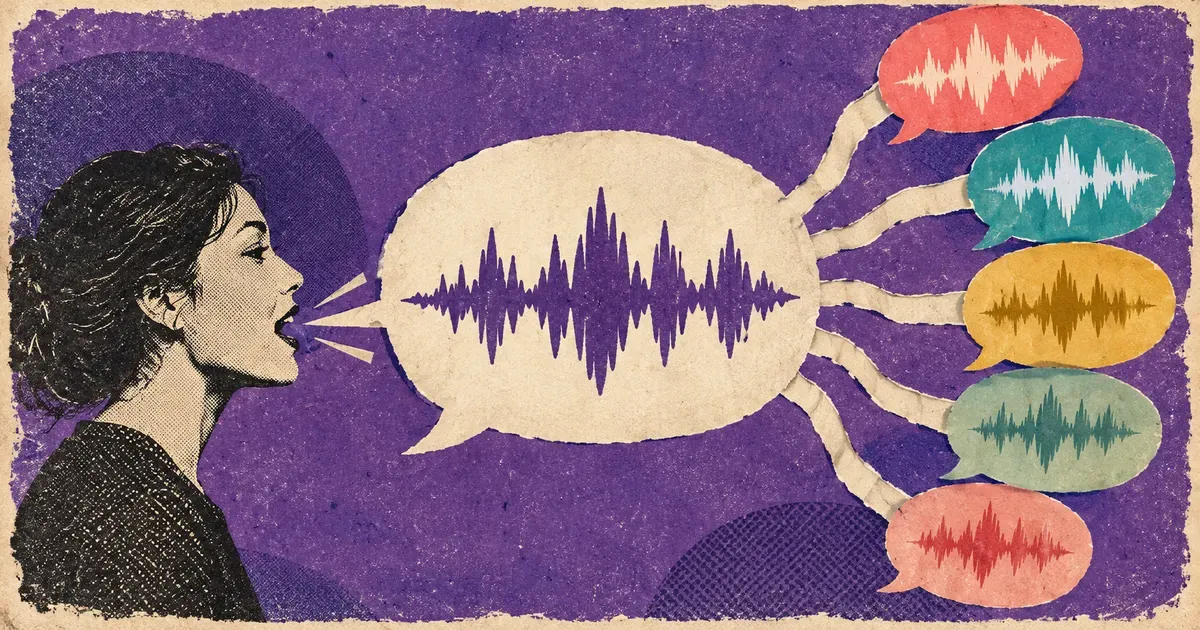
Why one voice across languages matters for tutorials
Microsoft pitches the models mainly at conversational voice agents. Its examples include customer-service agents and multilingual assistants, and it lists "narration" among the uses for interactive learning and media. What follows is our reading of what that means for people who make tutorials.
Consistency can be a real localisation cost. Translating a script is often the easier part. Keeping one recognisable narrator across languages can take extra work and extra QA, depending on the voices your tool offers. A model built to keep one speaker across languages is aimed directly at that, on Microsoft's description. Whether the accent sounds native in your target languages is something to test with native listeners. Don't take it from a launch post.
Characters are the unit that matters. Both voice models are priced per million characters. Tutorial scripts are short, so for a single walkthrough the per-character TTS cost is likely to be a small line item compared with the time spent writing, checking and re-recording. To estimate your own cost, count the characters in your scripts across all target languages and multiply by the published rate.
Cloning raises the bar for consent. Cloning from "a few seconds of reference audio" makes it easy to give a brand one voice. It also means you should get documented consent from whoever's voice is cloned, check the provider's terms and any rules that apply where you work, and set a clear policy for what the voice can say. Our AI voice cloning guide covers the practical questions.
Streaming transcription's speed matters most live. Its latency advantage counts most when text has to appear while someone is talking, as in live subtitles or voice agents. For a recorded tutorial, accuracy and correct timing usually matter more than the first 100 ms.
How to evaluate a multilingual TTS model for tutorials
Whichever model you test, MAI-Voice-2.1 or another, use the same checklist:
- Use your own script. Pick a real tutorial script with product names, UI labels and keyboard shortcuts. Generic sample sentences hide the hard cases.
- Test every target language. Have a native speaker rate each one for accent, pronunciation of the product name and pacing.
- Check it fits the video. Narration has to fit the action on screen. A voice that runs longer in German than in English can push explanations past the click they describe.
- Regenerate one changed line. Tutorials change when the UI changes. Check you can regenerate a single sentence and have it sound like the rest.
- Read the licence and the consent terms. That matters most for cloned voices.
- Price the whole series. Count characters across all languages and all revisions, not just one video.
Where Vorec fits
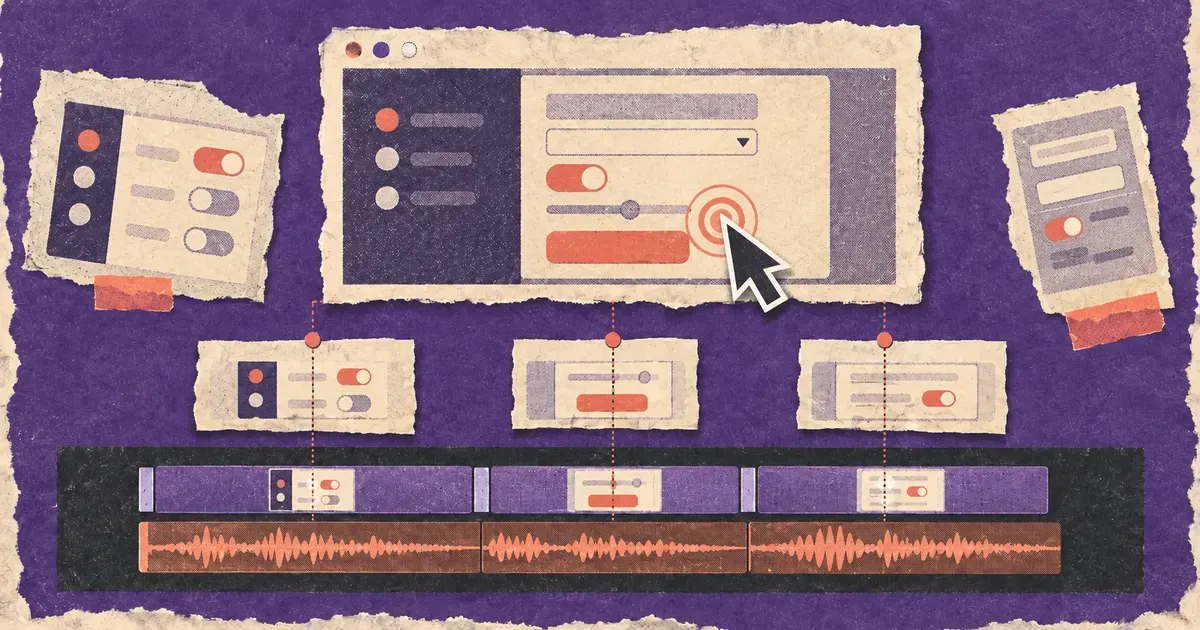
Vorec handles the part a voice model leaves open: what to say, and when. It records your screen, with its own macOS recorder or from a recording you upload, and drafts narration matched to the workflow it captured, then generates the voiceover, so nothing is spoken into a microphone. In the editor you can add smooth cursor motion, cursor-follow zoom and click-based auto-zoom. Freeze-sync can hold a frame to give an explanation time to finish, which helps when a translated line runs longer than the original. Narration regenerates in supported languages on eligible plans without re-recording, and the same capture can also produce a written step-by-step guide.
An AI agent can drive the recording too. Vorec's `record-tutorial` skill lets Claude Code or Codex plan a walkthrough and drive the Vorec recorder through the CLI. The capture stays local for you to review before anything is uploaded and narrated. For background on how AI voices fit into tutorial work, see our AI voiceover guide and multilingual help centre videos.
Plans are listed on the Vorec pricing page. Trial includes up to 3 projects; exports carry a watermark.
FAQ
What is MAI-Voice-2.1?
A text-to-speech model from Microsoft AI, announced on 1 October 2026. Microsoft says it supports 23 languages and 26 locales, and that a single voice can speak all of them with a native accent.
How much does MAI-Voice-2.1 cost?
Microsoft lists $22 per 1 million characters for MAI-Voice-2.1 and $15 per 1 million characters for MAI-Voice-2.1-Flash, as of the 1 October 2026 announcement.
What is the difference between MAI-Voice-2.1 and MAI-Voice-2.1-Flash?
Flash supports the same languages and cross-language voices but is tuned for high-volume, latency-sensitive work. Microsoft quotes 150 ms end-to-end latency and a lower price per character.
Can MAI-Voice-2.1 clone a voice?
Microsoft says both voice models support cloning across all supported languages from a few seconds of reference audio, with built-in consent guardrails. Get documented consent from the person whose voice you clone, and check the provider's terms.
Where can I use MAI-Voice-2.1?
Microsoft lists Microsoft Foundry, MAI Playground, Vercel, Azure Voice Live and OpenRouter, with LiveKit "coming soon".
What is MAI-Transcribe-2-Streaming?
A real-time transcription model in 60 languages with automatic language detection. Its introductory price is $0.54 per hour of audio through the end of 2026. Microsoft says it ranks first for accuracy on Artificial Analysis.
Want the recording to narrate itself? Record with Vorec, or upload one you already have, and get a narrated tutorial plus a written guide. Start free. 7-day trial, 100 credits, no credit card required. Trial includes up to 3 projects; exports carry a watermark.