Gemini Skills Replace Gems: Dates and What Changes (2026)
Vorec Team · 2026-10-16 · About 8 min read
If your team built a set of Gems last year (an onboarding helper, a brand-voice editor, a support-reply drafter), Google has just announced a retirement window for them. On 30 September 2026 Google announced that skills will replace Gems in the Gemini app and Google Workspace. Skills are reusable instructions you can stack in one prompt, and they are written in the same open SKILL.md format that other AI tools use.
The rollout has also slipped. On 13 October Google said skills had started rolling out in the Gemini app, but that the launch inside Workspace apps is "delayed until further notice".
This post sets out what Google has actually announced: the dates, which plans get skills, and what happens to existing Gems. It then turns to a practical question for anyone who documents software. A skill is only as good as the know-how written into it, and most teams keep that know-how in tutorials, SOPs and recorded walkthroughs. Where a point is our reading rather than Google's statement, we say so.
Checked on 16 October 2026. Sources: the Google Workspace Updates posts Introducing skills in the Gemini app and Workspace, plus what's next for Gems (30 September 2026, updated 13 October) and An update on the launch of skills in the Gemini app and Workspace (13 October 2026). Google has already changed these dates once, so check the posts for the current schedule.
What Google announced
Google describes skills as "reusable, custom instructions that you can leverage any time you're prompting Gemini in the Gemini app and most Workspace apps." Its examples are a brand-voice skill for drafting blog posts and a lesson-planning skill for class prep.
Google's own description of skills, point by point:
| Question | What Google says about skills |
|---|---|
| How they differ from Gems | "Unlike Gems, skills function inline in your unified chat threads" |
| Combining | You can "layer or 'stack' multiple sets of custom instructions simultaneously in one prompt" |
| Format | Built "entirely on the open, Markdown-native SKILL.md standard" |
| Portability | You can copy skills you've created on other platforms into the Gemini app and Workspace apps |
| Sync between the Gemini app and Workspace | None yet: a skill must be created separately in each |
The stacking example Google gives is a business user pairing a "vendor evaluator" skill with an "executive email drafter" skill to analyse vendors and draft a recommendation in one step.
Google also says that in Google Docs a skill builder lets you write new skills and share them with your team.
The dates, as of 16 October 2026
| Date | What Google says happens |
|---|---|
| 5 Oct 2026 | Skills were scheduled to begin rolling out in Workspace (Rapid Release) |
| 13 Oct 2026 | Skills began rolling out in the Gemini app, expected to finish by mid-November |
| 13 Oct 2026 | Google said the Workspace rollouts are "slightly delayed", then listed both Rapid and Scheduled Release as "Delayed until further notice" |
| 17 Nov 2026 | Gems move to the Settings panel of the Gemini app; you can still create, edit and use them |
| No sooner than 1 Mar 2027 (business and enterprise) | Gems can no longer be created, edited or used; Workspace Studio flows with an "Ask a Gem" step stop working; remaining Gems are auto-migrated to draft skills |
| No sooner than 1 Jun 2027 (education) | The same end state for education, including Google Classroom and supported third-party LMSs |
Google says it will share auto-migration details with admins at least 30 days in advance. One change is already in effect: you can no longer create new Workspace Studio flows with the "Ask a Gem" step, although existing ones keep working.
Who gets skills
Per the 13 October post:
- Skills in the Gemini app: all Google Workspace customers and users with personal Google accounts, of all ages.
- Skills in Workspace apps: Business Starter, Standard and Plus; Enterprise Starter, Standard and Plus; the Google AI Pro for Education add-on; and the AI Expanded Access add-on. Workspace skills are limited to users over 18.
Google states there are no admin controls for skills in the Gemini app. Admin controls exist for skills in Workspace.
Why this matters if you document software
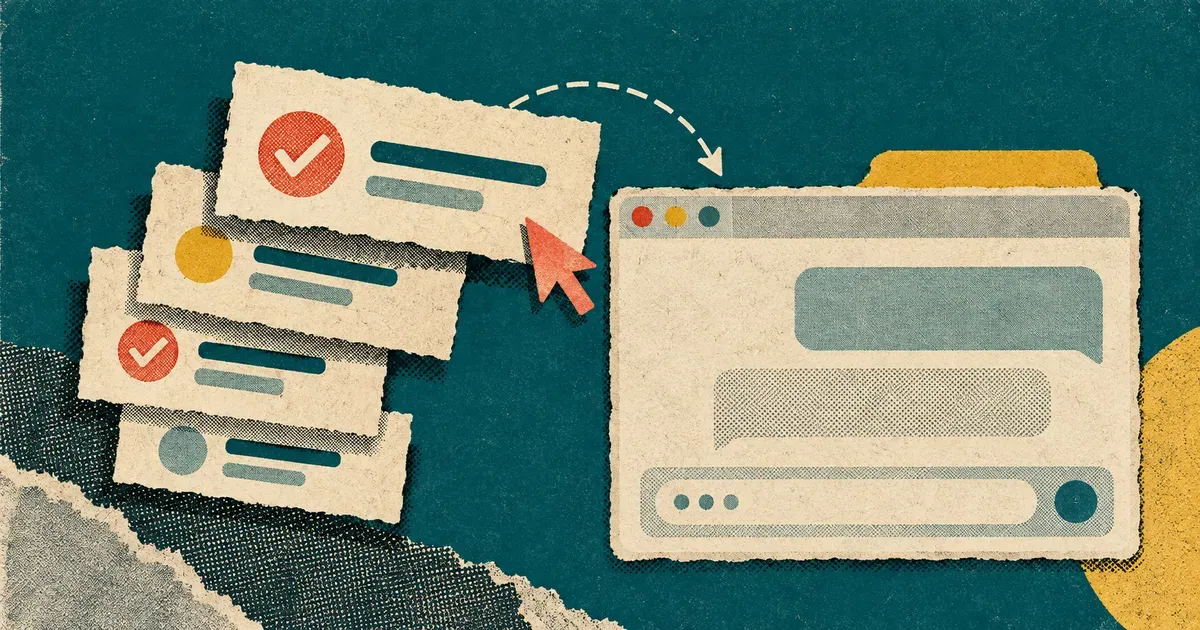
Here is our reading of it, not Google's. Skills move the hard part of a custom AI assistant away from configuring a bot and onto writing down how your team does things. A vendor-evaluator skill needs your evaluation criteria. An onboarding skill needs your actual onboarding steps. A support skill needs the correct sequence of clicks in your product.
Most teams don't keep that knowledge in a prompt. It lives in places like these:
- recorded walkthroughs and Loom-style videos
- SOPs and how-to articles in a help centre
- the head of whoever set the system up
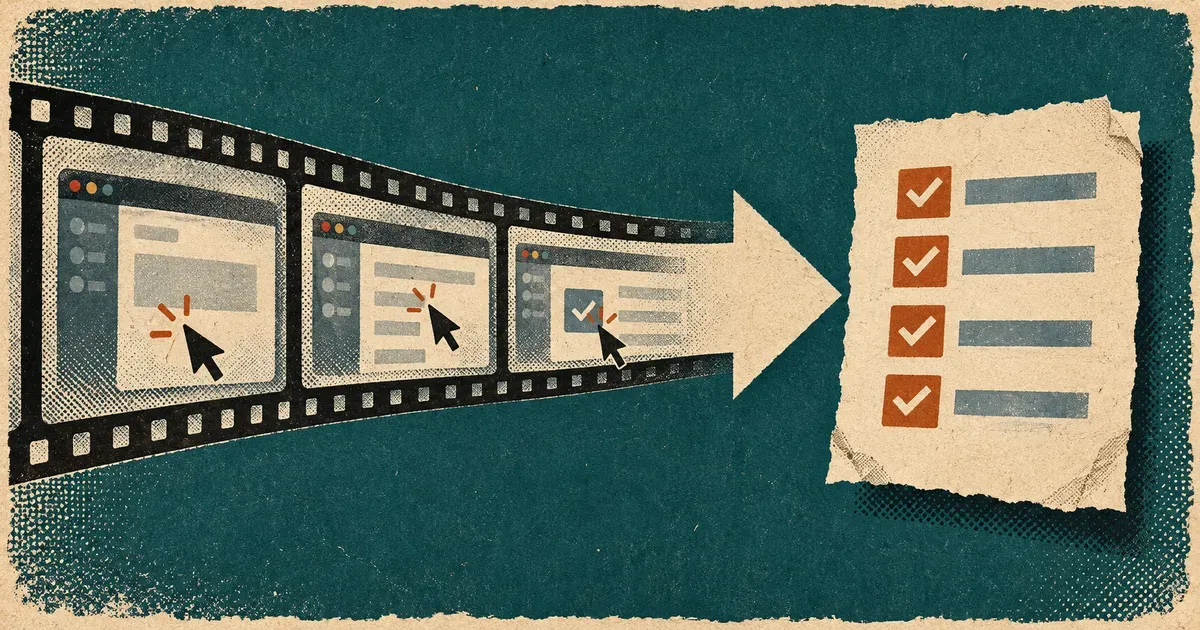
That shifts the value of documentation in a specific way. A walkthrough video on its own is hard to turn into a skill: a skill is a Markdown file, so the steps have to exist as text. A written, step-by-step version of the same workflow, with the screen names and the order of actions, is close to what a skill needs. If you already maintain SOPs or a knowledge base, those are the natural starting point.
The SKILL.md format is not unique to Google. We covered how skills work in Claude Code and other agents in What are agent skills?. Google's portability claim means a skill written once can, in principle, be copied between tools. Treat that as Google's stated design goal, not a tested guarantee: tools can still differ in which skill fields and features they support.
How to turn a recorded workflow into a skill
A practical sequence for a team that has recordings but no written procedure:
- Pick one repeated task. Choose something people ask about every week, such as "how do I issue a refund", rather than "everything about billing".
- Get the steps into text. Transcribe or write down the workflow from the recording: each screen, each click, each field and its expected value. A video-to-documentation tool or a screen recording turned into a help article can do the first draft.
- Add the judgement calls. Recordings show what someone clicked. A skill also needs the when and why: thresholds, exceptions, who to escalate to.
- Write the SKILL.md. Keep one skill to one job. Google's own examples are narrow ("lesson planning", "brand voice"), and stacking is how you combine them.
- Recreate it in each surface you use. Google says skills do not yet sync between the Gemini app and Workspace apps.
- Keep the source current. When the product UI changes, update the walkthrough and the written steps first, then the skill.
What to do about existing Gems now
- Inventory them. List every Gem your team relies on, and every Workspace Studio flow that uses "Ask a Gem".
- Don't rebuild flows on Gems. New "Ask a Gem" steps can no longer be created, and existing ones stop working no sooner than 1 March 2027 for business and enterprise.
- Plan for two copies. Until Google adds sync, a skill you need in both the Gemini app and Docs or Gmail has to be created in both.
- Wait for the Workspace dates. As of 16 October, skills in Workspace apps have no confirmed date. Google says it will post the new timeline on the Workspace Updates blog.
Where Vorec fits
Vorec works on the documentation side of this. It records your screen, with its own macOS recorder or from a recording you upload, and drafts narration matched to the workflow it captured, then generates the voiceover, so nothing is spoken into a microphone. In the editor you can add smooth cursor motion, cursor-follow zoom and click-based auto-zoom, and freeze-sync can hold a frame to give an explanation time to finish. From the same capture you can generate a written step-by-step guide with annotatable screenshots. That written guide is the kind of text you can adapt into a skill's instructions.
Vorec uses skills itself, too. Its `record-tutorial` skill lets an AI agent in Claude Code or Codex plan a walkthrough and drive the Vorec recorder through the CLI on your Mac. The capture stays local for you to review before anything is uploaded and narrated. Our post on the Claude Code screen recording plugin covers that workflow.
Plans are listed on the Vorec pricing page. Trial includes up to 3 projects; exports carry a watermark.
FAQ
What are skills in Gemini?
Google describes them as reusable, custom instructions you can use whenever you prompt Gemini in the Gemini app and most Workspace apps. Unlike Gems, several skills can be stacked inline in one prompt.
Are Gems going away?
Yes, on Google's stated schedule. Gems move to the Settings panel on 17 November 2026. For business and enterprise users they can no longer be created, edited or used no sooner than 1 March 2027, and for education no sooner than 1 June 2027. Remaining Gems are auto-migrated to draft skills.
When will skills appear in Gmail, Docs and other Workspace apps?
There is no confirmed date as of 16 October 2026. Google's 13 October update lists the Workspace rollout as "Delayed until further notice". Skills in the Gemini app began rolling out on 13 October, with completion expected by mid-November.
Do Gemini skills sync between the Gemini app and Workspace?
Not currently. Google says you must create a skill separately in each if you want to use it in both.
What is SKILL.md?
It's a Markdown-based format for packaging instructions for an AI assistant. Google says its skills are built entirely on this open standard, so skills created on other platforms can be copied in. We explain the format in What are agent skills?.
Which Workspace plans include skills?
Per Google: Business Starter, Standard and Plus; Enterprise Starter, Standard and Plus; the Google AI Pro for Education add-on; and the AI Expanded Access add-on. Skills in the Gemini app are available to all Workspace customers and personal Google accounts.
Want the recording to narrate itself? Record with Vorec, or upload one you already have, and get a narrated tutorial plus a written guide. Start free. 7-day trial, 100 credits, no credit card required. Trial includes up to 3 projects; exports carry a watermark.