How to Write an SOP: Step-by-Step Guide + Template (2026)
Vorec Team · 2026-07-29 · About 6 min read
To write an SOP, scope it to one process, then document the steps in order: a searchable title, one-line purpose and scope, prerequisites, numbered verb-first steps, a short "why" at decision points, visuals, and a named owner with a review date. Write for the least-experienced person who will use it, and pick a step-by-step, hierarchical or flowchart format. A quarterly review is typical. You can also record the task once and let Vorec produce both a narrated video and a written procedure from that recording.
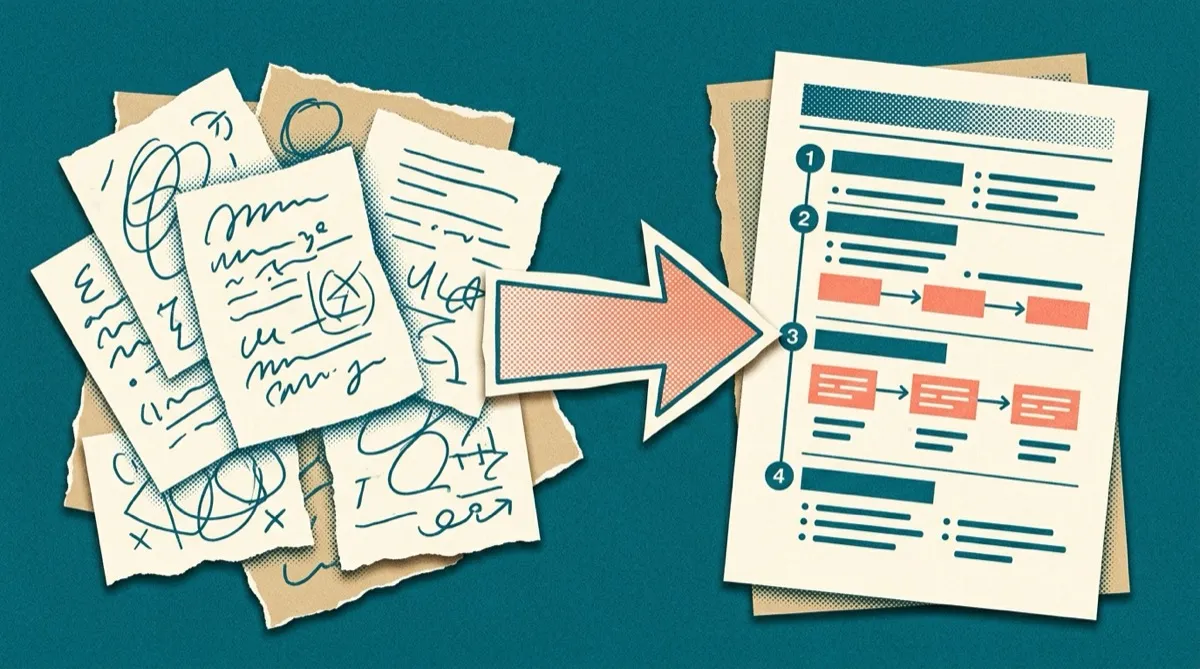
A standard operating procedure only works if people actually read it and do the steps. Most don't — they sit in a shared drive, out of date, written in dense paragraphs nobody scans mid-task. The result is the thing SOPs were supposed to prevent: everyone does the process their own way, mistakes repeat, and the one person who "knows how" becomes a bottleneck.
This guide covers how to write an SOP that people follow — the structure, a reusable template, real examples — plus the 2026 upgrade that makes SOPs far easier to both create and use: pairing the written procedure with a short narrated video.
What Is an SOP (and What It Isn't)
A standard operating procedure is a documented, step-by-step set of instructions for completing a routine task the same way every time. Good SOPs make a process repeatable, teachable, and auditable — anyone can pick one up and get the same result.
What an SOP is not:
- A policy. A policy says what and why (e.g., "all refunds over $500 need manager approval"). An SOP says how (the exact steps to process that refund).
- A wall of text. If it can't be followed while doing the task, it's documentation theater.
- Write-once. Processes change; an SOP nobody maintains is worse than none because people trust wrong steps.
Before You Write: 3 Quick Decisions
- Scope it to one process. "Onboard a new customer" is a manual. "Send the day-one welcome email" is an SOP. One task, one document.
- Know your reader. A brand-new hire needs more context than a veteran. Write for the least-experienced person who'll use it.
- Pick a format. The three common ones: simple step-by-step (most tasks), hierarchical (steps with sub-steps, for complex tasks), and flowchart (for decision-heavy processes with branches).
How to Write an SOP in 7 Steps
Step 1: Name the SOP by its trigger
Title it the way someone would search for it: "How to Process a Refund in Stripe," not "Finance SOP 4.2." The title is how people find it later.
Step 2: State the purpose and scope in one line each
- Purpose: why this process exists ("Ensures every refund is logged and approved correctly").
- Scope: where it starts and stops, and who it's for ("Applies to support agents handling refunds under $500").
Step 3: List what's needed before starting
Prerequisites, access, tools, and inputs. "You'll need: admin access to Stripe, the customer's order ID, and manager approval for amounts over $500." This prevents the reader getting halfway and hitting a wall.
Step 4: Write the steps as actions
One action per step, in order, starting with a verb. Be specific about where and what:
- ❌ "Handle the refund."
- ✅ "In Stripe, open Payments, search the order ID, click the payment, then click Refund."
Number them. Keep each step to one or two sentences. If a step has conditions, break them out ("If the amount is over $500, request manager approval before continuing").
Step 5: Add the "why" at decision points
Steps tell people what to do; a short "why" stops them doing it wrong when reality differs slightly. "We refund to the original payment method — never issue store credit unless the customer asks — because chargebacks spike when we substitute." One sentence, only where judgment is involved.
Step 6: Show, don't just tell
This is where most SOPs fail. A screenshot per key step doubles comprehension; a short video does more. Which brings us to the upgrade below.
Step 7: Add a review date and owner
Every SOP needs a named owner and a review cadence (quarterly is typical). An unmaintained SOP is a liability. Put "Owner: [name] · Last reviewed: [date]" at the top.
A Reusable SOP Template
Copy this structure for any procedure:
| Section | What goes here |
|---|---|
| Title | The task, phrased as people search it |
| Purpose | One line: why this process exists |
| Scope | Who it's for; where it starts and ends |
| Owner / Last reviewed | Named owner + review date |
| Prerequisites | Access, tools, inputs needed first |
| Steps | Numbered, one action each, verb-first |
| Decision points | Any "if X, then Y" branches, with the why |
| Related | Links to adjacent SOPs and the video version |
The 2026 Upgrade: SOPs as Video + Text
Here's the shift that fixes the two hardest parts of SOPs — creating them and getting people to follow them.
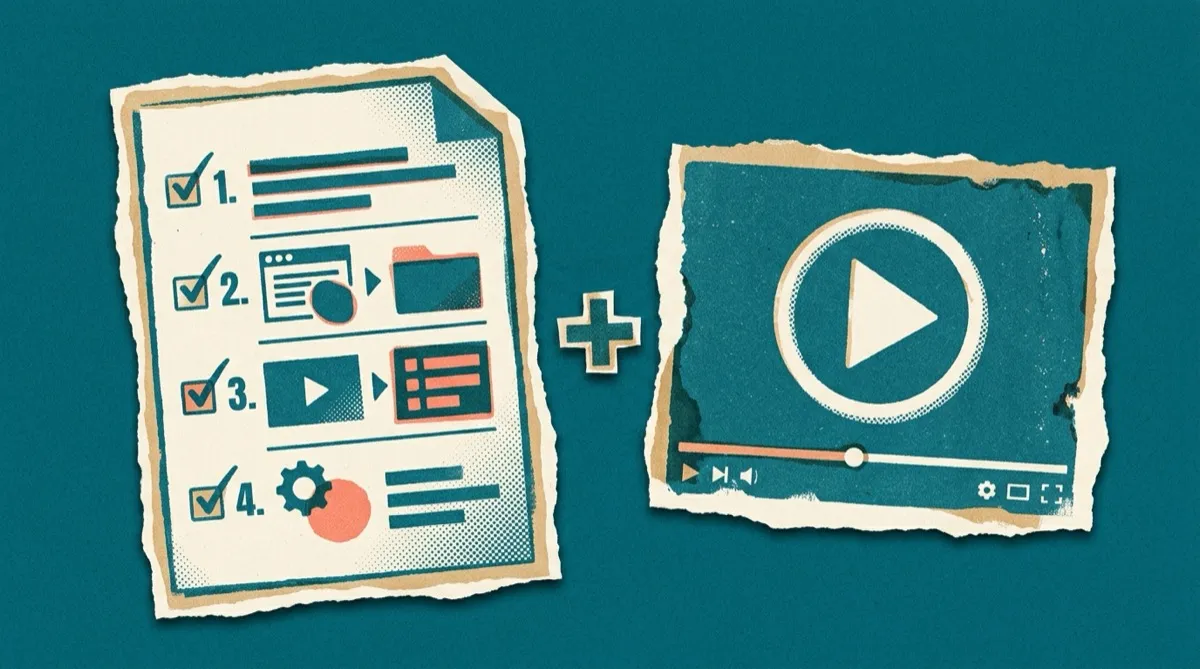
Instead of writing steps from memory (and guessing what to screenshot), record yourself doing the task once, then let AI turn that recording into both a narrated video and a written procedure. With Vorec, you screen-record the process silently, and Vorec drafts a step-by-step narration from the captured workflow, and can generate a written help article from the same recording. You get the video SOP and the text SOP in one pass — and neither required you to write from a blank page.
Why this matters for adoption:
- People follow along. A video SOP lets someone watch the exact clicks while doing the task in their own screen.
- It's faster to make. Recording a task you already know takes minutes; writing and screenshotting it takes an hour.
- Updates are trivial. When the process changes, re-record the changed part — the narration and doc regenerate, instead of hunting through paragraphs to edit.
We go deeper on the video side in SOP training videos: record once, train forever, and on the broader documentation angle in visual work instructions from screen recordings.
Common SOP Mistakes to Avoid
- Too broad. One SOP trying to cover a whole workflow. Split by task.
- No visuals. Text-only SOPs for software tasks lose people at the first ambiguous step.
- Written for experts. Skipping the "obvious" steps the newest person doesn't find obvious.
- No owner, no review date. It goes stale and quietly becomes misinformation.
- Buried where nobody looks. Store SOPs where the work happens, and link to them from the tool or checklist people already use.
SOP FAQ
What does SOP stand for? Standard Operating Procedure — a documented, repeatable set of steps for doing a routine task consistently.
How long should an SOP be? As short as it can be while still complete. Most single-task SOPs are half a page to two pages. If it's longer, it's probably two SOPs.
How do I write an SOP quickly? Record yourself doing the task once and let an AI tool like Vorec generate both the narrated video and the written steps from the recording — far faster than writing from a blank page.
Should an SOP be a document or a video? Both, ideally. Text is skimmable and searchable; video shows the exact actions. Producing both from one recording gives you each without double the work.
How often should SOPs be reviewed? Quarterly is a good default, or whenever the underlying tool or process changes. Assign a named owner so it actually happens.
Related reading: Process Documentation: The Complete Guide, How to Write a Standard Operating Procedure, Runbook vs Playbook vs SOP and Software Training Manual.
More on this topic: SOP Training Videos: Record Once, Train Forever (2026).
Write your next SOP in half the time. Record the process once — no mic — and let Vorec generate a narrated video SOP plus a written step-by-step from the same recording. Start your free trial, no card needed.