Claude Browser and Computer Use SDK Toolsets: What the Docs Say
Vorec Team · 2026-10-21 · About 8 min read
On 7 October 2026, Anthropic's release notes announced beta classes in the Python and TypeScript SDKs for its browser use and computer use tools. In practice that means a developer can build an agent that works a web page or a desktop by writing one method per action, while the SDK runs the loop around it.
That matters beyond developer tooling. An agent that clicks through software produces a sequence of steps: navigate here, click this, type that. Anyone who records, documents or trains people on software works with exactly that kind of sequence. This post covers what Anthropic's own pages say about the new toolsets, then gives our reading of what it means for tutorials and documentation.
Sources: the Claude Platform release notes (entry dated 7 October 2026), the SDK toolsets guide and the browser use tool reference.
Checked on 21 October 2026. The SDK classes are labelled beta, and documentation pages change. Treat the linked pages as the source of truth and re-check them before building on any detail here.
What was announced
Per the 7 October release note, you subclass one of the classes and write a method for each tool against your own browser or desktop automation. The SDK then runs the tool loop, applies any URL and file policies you set for the browser, and calls your approval callback.
There are two tools behind the two classes:
- The browser use tool lets Claude navigate, read and interact with web pages in a browser that runs in your own application environment, working from both the page structure and screenshots.
- The computer use tool lets Claude see a desktop in screenshots and use the mouse and keyboard.
The guide is clear about the split: you supply the driver that operates the browser or desktop, and the SDK sits between Claude and that driver.
How the pieces fit
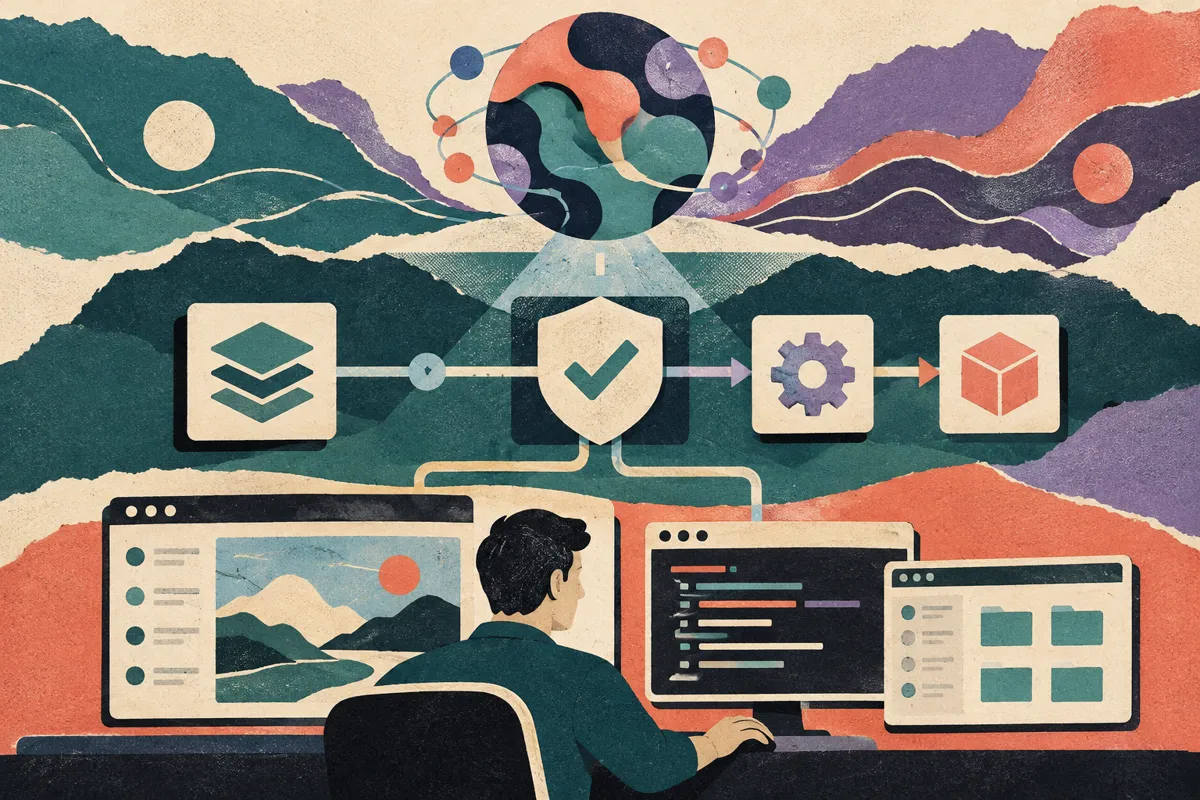
The guide describes three layers:
| Layer | Who provides it | What it does |
|---|---|---|
| Claude | Anthropic API | Decides the next action from screenshots and page data |
| SDK toolset class | Anthropic SDK (beta) | Runs the loop, applies the checks you configure, builds each `tool_result` |
| Driver | You, or a partner | Actually operates the browser or desktop |
The browser driver is a subclass of `BetaAbstractBrowserToolset20260801`; the desktop one subclasses `BetaAbstractComputerToolset20260801`. You override only the actions your driver supports. Per the guide, any action you don't implement is sent to the API as disabled; if Claude calls it anyway, the SDK returns an error and the run carries on.
You don't have to write a driver from scratch. The guide lists partner integrations, Browser Use, Browserbase, Daytona and E2B, and says a provider's driver gets an agent running in a few lines of code. For a custom one it suggests a browser automation library such as Playwright, and for desktops it points to a minimal VNC example in Anthropic's quickstarts repository, which it says is not production code.
What the browser tool can do
The browser use tool reference lists its actions by group. A selection:
| Group | Actions |
|---|---|
| Navigation and capture | `navigate`, `screenshot`, `zoom` |
| Pointer | `left_click`, `double_click`, `hover`, `scroll`, `left_click_drag` and others |
| Keyboard and timing | `type`, `key`, `hold_key`, `wait` |
| Page reading | `read_page`, `find`, `get_page_text` |
| Forms and files | `form_input`, `file_upload` (off by default) |
| Tabs | `new_tab`, `list_tabs`, `switch_tab`, `close_tab` |
| Diagnostics (off by default) | `javascript_exec`, `read_console`, `read_network` |
Screenshots come back to Claude as image blocks, and coordinates are viewport pixels. The reference warns that the API does not downscale images for you: if you resize a screenshot, you scale Claude's coordinates back up yourself.
What the SDK checks, and what it doesn't
This is the part worth reading slowly, because the guide is explicit about where its protection stops.
What it runs for you:
- A URL policy on `navigate` calls, if you write one. The guide's warning box is blunt: "Without one, the SDK checks no URL."
- A file policy for uploads and downloads in the browser toolset, which protects only as far as the rules you configure in it.
- A `confirm` callback before calls. For the browser, enabling `javascript_exec` or `file_upload` without one raises a configuration error. For the desktop, a class that implements `type`, `key` or `hold_key` raises an error unless you pass `confirm` or turn those tools off.
What the guide lists as limitations:
- The SDK ships no browser, no desktop, no ready-made driver and no URL policy. You bring all four.
- The URL policy checks only `navigate` calls, not pages reached through a clicked link or a redirect.
- An approval is based on the last state report the driver sent. "The page can change after that report."
- For a desktop call, `confirm` gets the tool name and its input, not the screen, so it can't tell what a click at a given point will do.
- Calls on one toolset run one at a time.
The guide also tells you to use a browser profile that isn't signed in to any account whose data or actions you wouldn't hand to Claude. The browser tool reference adds a dedicated, minimally privileged environment, a network allowlist, and human confirmation for consequential actions such as purchases or messages.
Our reading: the approval model is a set of hooks, not a guarantee. Because hook code runs after the checks and its changes aren't re-checked, a hook that rewrites inputs can undo what the policy was meant to stop. A desktop approval prompt that shows "left_click at (640, 380)" tells a person very little about what that click will do. If you plan to approve actions by hand, design the prompt around what the person can actually judge.
The action trail, and why it matters for documentation
One detail in the guide stands out for anyone who documents software. You can override `execute` to add before and after hooks. Per the guide, code placed before the parent `execute` call runs after the URL policy, the file policy and `confirm` have already passed, and it can change the input, which the SDK does not check again. Code after the call sees the result and can change it. One side effect to plan for: once you override `execute`, the SDK treats every action that is on by default as implemented, so Claude is offered all of them unless you switch the ones your driver can't serve off in `configs`. The guide's own example, `TracedBrowser`, logs each call's ID, action name and duration.
That is, in effect, a structured log of what the agent did and when. The guide doesn't present it as a documentation feature; the example is about tracing. Our reading is that it is the raw material a tutorial is made of: an ordered list of actions with timing, plus the screenshots each `screenshot` call returned.
It is not a finished tutorial, for three reasons:
- Screenshots are taken when Claude asks for them. The SDK guide we read doesn't describe a continuous video of the session, so in an implementation like the guide's examples, a log plus screenshots will have gaps between frames.
- The order an agent takes isn't always the order a person should learn. Agents retry, back out of wrong pages and take detours. A teaching sequence needs those cut.
- Logs and screenshots can contain private data, and the guide notes the SDK does not hide local file paths in error text. Review anything before you publish it.
Where Vorec fits
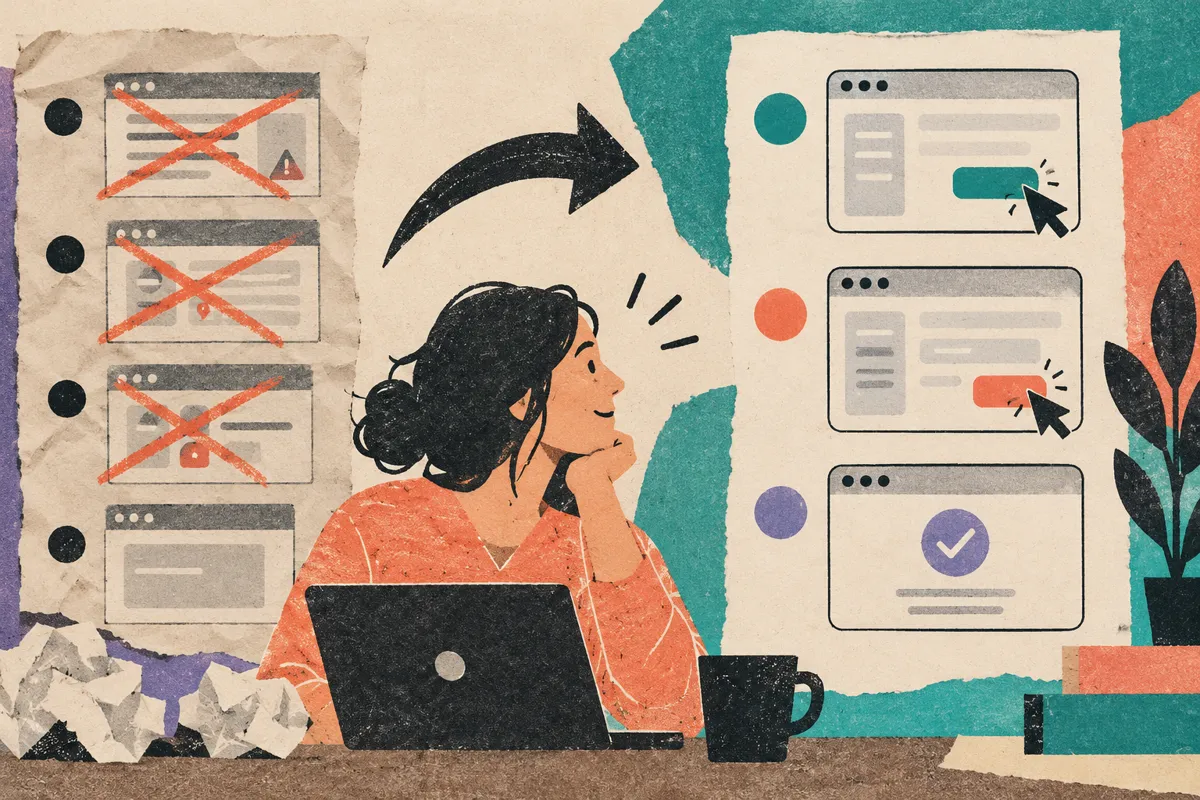
Vorec is our product, so weigh this section accordingly. It works on the recording side of the same idea. Vorec has its own macOS recorder, and an AI agent can drive it through the Claude Code plugin and CLI: the agent plans and runs the capture locally, you review the take, and only then is it uploaded. Vorec drafts narration matched to the workflow it captured and generates the voiceover, and in the editor you can add smooth cursor motion, cursor-follow zoom and click-based auto-zoom. The same capture can also produce a written step-by-step guide. You can upload an existing recording instead if you have one.
The SDK toolsets and Vorec do different jobs: one lets an agent operate software, the other turns a captured workflow into a narrated video. We haven't tested them together, and this post makes no claim that they integrate.
FAQ
When were the Claude SDK toolsets released?
Anthropic's release notes list them on 7 October 2026, as beta classes in the Python and TypeScript SDKs.
Do I need to host my own browser?
Yes, or use a partner's. The guide says the SDK doesn't include a browser, a desktop or a ready-made driver, and lists Browser Use, Browserbase, Daytona and E2B as partner integrations.
Is the browser use tool available in Claude Managed Agents?
The browser use tool reference says it isn't available in Claude Managed Agents. It is a client-side tool that runs in your environment.
Does the SDK stop an agent from visiting any site?
Not by itself. A URL policy, if you write one, checks only `navigate` calls; pages reached through clicked links or redirects aren't covered by it. The guide recommends also intercepting requests in the driver and putting egress rules on the container, and even then site access depends on how you configure all three.
Can I turn an agent's run into a tutorial video?
You can use its action log and screenshots as a starting outline, but expect gaps between screenshots, detours to cut, and private data to check. For a narrated video, record the workflow as a person would perform it, then review it before publishing.
Related reading: Computer Use Agents: What the Vendor Docs Say, OpenAI Agents API Computer Use: What the Docs Say, Claude in Chrome: What the Browser Agent Can Do, AI Agent Screen Recording.
Want the recording to narrate itself? Record with Vorec, or let an agent drive the recorder for you, and get a narrated tutorial plus a written guide. Start the 7-day trial: 100 credits, no card. Trial includes up to 3 projects; exports carry a watermark. Paid plans start at $9/month.