Google OAuth Verification (2026): Steps and Timeline
Vorec Team · 2026-11-22 · About 10 min read
If your app asks people to sign in with Google and then reads their Gmail, Drive or Calendar data, Google will want to verify it before it works for everyone. Until then, users see an unverified app warning, and your app can only ever reach 100 new users. Many delays come from small gaps: a domain verified by the wrong account, a home page that is only a login screen, or a demo video that skips the consent screen.
This guide covers the whole process as Google documents it. Everything below was read on Google's own developer pages and Cloud help center, and the App Defense Alliance's CASA pages, on 22 November 2026 (the main developer pages show a last update of 10 November 2026), and the sections link to their sources. Where Google's pages don't answer something, such as what a security assessment costs, we say so.
The short answer
You need OAuth app verification if your app is set to External, is in production, and requests sensitive or restricted scopes. Verification happens in two parts in the Google Auth Platform: brand verification (your domain, home page, privacy policy, app name and logo), which Google says usually takes 2 to 3 business days for manual review, then data access verification for the scopes, which Google says can take up to about 10 business days for sensitive scopes. Restricted scopes such as most Gmail and Drive scopes also need an annual third-party security assessment (CASA) when data passes through your servers, and Google's FAQ estimates restricted scope verification, including the assessment, at about 6 weeks.
Do you need verification?
Google sorts scopes into three types (scope categories):
| Scope type | What it covers | Verification |
|---|---|---|
| Non-sensitive | Access to specific read-only data | Optional; brand verification only if you want your name and logo shown |
| Sensitive | Private user data | Required before access |
| Restricted | Highly sensitive data, such as a user's email | Required, plus a security assessment in many cases |
Google's exceptions page lists the cases where you don't need to submit:
- Personal use: the app is used only by its creator's Google Account. Google calls this Personal mode, and it can't be converted later.
- Fewer than 100 users who can click through the warning screens.
- Development, testing or staging: projects that aren't In Production aren't subject to verification.
- Service-owned data: the app only accesses its own data, through a service account.
- Internal apps: the project is owned by a Google Workspace or Cloud Identity organization and only its users sign in.
- Admin-installed apps: Workspace admins can mark an app as trusted or install it from Marketplace, even if it is unverified.
Google also notes that OAuth-based plugins, such as SMTP for a website plugin, don't need verification (unverified apps).
What happens if you don't verify
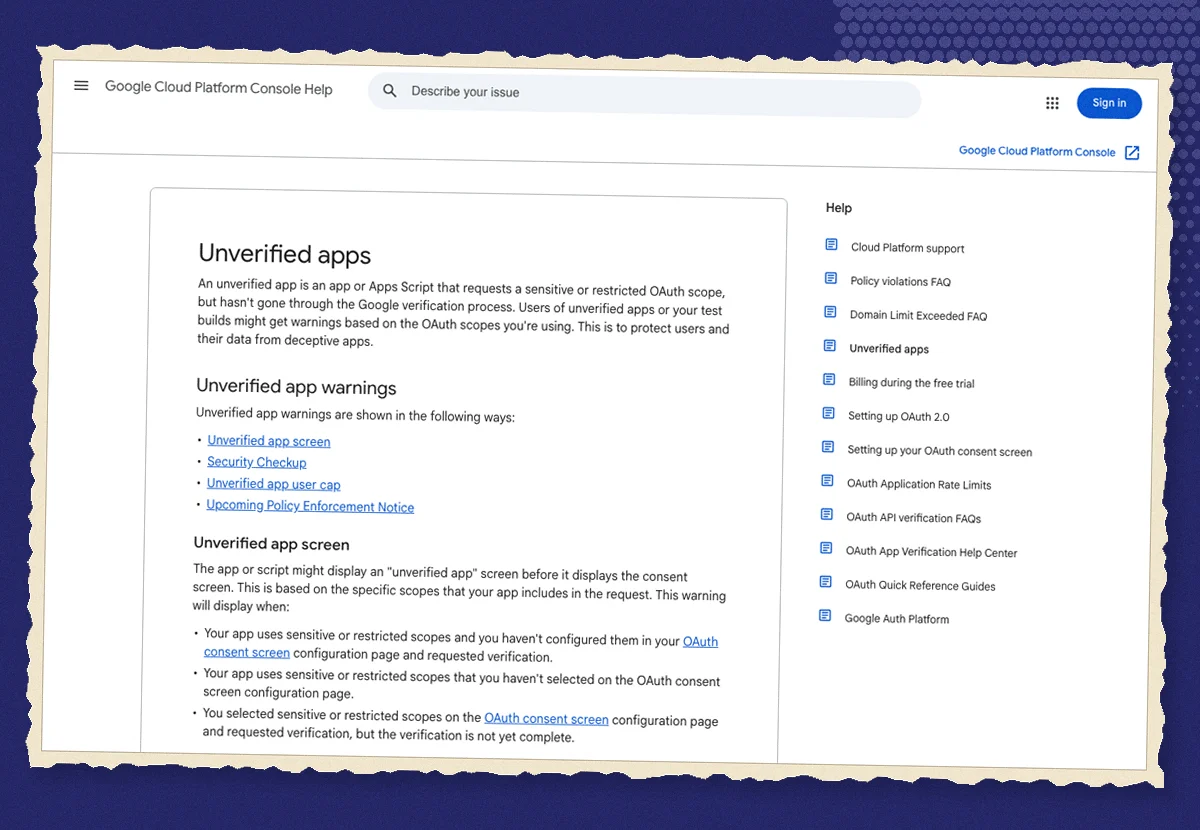
Google's Unverified apps help page, read on 22 November 2026.
- The unverified app screen: users see a warning when your app requests sensitive or restricted scopes that aren't verified, or when the scopes in your code don't match the ones in the console.
- A lifetime cap of 100 new users: Google says the cap applies "over the entire lifetime of the project" and can't be reset. It may be adjusted for some apps based on history and risk (user cap).
- Testing status limits: an app in Testing can have up to 100 test users, and Google says their authorizations expire seven days after consent. Apps that only request name, email and profile are exempt.
Before you submit: brand verification checklist
Brand verification has to be published before Google will review data access (manage app branding). Prepare these first:
- Verify every authorized domain in Search Console with an account that is an Owner on the Cloud project (some Google pages also accept Editor; an Owner always works). Google's domain guide asks for a Domain property (DNS-level) rather than a URL prefix, and allows at most 10 authorized domains (domain verification).
- Publish a real home page on a verified domain you own. Google says it can't be only a login page, and an app store listing or social page doesn't count (brand verification).
- Publish a privacy policy on the same domain, linked from the home page and the consent screen, that explains how the app accesses, uses, stores and shares Google user data.
- Choose a compliant app name. Don't combine Google product names with generic words: Google gives "Gmail for Android" as unacceptable and "PDF Viewer for Google Drive" as acceptable.
- Upload a logo that is square (120 x 120 px recommended), JPG, PNG or BMP, under 1 MB. A new logo triggers re-verification.
- Match everything. The name and logo on the consent screen must match what you submit; a mismatch is a listed rejection reason (branding rejections).
Google says the automated brand check usually finishes in a few minutes, and a manual review usually takes 2 to 3 business days (brand verification). A passing result stays valid for 7 days until you click Publish branding.
How to submit, step by step
In the Cloud Console, the Google Auth Platform has Overview, Branding, Audience, Clients, Data Access and Verification Center pages:
- Branding: fill in the app name, logo, support email, home page, privacy policy and authorized domains, click Verify Branding, and once it shows Ready to publish, click Publish branding.
- Audience: set the user type to External and click Publish app to move it to production.
- Data Access: add only the scopes the app needs, and write a justification for each one that explains why a narrower scope isn't enough.
- Verification Center: submit the data access request with your demo video link and up to three documentation links, then track the Branding status and Data access status cards.
The demo video
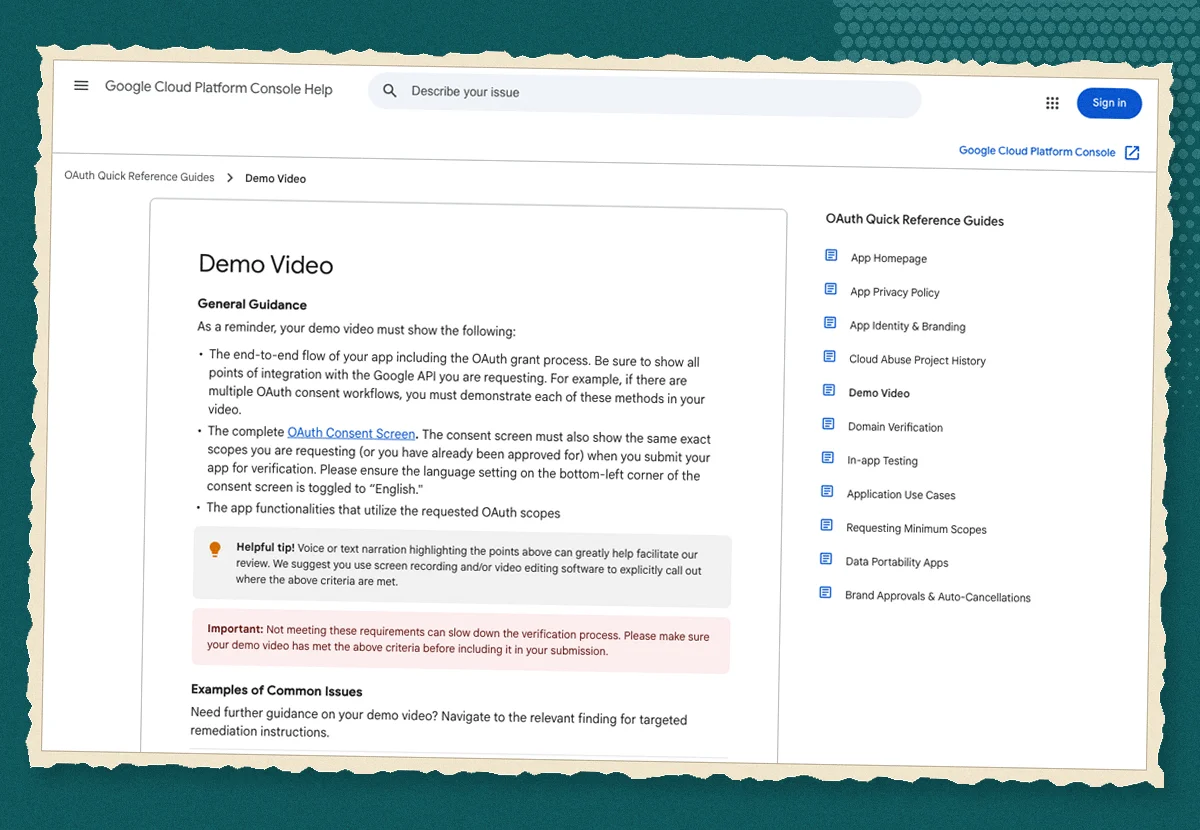
Google's Demo Video guidance, read on 22 November 2026.
For sensitive and restricted scopes, Google asks for a demo video uploaded to YouTube with visibility set to Unlisted (sensitive scope verification). It must:
- Show the end-to-end flow of the app, including the OAuth grant process, in English, with the consent screen's language set to English.
- Use the same app name and branding as your submission.
- Show the browser address bar on the consent screen with your app's OAuth client ID in it.
- Show the feature that uses each scope you request, for every OAuth client assigned to the project.
Google's demo video page says voice or text narration "can greatly help facilitate our review", and lists the usual reasons a video is sent back: the link can't be opened, it shows a different app, it doesn't show the consent screen workflow, or it doesn't show enough of the app's functionality.
Restricted scopes and the security assessment
Restricted scopes include the full Gmail scope (which Google says covers any use of IMAP, SMTP and POP3), most other Gmail scopes, most Drive scopes, Google Fit, several Chat scopes, Data Portability and Google Health (restricted scopes).
If your app can access restricted data from or through a third-party server, Google requires a security assessment by an independent, Google-empanelled assessor (restricted scope verification). Google uses the App Defense Alliance's CASA framework:
- Level: Google sets an assurance level (AL1 or AL2) based on user count, requested scopes and other signals; the developer doesn't choose it (CASA tiering).
- Assessors: labs must be ISO/IEC 17025-accredited (CASA assessors).
- Result: a successful app receives a Letter of Validation (security assessment).
- Renewal: the assessment repeats every 12 months, and each reassessment must be a complete test of the app (annual recertification).
- Cost: Google's FAQ says Google charges no fee and that the price is agreed between you and the assessor. Google's pages give no price.
How long verification takes
| Stage | What Google says |
|---|---|
| Automated brand check | Usually a few minutes |
| Manual brand review | Usually 2 to 3 business days |
| Sensitive scope review | Up to about 10 business days, not guaranteed and dependent on how quickly you respond |
| Restricted scope verification (incl. security assessment) | About 6 weeks in Google's FAQ; "several weeks" on the developer page |
These figures come from Google's verification FAQ and the pages above.
How Google contacts you, and why reviews stall
Google says all communication with the OAuth review team happens by email to the project's owners and editors (verification requirements), and its status page says the emails come from [email protected], so check spam and reply to the latest message (verification status). The same page lists automatic outcomes:
- Rejected: Timeout after 90 days without a response.
- Rejected: Frequent Requests if you resubmit too often; wait at least 24 hours.
- Cancelled: Project Changes if you switch to Testing or Internal, or remove the scope that needed review.
Common reasons for rejection or delay from Google's pages:
- A scope justification that doesn't explain why a narrower scope won't work.
- A demo video that misses the consent screen, the client ID or a scope.
- Domains not verified, verified by the wrong account, or more than 10 of them.
- An app name or logo that doesn't match the submission, or uses Google trademarks.
- Using SMTP or IMAP where a narrower Gmail API scope would do.
Changing the app name, logo, redirect URI, home page or privacy policy link sends branding back for re-verification, and adding a new sensitive or restricted scope needs approval before you call it (after verification).
How to make the demo video with Vorec
Google's checklist is specific: English, the consent screen, the client ID in the address bar, and every scope in use. Record the flow with Vorec's macOS recorder, or upload a recording you already have, then:
- Narrate it without recording your voice. Vorec drafts narration matched to the workflow and generates the voiceover, which Google says helps its review. You edit any line before it is voiced.
- Make the client ID readable. In the editor you can add cursor-follow zoom on the address bar and consent screen, use click-based auto-zoom on the steps you click, and point at the client ID with a callout.
- Name each scope as it's used, in the narration and captions, so the reviewer can match it to your justification.
- Hide test data you don't want shown with blur boxes.
- Hold the frame. Freeze-sync can hold the frame so a line about a scope finishes before the next screen.
Export the MP4, upload it to YouTube as Unlisted, and keep the project: if Google asks for a clearer shot of a scope, you can edit narration and captions and re-export; only missing footage needs a new take. Plans start at $9 a month, with a free trial and no credit card required (current allowances on the pricing page). For other platforms' rules, see our app review demo video requirements by platform.
Frequently asked questions
How long does Google OAuth verification take?
Google says manual brand review usually takes 2 to 3 business days and sensitive scope review up to about 10 business days, depending on how quickly you respond. Restricted scopes that need a security assessment take longer; Google's FAQ estimates about 6 weeks for restricted scope verification as a whole.
What happens if my app isn't verified?
Users see an unverified app warning, and the project can reach at most 100 new users over its lifetime. Google says that cap can't be reset.
Does the privacy policy have to be on my own domain?
Yes. Google asks for a privacy policy on the same verified domain as your home page, linked from both the home page and the consent screen, that explains how the app accesses, uses, stores and shares Google user data.
Does the demo video need narration?
It isn't required, but Google says voice or text narration can greatly help its review. The video must be in English, show the full OAuth grant flow with the client ID visible, and show each requested scope in use.
How much does the CASA security assessment cost?
Google says it charges no fee and that the price is agreed between you and the assessor. Google's pages don't publish a price.
Do I need verification for an internal Google Workspace app?
No, if the project is owned by your organization and set to Internal. Only users in your organization can sign in, and there is no unverified screen or user cap.
Need the demo video for Google verification? Record the OAuth flow once with Vorec, or upload a recording you already have, then add narration, captions and zoom on the consent screen. Start your free trial, no card needed.