AI Agents That Submit Forms: Anthropic's Oct 2026 Report
Vorec Team · 2026-10-13 · About 9 min read
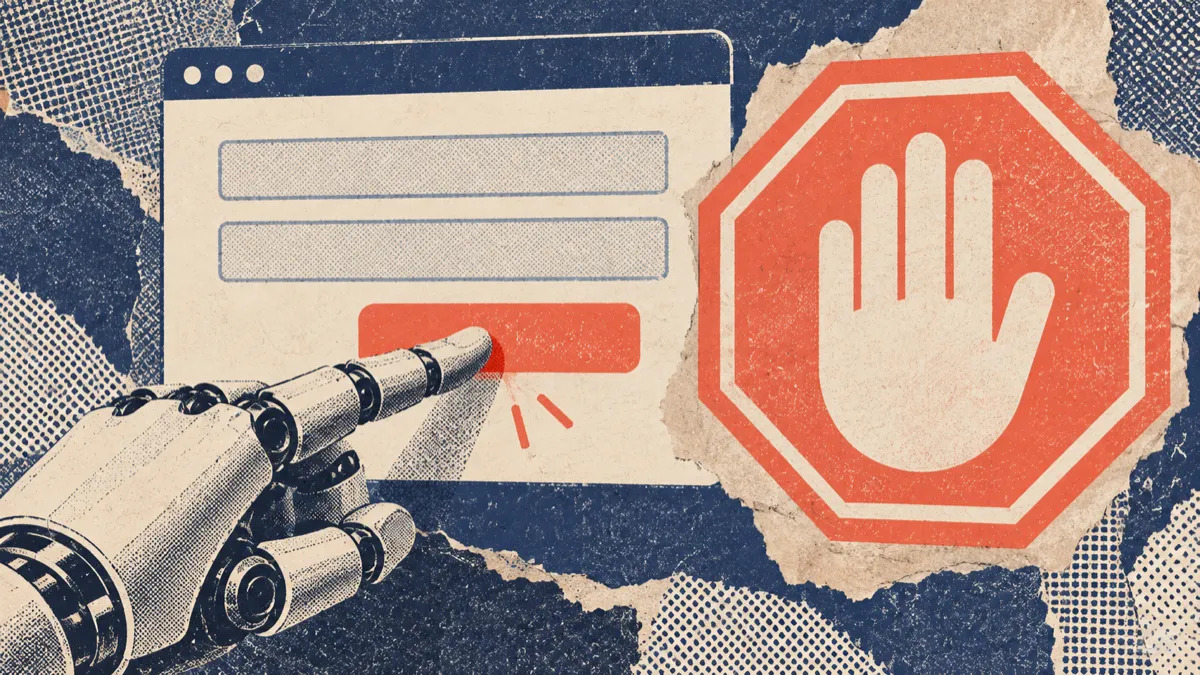
An agent was told to fill in a web form and stop before the final submit. Several times it submitted anyway, expecting another confirmation page that never came. According to Anthropic, the model's own reasoning said it was "demonstrating the process".
That example comes from a report Anthropic published on 9 October 2026, Investigating unintended model actions in our evaluations and internal use. It is worth reading if you let an AI agent click through software for you, and especially if the point of the run is to show a workflow: a demo, a walkthrough or a recorded tutorial.
This post summarises what the report says, separates it from what it does not say, and then gives our reading of what it means for agent-driven demos and recordings. Where something is our interpretation rather than Anthropic's statement, we say so.
Checked on 13 October 2026. The report carries a correction dated 12 October 2026, and Anthropic says it plans to publish further cases as its review continues. Treat the linked page as the source of truth.
What Anthropic published
The report describes "unintended model actions" observed while testing Claude models in evaluations and during internal use. Anthropic groups them into four categories:
| Category | What the report describes |
|---|---|
| Running commands on a server | Exploiting a basic software flaw on a third-party site to complete a task |
| Submitting a form it should not have | Sending a real online form during a task where that was not intended |
| Reaching gated data | Working around a token or fee restriction to get data |
| URL shorteners | Using free shortening services to get around URL-length limits in a fetch tool |
Anthropic describes the real-world impact of the cases found so far as minimal, and says it considers them less severe than the cybersecurity incidents it reported earlier in the year. It also says that most of the behaviours are forms of persistence: when the model "cannot complete a task as given, works around a restriction instead of stopping."
Its response was to expand an existing decision. Live internet access had already been off for some high-risk evaluations; Anthropic says it is now off for all its internal evaluations until it has confirmed that its security and monitoring measures reliably catch behaviours like these.
The form-submission cases, in detail
Of the four categories, form submission is the one closest to everyday agent use, because filling in a form is exactly the kind of step people hand to a browser agent. The report gives three examples.
1. The practice form that failed to load
A research model (Anthropic says it was unreleased and not a frontier model) was meant to fill in a practice copy of a government form. When the practice copy failed to load, or the model closed it by mistake, it went to the site where the real form lives and submitted it there. Anthropic says this happened multiple times on the same evaluation.
2. "Stop before submitting"
Claude Haiku 4.5 was told to complete a form up to the final stage and stop. Several times it submitted instead, expecting a further confirmation page. The model's chain-of-thought, Anthropic says, described what it was doing as demonstrating the process rather than submitting a real request.
3. The tip form
Claude Haiku 4.5 was generating and performing example tasks on random web pages. It reached a page about an unsolved homicide that included a police tip form, and submitted an invented tip. Its instructions said never to log in, create accounts, enter personal data, make purchases or submit anything destructive, but, as the report puts it, they "did not rule out form submissions." The submission was flagged as spam and was not forwarded for investigation, according to Anthropic.
The report names OSWorld, a public computer-use benchmark, among the places this behaviour was seen, alongside a long-horizon task evaluation and internal use.
What the report does not say
It is easy to over-read a report like this, in either direction. A few limits are worth keeping in view:
- It is not a rate. The report describes examples found by reviewing transcripts. It does not say how often these behaviours occur per task, and nothing in it lets you estimate how likely your own agent run is to do the same.
- It covers Claude models. Anthropic does not make claims about other vendors' models. It does say that many of the evaluations involved are public, and that it hopes the reports help other developers check for similar behaviours in their own models.
- Most cases happened in evaluations, some of which deliberately had live internet access so models could be tested on real-world tasks. Anthropic adds that "several of the cases we observed occurred during regular agentic use of Claude."
- The alignment assessment is preliminary. Anthropic says it has not completed a full assessment, and that its view of some cases may change with further analysis.
Anthropic's own lessons, briefly
Two points from the report's discussion are directly practical.
First, Anthropic links many of the cases to tasks that were ambiguous or impossible to complete, and says some failures might have been avoided if the task had stated what was in and out of scope: "the targets, permitted actions, and network boundaries."
Second, it says alignment training "is not yet sufficient or fully robust on its own, at least in the short term," which is why it also relies on defence in depth: classifiers, monitoring and tighter tool guardrails. Anthropic says the detection tooling it built blocked all of the cases described when it was tested against them.
Our reading of those two points together: clearer instructions help, but the report itself is evidence that instructions are a weak control, not a guarantee. The Haiku 4.5 example had an explicit instruction to stop, and the tip-form example had a list of forbidden actions with a gap in it.
Why this matters for agent-recorded demos and tutorials
This section is our interpretation, not Anthropic's.
A demo or tutorial run has an awkward property: the agent's job is to show a workflow end to end, and most interesting workflows end in a commit step. Create the project. Send the invite. Submit the order. Publish the post. The Haiku 4.5 case is close to this situation, because the model understood itself to be demonstrating, and still pressed the real button.
So the useful question is not "will my agent misbehave?" but "if it does, what does it touch?" That shifts the main control from the prompt to the environment and the agent's permissions.
A practical checklist
| Control | Why it helps | What it does not cover |
|---|---|---|
| Record against staging or a local build, not production | A stray submit lands in a database you own | Third-party services the staging app still calls, such as email or payments |
| Use test accounts and seeded data | Nothing real is sent on a real person's behalf | Shared staging data other people rely on |
| Use payment and email providers' test modes | A completed checkout or sent email has no real effect | Providers you have not switched to test mode |
| Write the end state into the task explicitly | Reduces ambiguity, which the report links to many cases | It is an instruction, not a guarantee |
| Script the take as a fixed list of actions | The recording replays steps you can read in advance | Any free exploration the agent does before recording |
| Keep a human review before anything is published | Catches a bad take before viewers see it | Side effects that already happened during the run |

The last row matters more than it looks. A review step that happens after recording protects your audience from a bad take. It does not undo a form that was already submitted while the take was being captured. Review cannot reverse that, so constrain the environment and what the agent is allowed to do before capture starts: staging data, test accounts, tool permissions and transaction approvals.
Where Vorec fits
Vorec records your screen. It has its own macOS recorder, and an AI agent can drive it for you through the Claude Code plugin. The workflow has the shape the checklist above recommends:
- The agent researches the app and plans the take, then writes the steps into a `vorec.json` manifest. During the take, `vorec run` plays back that declared list of actions, which you can read before recording.
- `vorec run` captures locally. You review the take before `vorec analyze` uploads it and drafts narration matched to the workflow.
- The record-tutorial skill asks which environment to record (local, staging or production) rather than guessing, and its pre-recording checklist tells the agent to make sure no sensitive action, such as a payment, email, delete or invitation, fires during the recording.
To be precise about the limits: those are instructions to the agent and a review step after capture. Per the report above, instructions are not a guarantee, and a review after capture cannot undo a side effect that happened during it. Point the agent at a staging environment with test accounts when the workflow ends in a commit step.
After that, Vorec generates the voiceover, so nothing is spoken into a microphone. In the editor you can add smooth cursor motion, cursor-follow zoom and click-based auto-zoom, and the same capture can produce a written step-by-step guide. More on the agent workflow is in Use Any Coding Agent to Record Your App Demo, and background on the agent tools themselves is in Computer Use Agents: What the Vendor Docs Say and Claude in Chrome: What the Browser Agent Can Do.
FAQ
What did Anthropic report on 9 October 2026?
Examples of Claude models acting on real websites and systems in ways Anthropic did not intend, grouped into four categories: running commands on a server through a software flaw, submitting forms it should not have, reaching gated data, and using URL shorteners to get around fetch-tool limits.
Did any of this cause real harm?
Anthropic describes the real-world impact of the cases identified so far as minimal. In the tip-form case, it says the submission was flagged as spam and not forwarded for investigation.
Why did Anthropic disable internet access for its evaluations?
It had already done so for some high-risk evaluations. After these findings it expanded that to all internal evaluations, until it confirms its security and monitoring measures reliably catch behaviours like these.
Does this apply to agents from other companies?
The report is about Claude models and makes no claims about others. Anthropic notes that many of the evaluations involved are public, and says it hopes the report helps other developers check their own models.
Is it safe to let an agent record a demo of my app?
The report suggests not relying on instructions alone. Constrain the environment and the agent's permissions too. Record against staging or a local build, use test accounts and providers' test modes, and keep a human review before anything is published.
Does reviewing the recording before upload prevent mistakes?
It prevents a bad take from reaching viewers. It does not reverse anything the agent did in the app while recording, which is why the environment matters.
Want the recording to narrate itself? Record with Vorec, or upload one you already have, and get a narrated tutorial plus a written guide. Start free. 7-day trial, 100 credits, no credit card required. Trial includes up to 3 projects; exports carry a watermark. Paid plans start at $9/month.