Vorec vs Kite: Demo Video Tools Compared (2026)
Vorec Team · 2026-04-14 · About 4 min read
Vorec vs Kite: Which Demo Video Tool to Use in 2026?
Kite and Vorec both produce great product demo videos — but they're built for different jobs. Here's the honest breakdown.
Quick Verdict
Pick Vorec if you need AI narration, written help articles, and end-to-end automation via Claude Code.
Pick Kite if you're a marketer making a single beautiful product shot and don't need voiceover or documentation output.
Side-by-Side Comparison
| Feature | Vorec | Kite |
|---|---|---|
| Recording input | Upload your raw video OR Claude Code plugin | Mac app records only |
| Platform | Web | Mac desktop app |
| AI narration | ✅ | ❌ |
| Auto-zoom on clicks | ✅ | ✅ |
| Cinematic backgrounds | Basic | ⭐ A core strength |
| Cursor smoothing | ✅ | ✅ |
| Generates help article too | ✅ | ❌ |
| API / CLI | ✅ | ❌ |
| Multi-lingual voiceover | ✅ (ElevenLabs) | N/A |
| Pricing | $9–59/mo | One-time purchase |
| Team features | ✅ | ❌ |
What Each Tool Does Best
Kite
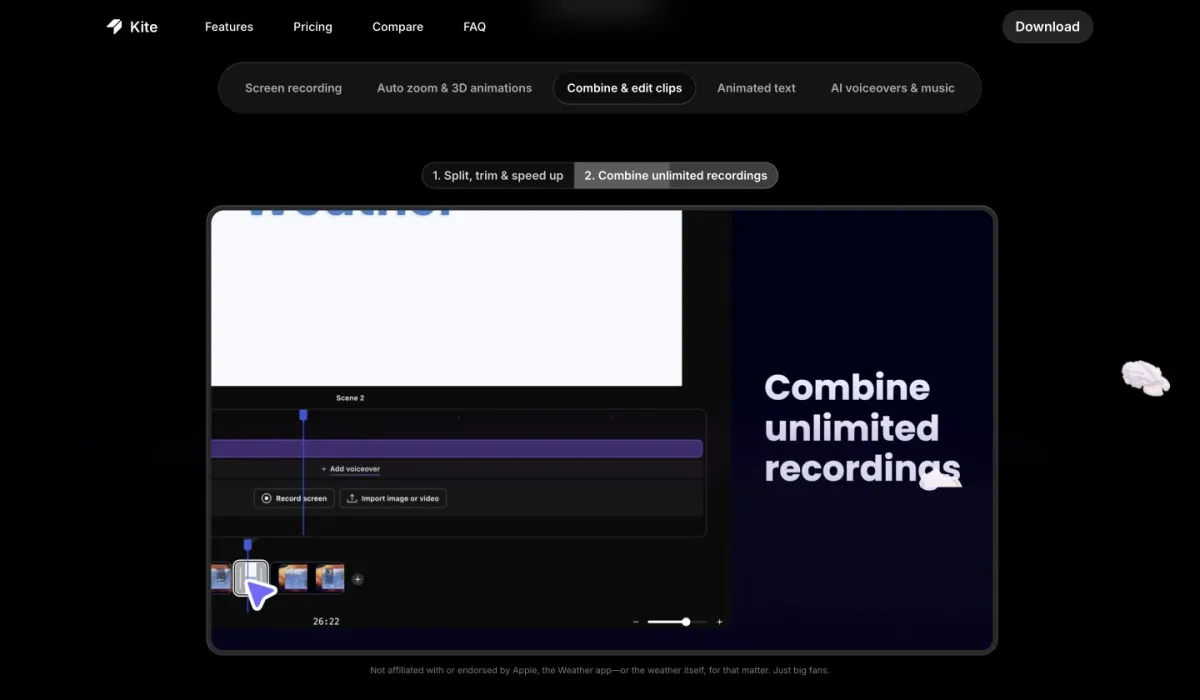
A Mac-native screen recorder obsessed with aesthetics. Auto-zoom, silky cursor movement, cinematic gradient backgrounds, perfect for Twitter demo videos and landing page hero reels.
It's a Screen Studio competitor. Pure recording — no narration, no docs, no AI script.
Vorec
An AI tutorial engine. You bring (or auto-generate) a recording, Vorec writes the narration, syncs voice to clicks, produces a tutorial video plus a written help article. Claude Code plugin can automate the whole flow.
Less focus on pure visual polish, more on substance + scale.
When Kite Wins
- You're producing 10-second Twitter demo clips that need to look gorgeous
- You're a marketer who'll record the voiceover separately (or add music instead)
- You want a one-time purchase, not a subscription
- You only record on Mac
When Vorec Wins
- You need narrated tutorials, not just pretty recordings
- You want automation (Claude Code records for you)
- You also need written docs from the same recording
- You record dozens of tutorials monthly and need volume pricing
- You need to publish to YouTube with voice, captions, and chapters
Output Differences
Kite output: a beautiful silent MP4 at 60fps with buttery zooms. You add voice separately in ScreenFlow/Descript.
Vorec output: a narrated MP4 + SRT captions + a markdown help article — all generated from the same recording in one pipeline.
If you're producing help center content or YouTube tutorials, Vorec saves you a full voiceover workflow. If you're producing a 30-second landing page reel, Kite's visual polish is excellent.
Bring Your Own Recording — Vorec's AI Does the Hard Work
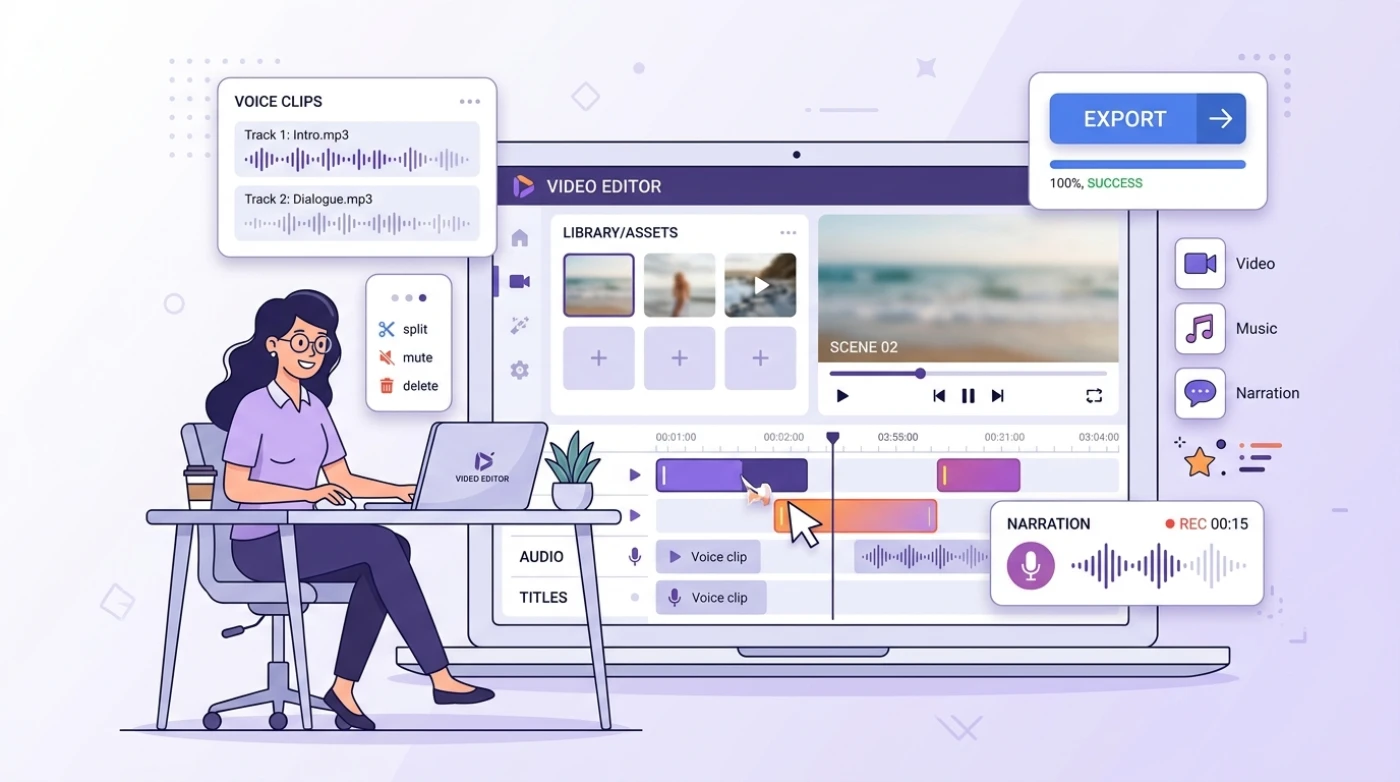
Here's where Vorec pulls ahead: drop in a raw screen recording — no voiceover, no script, no edit list — and the AI does the rest.
After upload, Vorec automatically:
- Detects on-screen actions — every click, scroll, and scene change
- Generates the script — Gemini reads the visual context and writes narration that matches what's actually happening
- Times the voice — freeze-sync pauses the video on key frames so narration lands at the right moment
- Produces a written article — same recording, clean step-by-step doc as a bonus output
Kite gives you a beautiful raw video. Vorec gives you a finished tutorial — voice, captions, article — from any silent recording you upload (QuickTime, OBS, Loom, anything). Different goals, but if you need narrated content, Vorec's AI replaces hours of post-production work.
Pricing Model
Vorec — Subscription. $9/$24/$59 monthly. 100-credit free trial.
Kite — One-time purchase (typical $79–$149 one-off). No recurring fee, but no AI narration either.
Calculating 1-year cost: Kite wins for casual users. Vorec wins if you value the narration/article automation — doing it manually in post costs you more in time than the subscription.
Can You Use Both?
Yes — and many teams do. Record the rough cut with Vorec (AI narration + article), then re-record the hero visuals in Kite for landing page embeds. Different jobs, both valuable.
Final Call
Related reading: Vorec vs Clueso, Vorec vs Guidde and 6 Best Trupeer Alternatives in 2026.
Related: see Vorec's own pricing, credits and plan limits for what each plan includes.
Try Vorec free → — 100 credits, no card. Generate your first AI-narrated tutorial in 10 minutes.
Kite is the right call for visuals-only demos. Vorec wins whenever you need voice, articles, automation, or scale — which is most product teams.