How to Turn a Video Into a Blog Post (2026 Guide)
Vorec Team · 2026-07-21 · About 5 min read
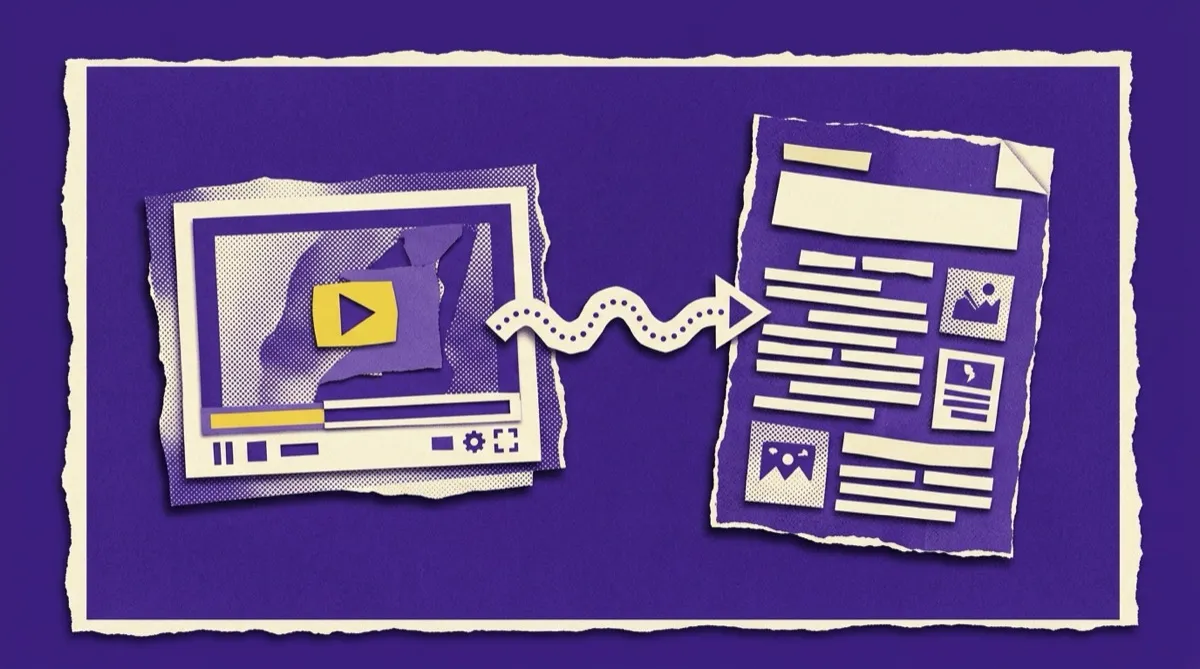
To turn a video into a blog post, rebuild its steps as a structured article with a search-first title, short descriptive sections, screenshots of key moments and the original video embedded near the top. Done by hand, that means transcribing, cutting filler, restructuring and formatting. For screen recordings, Vorec can generate a step-by-step article from the same detected actions it uses to narrate the video, so you review, tune and publish. Tutorials and process walkthroughs convert best.
You already made the video. Now imagine that same 6-minute tutorial working a second job — as a written blog post that ranks on Google, gets cited by AI answers, and helps the people who would rather read than watch. Turning a video into a blog post is the highest-leverage content move most teams skip, because they assume it means transcribing and rewriting by hand for an afternoon.
It doesn't anymore. This guide covers why video-to-blog repurposing is worth it, the manual method, and the AI workflow that produces a structured, SEO-ready article from a recording in minutes.
Why Turn Videos Into Blog Posts
One recording, two audiences, and a lot more search visibility:
- Search engines read text, not video. A YouTube embed alone rarely ranks for the query it answers. A written post around it can.
- AI answer engines cite passages. ChatGPT, Perplexity, and Google's AI overviews pull from clearly-structured written content far more than from video.
- Some people just want to read. Skimmers, people in silent offices, and anyone who wants to copy a step don't want to scrub a video timeline.
- It compounds. Every video you've already made is a blog post you haven't published yet. The production cost is near zero because the thinking is already done.
What Kinds of Video Convert Best
Not every video makes a great article. The ones that do share a spine of information:
| Video type | Makes a great blog post? | Why |
|---|---|---|
| Tutorial / how-to | ✅✅ Excellent | Steps map directly to a written walkthrough |
| Product demo | ✅ Strong | Features → sections; add a comparison table |
| Webinar / talk | ✅ Strong | Dense with quotable points; needs trimming |
| SOP / process walkthrough | ✅✅ Excellent | Becomes a step-by-step doc your team searches |
| Vlog / talking-head opinion | ⚠️ Sometimes | Works if there's a clear argument to structure |
Tutorials and process walkthroughs are the sweet spot — which is convenient, because that's exactly what screen recordings tend to be.
The Manual Way (and Why It Stalls)
The traditional process, honestly:
- Export or auto-generate a transcript.
- Read it and cut the filler, tangents, and "um"s.
- Restructure spoken flow into headings, steps, and short paragraphs.
- Add a title, intro, and meta description written for search.
- Screenshot the key moments and place them in the post.
- Format, link, and publish.
It works. It is also slow enough that the "we'll repurpose our videos" plan almost always dies after the second one. The transcript is the easy part; the restructuring and formatting is the work.
The AI Way: Recording → Article in Minutes
Here's the shortcut, especially for screen-based videos. Instead of transcribing raw speech, the AI works from what actually happens on screen and produces a structured article, not a wall of transcript text.
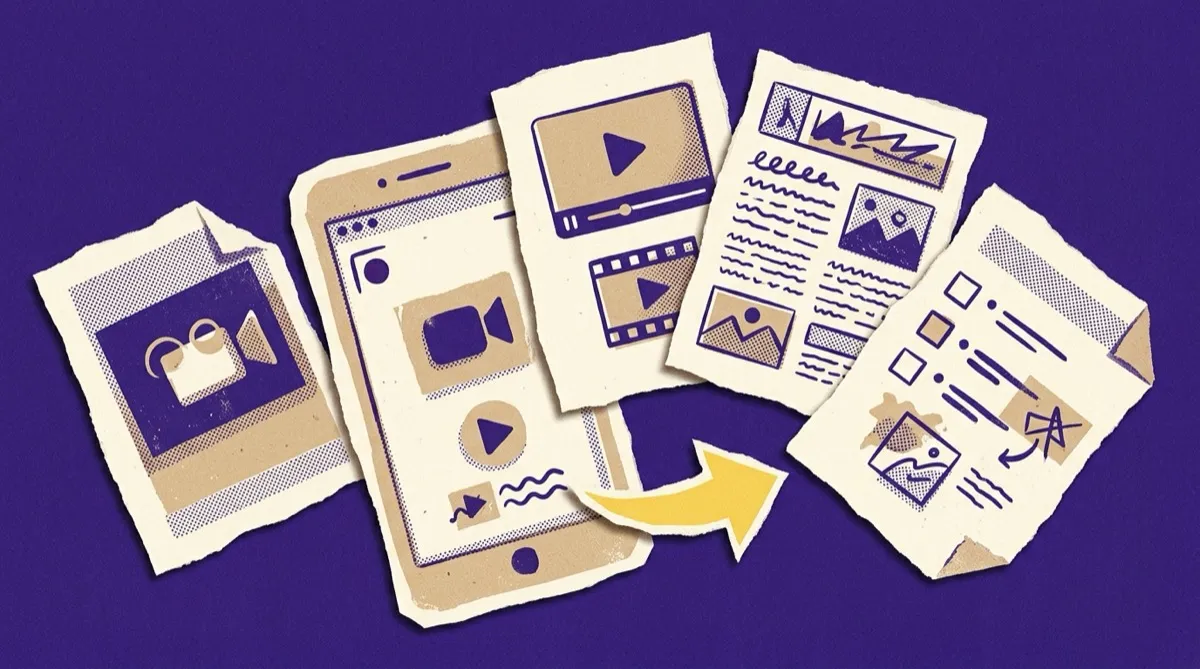
With Vorec, the same recording that becomes a narrated video also becomes a written help article automatically — because the AI already detected every step (clicks, transitions, form fields) to build the narration. That structured understanding is what turns into clean H2s, numbered steps, and captioned screenshots, rather than a verbatim dump you still have to edit.
The workflow:
- Upload your screen recording (or use one you already made in Vorec).
- The AI generates both outputs — a narrated video and a step-by-step article — from the same detected actions.
- Review and tune the article — tighten the intro, adjust a heading, add a sentence of context.
- Publish to your blog, help center, or knowledge base.
For turning a recording specifically into support documentation, we go deeper in how to turn screen recordings into help articles.
Making the Blog Post Actually Rank
Getting an article out of a video is step one. Making it earn traffic takes a few deliberate moves:
- Write a search-first title and intro. The video's title was made for a feed; the post's title should target the query people type ("how to build a pivot table," not "Excel Tips Ep. 4").
- Structure for skimming and citation. Short paragraphs, descriptive H2s, a table or numbered list where it fits. AI answer engines lift clean, self-contained passages — write them that way.
- Embed the original video near the top. Best of both: watchers watch, readers read, and dwell time rises.
- Add real screenshots. Pull frames at the key moments. A post with visuals holds attention far longer than a wall of text.
- Link to related posts. Point to your deeper guides and let them point back.
Publish the written version and the video together, on the same URL. You capture the readers and give the video a page that can actually rank — instead of hoping the raw YouTube link does the work.
FAQ
How do I turn a video into a blog post automatically? For screen recordings, upload to a tool like Vorec that detects the on-screen steps and generates a structured help article alongside the narrated video — then edit and publish. For talking-head video, start from an auto-transcript and restructure it into headings and short paragraphs.
Is repurposing video into a blog post good for SEO? Yes. Search engines and AI answer engines index text far better than video. A structured written post can rank for queries the video alone never would.
How long should the blog post be? As long as it takes to fully answer the query — usually 1,000–2,500 words for a tutorial. Depth beats padding; don't inflate a 3-step process into 2,000 words.
Can I turn a webinar into a blog post? Yes, though webinars need more trimming than tutorials — pull the 3–5 strongest points and structure each as a section rather than transcribing the whole thing.
What's the fastest way to do this at scale? Generate the article and the video from the same recording in one pass, so repurposing costs no extra production time. That's the model built into Vorec.
Get a blog post and a video from one recording. Upload a screen recording to Vorec and it writes the narrated video and a publish-ready article together. Start your free trial, no card needed.